
Let’s Find Out How Computers Work
🧠 Why This Lesson Matters
A computer might look like a box or a screen…
…but inside, it’s a city of working parts.
You’ve already met:
-
The Brain (CPU)
-
Memory (RAM and storage)
-
Wires and switches
-
Keyboard and screen
Now let’s see how they all connect.
🖥️ The Case Is Just the Shell
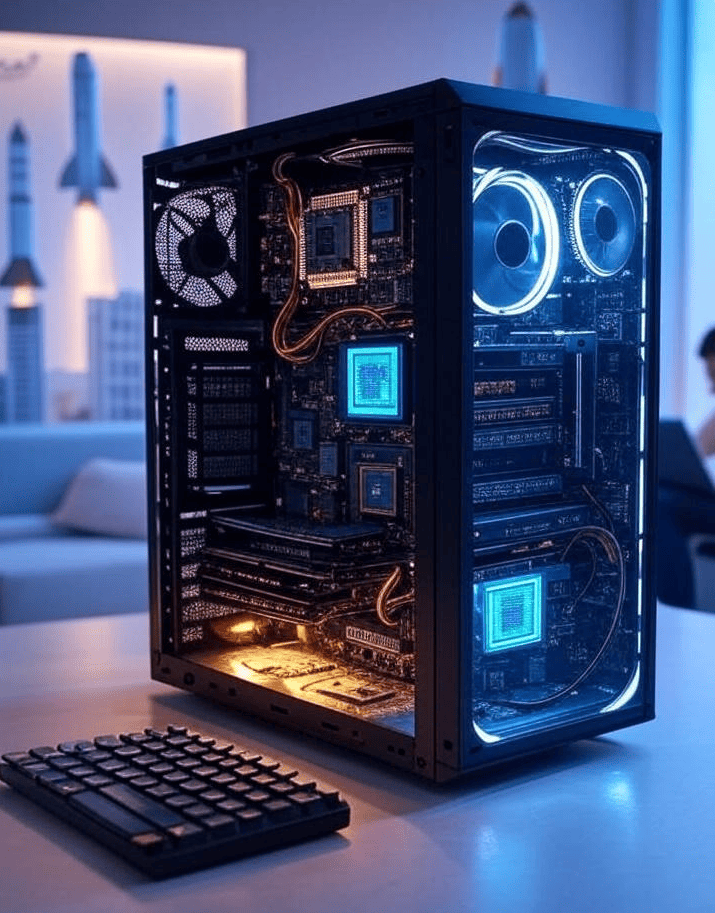
If you open up a computer (carefully!), you’ll see:
-
A big green board (that’s the motherboard)
-
A bunch of chips
-
Wires going everywhere
-
Fans spinning
-
Lights blinking
It’s a lot — but each part has a job.
🧩 Big Parts You’ll See
-
Motherboard – the base that holds everything together
-
CPU chip – the brain
-
RAM sticks – short-term memory
-
Hard drive / SSD – long-term memory
-
Power supply – sends electricity to everything
-
Cables – connect parts to each other
-
Cooling fans – keep it from overheating
🛠️ Everything Sits on the Motherboard
The motherboard is like a city map — roads and buildings.
It connects:
-
The brain
-
The memory
-
The keyboard
-
The screen
-
The mouse
-
The speakers
So they can all talk to each other.
Finish Course Early?
You have not completed all required lessons and assessments.