
Let’s Find Out How Computers Work
0% Completed
Part 1: What Is a Computer, Really?
What makes something a “computer”?
Why do computers need instructions?
How are computers different from TVs, fridges, or robots?
What Does the Word “Computer” Really Mean?
Reading
Let's Test What You Learnt
Quiz
What Makes a Computer a Computer?
Reading
Let's Test What You Learnt
Quiz
Why Do Computers Need Instructions?
Reading
Let's Test What You Learnt
Quiz
How Are Computers Different from TVs or Fridges?
Reading
What’s Inside Everyday Things That Makes Them “Smart”?
Reading
Part 2: Talking Without Words
How people used to send messages across long distances
The story of light flashes, drum beats, smoke signals, and Morse code
Why using dots and dashes (or 0s and 1s) is so powerful.
Let’s Talk in Just Two Choices: On or Off - What is binary, and why do computers love it?
How “on” and “off” can mean anything—yes/no, true/false, A/B
Why 2 choices are enough to build everything
Part 3: How Electricity Can Carry a Message
What is a circuit?
How flipping a switch sends a message
Why computers are made of millions of tiny switches.
Part 4: Building Ideas Using Only Switches
What is a logic gate? (Explained without saying “logic gate”)
How switches can help us decide things
How “AND,” “OR,” and “NOT” control what a computer does.
Part 5: How to Count, Add, and Remember With Just Wires
How computers add numbers using only switches
What memory really is: remembering a single bit, then a byte
How your computer stores your name, photos, and passwords.
How switches can do math with just yes/no
What memory means for a machine
What bits and bytes really are (without the jargon).
What are AND, OR, NOT, and more.
How pictures, words, and videos are stored as 0s and 1s.
Part 6: Making Bigger Ideas with Tiny Ones
What is a byte? What is a file?
How letters, music, pictures, and videos become 0s and 1s
What happens when you type on a keyboard
Part 7: Meet the Heart of the Computer — the CPU
What the CPU really does (without calling it “central processing unit”)
How it reads instructions, decides things, and tells others what to do
How fast is it, really?
Part 8: Let’s Look Inside a Real Computer
What is a motherboard?
How all the parts connect: CPU, memory, storage, input/output
What happens when you turn a computer on.
Part 9: What Is Software and Who Tells It What to Do?
What is an operating system?
How computers follow code like a recipe
What happens when you open an app
Part 10: How Is a Phone Like a Computer?
What’s different inside a phone or tablet?
How mobile computers are smaller—but just as powerful
Why phones still need the same ideas: binary, circuits, memory.
Part 11: What Happens When Computers Crash?
And, why does it happen?
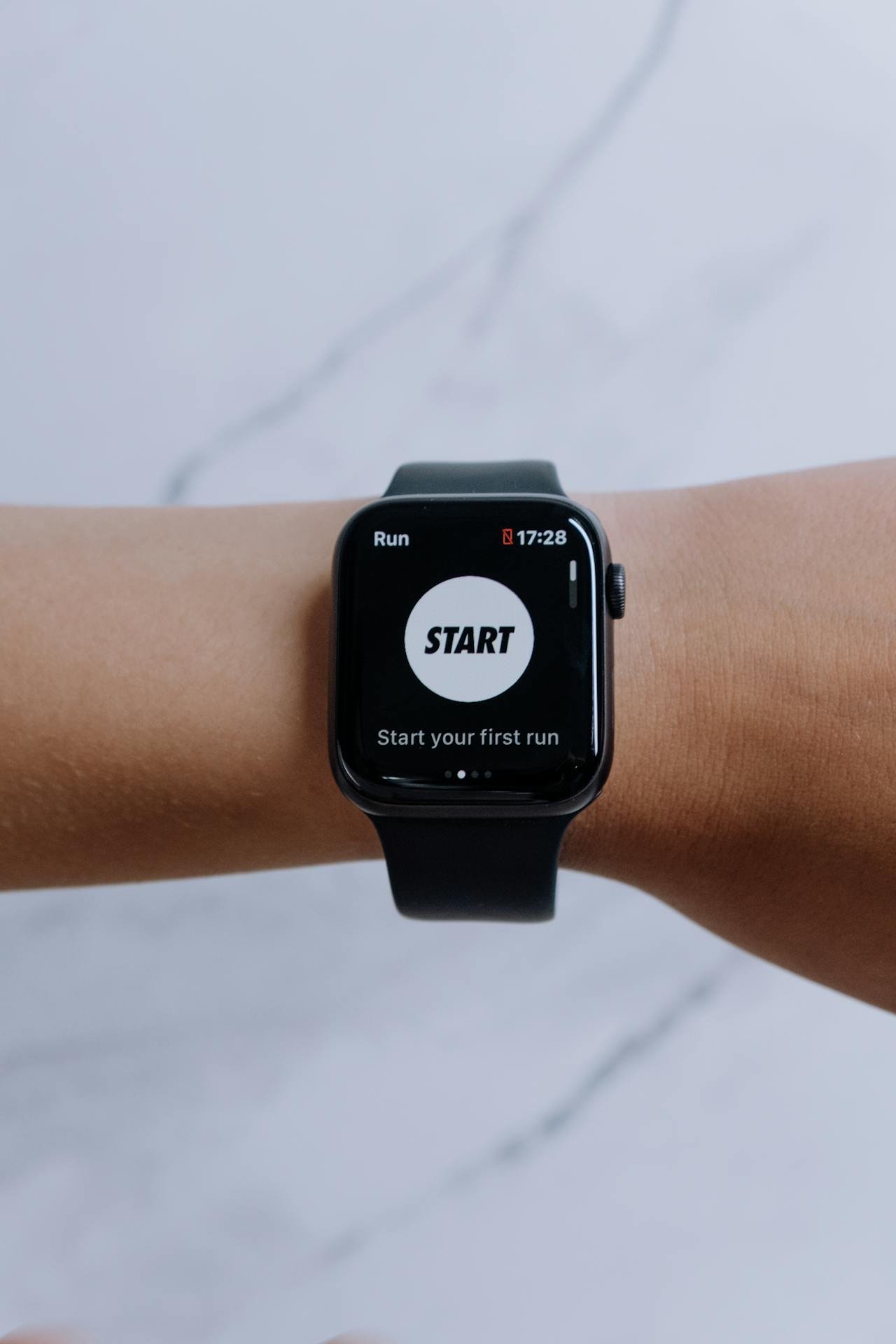
You may hear people say things like “smart TV,” “smartwatch,” or “smart home.” What does that mean?
It means the machine has a computer inside.
Inside is usually a tiny chip—so small you can’t see the wires. That chip follows programs, stores memory, and sends signals to other parts.
For example, a smart TV can remember your favorite apps. It can take input from your remote. It shows video (output) and even connects to the internet.
All that means it does what computers do: input, memory, processing, and output.
So the word “smart” usually means: “has a small computer inside.”
And that’s how many things became computers—even if they don’t look like it.
Finish Course Early?
You have not completed all required lessons and assessments.
Your Progress
0%