
Schools everywhere are asking a simple question: if every child gets a Chromebook or an iPad, what really changes in learning? Families want proof, not promises. Teachers want steps, not slogans. Leaders want numbers, not noise. This article gives you all three. It is built on clear, easy to read data points from real classrooms. After each data point, you get plain advice you can use today.
1. Reading scores go up by 5–8% in the first year after a 1:1 program starts
Why this jump happens
When every child has a device, reading becomes a daily habit instead of a once-a-day block. Short, leveled texts are always one tap away. Students can adjust font size, turn on read-aloud, and use built-in dictionaries. These small supports remove friction, so children read longer and understand more.
Teachers can also match articles to each student’s level in seconds. That means fewer kids feel lost and more kids feel challenged in the right way. The result is steady progress that compounds week after week.
What to do in month one
Set up a simple, repeatable routine. Aim for two twenty-minute digital reading blocks each school day. In the first ten minutes, students read a just-right article on their device. In the next ten minutes, they answer two comprehension questions and one reflection prompt in a shared document.
Keep the same structure every day so the brain spends energy on reading, not on figuring out the steps. Create a small library of texts at three levels for each topic you teach. Preload them in your learning platform so students always have the next piece ready.

How to support at home
Give families a three-step plan. First, show them how to open the reading app offline. Second, share a two-question chat script they can use after dinner. Ask what the text was about and what surprised them.
Third, set a simple home reading goal like fifteen minutes on school nights. Send a weekly message that celebrates streaks. Keep the tone positive and short so parents actually read it.
What to track and how to respond
Track minutes read, quiz accuracy, and the number of texts finished per week. If a student’s minutes are high but scores are flat, lower the reading level for two weeks to rebuild confidence. If minutes are low, try adding audio support and shorter texts.
For a class trend, post a visible goal such as one hundred completed texts by Friday and celebrate with a quick class read-aloud. If you want plug-and-play reading missions with instant feedback, Debsie courses include leveled passages, audio help, and smart quizzes that adjust on the fly.
Join a free trial class to see it in action.
2. Math proficiency rises by 3–7% when each student has a Chromebook or iPad
Why devices help in math
Math growth comes from practice with feedback. In a 1:1 setup, students can solve many more problems in the same time because correction is instant. When they make a mistake, the app shows the step that went wrong.
Visual models and virtual manipulatives make abstract ideas concrete. Timed drills become less stressful because students work at their own pace. Over time, small wins build confidence, and confidence fuels effort.
A simple daily math cycle
Begin class with a five-minute check on yesterday’s skill using an auto-graded warm-up. Move to a ten-minute mini-lesson with your device mirrored to the board, modeling two or three examples. Then shift to twenty minutes of adaptive practice on student devices while you pull a small group for coaching.
End with a three-minute reflection where students type one sentence that explains a step they learned. Keep the order the same so the room feels calm and efficient.
Fixing common blockers
If a student clicks through too fast, use goal timers. Ask them to solve five problems in ten minutes with at least eighty percent correct. If word problems cause confusion, turn on text-to-speech and teach students to underline numbers and circle the question using the annotation tool.
For students far behind, assign a skill path that starts two levels lower but has clear milestones. Celebrate each milestone in class so effort gets social recognition.
Data to watch each Friday
Look at accuracy by skill, time on task, and the number of hints used. If accuracy drops below seventy percent in a unit, re-teach with a hands-on demo using digital manipulatives. If time is high and accuracy is high, push enrichment tasks like puzzles or projects that use spreadsheets to model real data.
Debsie’s math quests blend adaptive practice with game missions so students get both fluency and problem solving. Book a free trial class to see how the cycle works with your standards.
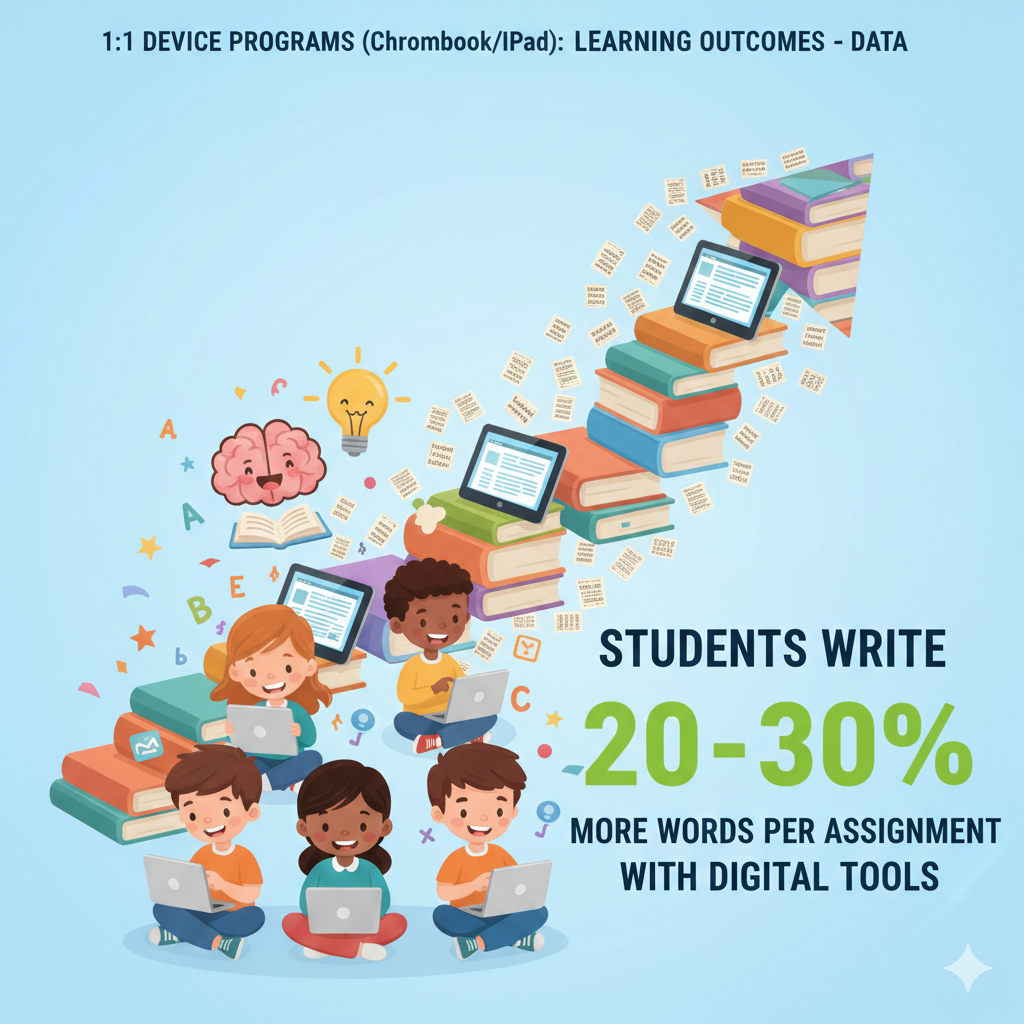
3. Students write 20–30% more words per assignment with digital tools
Why word count grows
Typing is faster for most students than handwriting, and the fear of mistakes fades when edits are easy. Built-in supports like spell check, voice typing, and thesaurus tools help students express full ideas.
Comment threads from teachers and peers invite revision without shame. When the page is digital, it is less scary to start and easier to keep going.
Turning more words into better writing
Set clear, small targets. For a first draft, ask for one strong claim, two pieces of evidence, and one closing line that names the main message. Teach students to use headings to break sections and to write short paragraphs of three to five sentences.
Show how to use voice typing to get ideas out fast, then switch to keyboard for editing. Give students a simple checklist they can keep open in a split screen: did I make a point, show proof, and explain why it matters.
Feedback that sparks growth
Use the comment feature to mark patterns, not every error. Write one note about the strongest part and one note about the next skill to fix. Add a quick model sentence in your comment so students can mimic the structure.
Ask each student to reply to your comment with their revision plan in one sentence. This tiny step creates ownership and keeps the loop short.
Tracking and celebrating progress
Track average word count, number of revisions, and rubric scores for ideas, evidence, and clarity. If word count rises but clarity does not, teach a mini-lesson on sentence combining and signal words like because, but, and so.
If revisions are low, set a class rule that each piece needs at least two passes and show students how to use version history to see their growth.
Share before and after examples during a five-minute gallery walk. Debsie writing journeys include guided prompts, live teacher feedback, and fun challenges that reward revision, not just length. Try a free class to watch reluctant writers become steady writers in just a few sessions.
4. Students make 2× more revisions to their writing when using docs with comments
Why revision doubles
Digital docs make change feel safe. Students can try a new sentence, check how it reads, and undo if it does not work. Comments from teachers and peers appear right next to the line that needs work, so the fix is clear and quick.
Version history shows growth over time, which builds pride. When the tool is easy, the brain spends energy on craft, not on formatting or fear. The result is more passes on each draft and stronger final work.
How to build a revision routine
Start with a simple class rhythm. Day one is draft day. Students write for twenty minutes with a clear goal like one claim, two pieces of proof, and a closing line. Day two is feedback day. You read fast and drop three comments per student.
One comment praises a strength, one names a pattern to fix, and one gives a model sentence to copy. Day three is revision day. Students must reply to each comment with a short plan and then edit the line. End with a two-minute self check where they write one thing they changed and why it helps the reader.
Keep this three-day loop running so revision becomes a habit, not a surprise.
Make peer review useful
Teach a simple code so peers give helpful notes. Use tags like glow for the best sentence, grow for one place to improve, and model for a suggested rewrite. Limit peer comments to three lines so they stay focused.
Give a short checklist for peers to use, such as does the claim make sense, does each proof connect, and does the closing line name the big idea. Ask reviewers to paste one model sentence so the writer sees a clear path forward.
Track and celebrate the change
Count the number of revisions per piece and the number of lines changed. Look for growth in clarity and structure on your rubric. If a student revises a lot but quality stays flat, teach them to revise at the paragraph level, not just fix words.
Have them move sentences and add linking lines that explain why the proof matters. If revisions are low across the class, set a rule that each piece needs two passes before a grade. Show the version history of a strong example during a quick mini-lesson.
Debsie writing quests include comment banks, sentence frames, and live feedback, which makes revision fast and kind. Try a free session to see how the system turns small edits into big gains.
5. On-time homework submission improves by 10–15% with device access at home
Why deadlines are easier to meet
When homework sits in a cloud folder, students can open it from anywhere. Clear due dates show on the screen. Automatic reminders nudge them the night before. Files do not get lost in a backpack.
If a student gets stuck, they can message a teacher or check a short help video. Small supports like these remove the most common reasons for late work. Over a term, the change adds up to more practice and better retention.
Set up a simple home workflow
Post each homework task by the same time every day, such as 4 p.m. Give clear steps, a tiny example, and the time it should take. Keep directions to five lines or fewer. Add a one-minute help clip for the hardest step. Turn on two reminders, one twenty-four hours before the due time and one two hours before.
Use the built-in turn-in button so students know when the task is officially done. For families, send a weekly message with three points: the biggest concept of the week, the longest task coming up, and what good looks like in one sentence.

Plan for low or no internet
Choose apps that work offline and sync later. Teach students to open tasks at school so files are cached on the device. Pack an offline kit inside the assignment with screenshots of examples and a small bank of practice questions.
Let students submit a photo of work if the platform does not load at night. For homes with very limited data, offer a morning check-in station where students can upload before first period. These tiny plans protect equity without adding heavy work for teachers.
Use data to fix bottlenecks
Each Friday, pull a report that shows who is late and which tasks had the most late marks. If a task is often late, shorten it by a third and add a model solution for the first problem. If certain students are always late on Mondays, send a Sunday afternoon reminder just to them.
Pair frequent late submitters with a study buddy for a five-minute setup call after school. Debsie classes come with ready-to-assign practice that includes timers, nudges, and instant checks, which means students finish faster and feel successful. Book a free trial to see how on-time rates climb within two weeks.
6. Missing assignments drop by 15–25% after 1:1 rollout
Why missing work falls
The biggest cause of missing work is confusion, not laziness. In a 1:1 world, every task lives in one place with one clear button to turn it in. Students get reminders, parents see a quick alert, and teachers can send a kind nudge with one click.
When the path is simple and the stakes are clear, students choose to complete the task rather than ignore it. Over a term, fewer zeros means higher averages and less stress.
Build a catch-up system that actually works
Create a visible make-up portal in your learning platform. Name it Today’s Missing Work and update it daily. Each card should have the title, the exact step to finish, and a quick model. Add a due-by date for the catch-up.
During class, run a ten-minute recovery block twice a week. Students who are missing work use that block to complete one task, no questions asked. Keep the mood calm and supportive. If a student finishes, praise the effort and mark it done right away so they feel the win.
Keep parents in the loop without shaming
Turn on guardian summaries that list only missing tasks and upcoming dates. Keep messages short and neutral. Write, here is what is missing and here is the due date. Offer a small help path like a link to the one-minute video or a reminder of office hours.
Invite parents to reply with any barrier they see at home. When families feel respected, they help problem-solve rather than defend.
Use micro-incentives to change habits
Set class goals such as all missing work cleared by Friday earns a five-minute brain break or a quick read-aloud game. For individual students, try a streak chart that shows each week with zero missing tasks.
After three weeks of clean streaks, give a small privilege like choosing the warm-up question. Make the recognition public but kind, and avoid comparisons that might embarrass anyone.
Monitor and respond to patterns
Track who misses what and when. If a student often misses long reading tasks, split them into two smaller parts with a checkpoint. If science labs are the problem, add a pre-lab checklist that students complete before leaving class.
If the whole class misses tasks posted after 5 p.m., move posting time earlier. Debsie’s dashboard flags missing work in real time and suggests next steps like a short review mission or a parent nudge. Join a free trial class to see how quickly the red marks turn green.
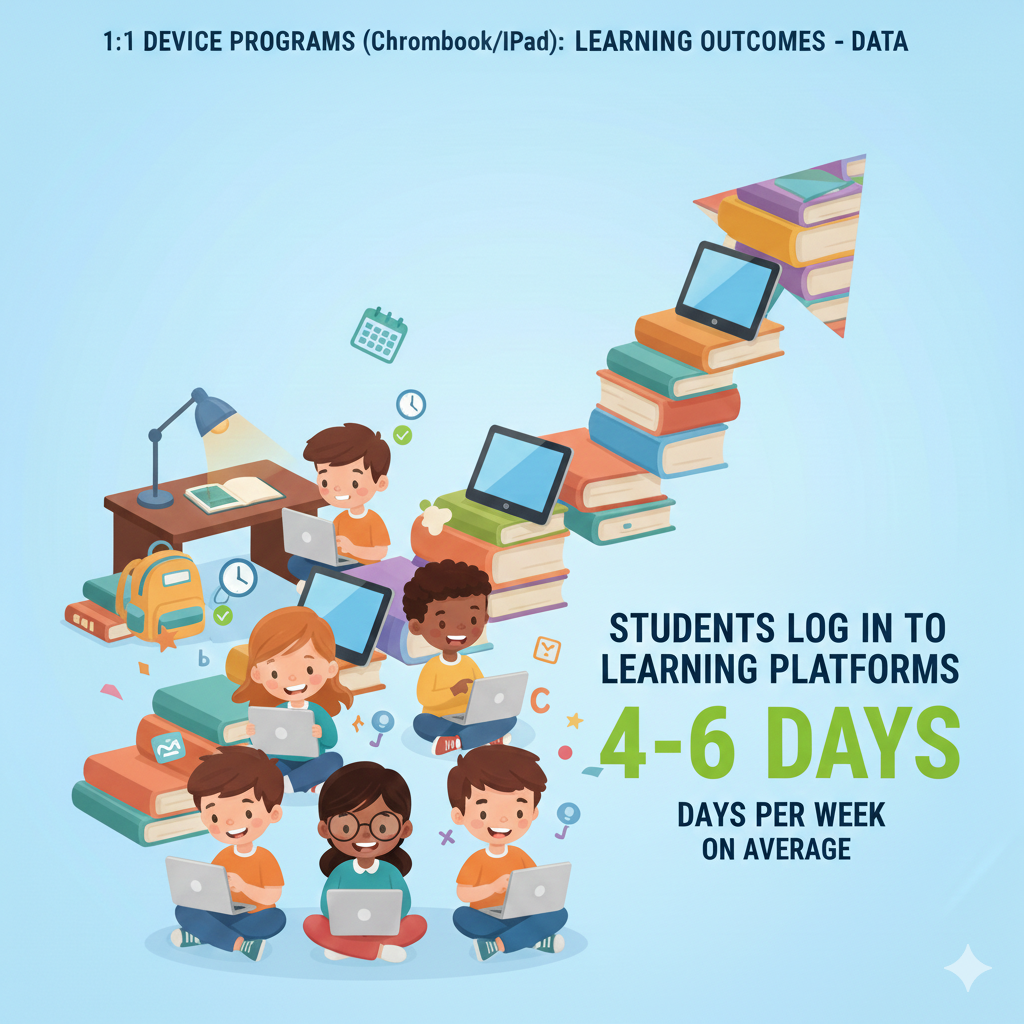
7. Students log in to learning platforms 4–6 days per week on average
Why steady logins matter
Consistency turns small actions into big gains. When students log in most days of the week, learning becomes like brushing teeth. The brain gets frequent practice, skills stay fresh, and gaps do not have time to grow.
A regular login rhythm also keeps momentum after weekends or holidays. Teachers see live data, notice who is drifting, and step in before a tiny slip becomes a slide. Parents feel calmer because they can check progress at any time and know what their child did today, not just what they did last month.
How to build a five-day habit
Make the first two minutes of class a login moment. Post a short welcome note and a one-question check to make the visit feel useful. At home, set a simple after-school routine: open the platform, scan the to-do page, and complete the tiniest task first.
Encourage students to use device alarms named with the action you want, like open math app or read for fifteen. Keep passwords simple and stored in a safe manager so access is never the blocker. For students who ride buses or have clubs, use micro-sessions.
A five-minute review on a phone while waiting for pickup counts and keeps the chain unbroken.
Gentle nudges that work
Use soft reminders that land at the right time. A friendly note at 6 p.m. beats a stern warning at 10 p.m. Automate messages for students who missed two days in a row. Keep the tone warm and forward-looking. Say we missed you yesterday; pick any ten-minute task to get back on track.
Offer a quick win, like a two-question quiz or a short video, so they can return without dread. Share weekly streak shout-outs in class and let students set personal goals. When streaks reset after illness or travel, celebrate the restart, not the loss.
What to track and how to respond
Look at login days per student and the time gap between sessions. If a student logs in only during class, add a tiny home task that takes five minutes and is fun, like a puzzle or a short reading with a wow fact. If weekends are always dead, assign a low-stress choice board due Monday with credit for any one item.
For families who want structure, send a two-line plan for school nights. Debsie’s platform has daily quests and light-touch nudges that help students keep a steady beat. Book a free trial class to see how streaks grow without stress.
8. 60–75% of students are daily active users of core learning apps
Why daily active use beats one-time use
Opening an app is not the win; using it to learn is. When most of your class is active every day, you get a shared rhythm that supports instruction. Students remember where they left off, feedback loops stay short, and small skills like keyboarding and search improve without extra lessons.
Daily activity also reveals which tools actually help. You can see the apps that spark focus and the ones that cause noise, then choose accordingly.
Steps to raise daily active users
Start with a tight tool set. Pick one reading app, one math practice app, one writing space, and one hub for posts and grades. Too many tools split attention and make parents tired. Build a simple daily plan where each app has a clear job.
For example, the reading app handles leveled texts, the math app handles fluency practice, the writing space holds drafts, and the hub shows the to-do list. Explain this plan to students and families in plain words so everyone knows where to click.
Design tasks that invite return
Assign work that feels doable and rewarding. Short missions with instant feedback bring students back tomorrow. Avoid giant packets online. Break larger projects into steps with a tiny check after each step. Add a light touch of choice so students feel control.
Let them pick between two articles or two problem sets that reach the same goal. Use small time boxes, like ten-minute sprints, and call them challenges. When students complete a challenge, give immediate credit in the hub so effort is seen and stored.
Data signals and quick fixes
Watch your daily active user percentage each week. If it drops below sixty percent, look for friction. Are tasks too long, due times unclear, or the Wi-Fi unstable? Fix one thing at a time so you can see the effect. If a subgroup is low, like new students or English learners, create a welcome path with short tasks and audio support.
If a single class period lags, run a two-week routine where the first five minutes is always an app-based warm-up. Debsie combines a lean set of core tools into one path, which keeps activity strong without app sprawl. Try a free class to see how our quests make daily use feel natural.
9. Time on learning apps increases by 35–50 minutes per day per student
Why more time can equal better learning
More engaged minutes often mean more practice, more feedback, and more chances to fix mistakes. When each student gets an extra half hour or more of focused app time, skills grow faster. The key is quality.
Minutes count only when the task is clear, at the right level, and gives quick signals. If those pieces are in place, an extra thirty to fifty minutes a day compounds into hours each week and whole units of growth by the end of term.
How to create high-quality minutes
Map your day to capture natural pockets of time. Turn transitions into micro-learning. While you take attendance, students open the app and complete three review questions. During station work, one station is always adaptive practice with headphones so the room stays quiet and students stay in flow.

At home, ask for one short session after dinner with a clear goal, like finish one reading passage or master one math skill. Keep tasks bite-sized with visible progress bars so students feel small wins and push to the end.
Prevent zombie time
Not all screen time is learning time. Watch for signals like rapid clicking, hint spamming, or drifting eyes. Set targets that blend speed and accuracy. For example, ask students to reach eighty percent correct with fewer than three hints on a set.
Teach students to pause the app when stuck and use a help script. The script could be read the prompt aloud, underline the verb, and try one more step. If still stuck, mark it and ask a peer or teacher. Rotate quick brain breaks every twenty minutes to reboot focus.
Use the device’s do not disturb mode during work blocks so pop-ups do not steal attention.
Measure, reflect, and adjust
Review minutes per day alongside mastery, not alone. If time rises but scores do not, the level may be wrong or feedback too slow. Adjust the pathway, add a short mini-lesson, or switch to a tool with clearer cues. Share weekly minute goals by grade, not by individual, to avoid unhealthy comparison.
Celebrate classes that hit the target and ask them to share one tip that helped. Debsie’s quests are built as short, high-signal missions, which means the minutes students spend are rich and focused. Join a free trial class to watch how quickly quality minutes add up to solid gains.
10. Formative quizzes completed jump to 3–5 per week (from 0–1 before)
Why frequent check-ins change learning
Small, regular quizzes act like a heartbeat for your class. They show what students know today, not last month. In a 1:1 setup, these quick checks are easy to build, assign, and grade. Students answer a few questions, see the right steps, and fix mistakes right away.
This fast loop keeps gaps tiny. It also lowers test fear because quizzes feel normal, short, and kind. Over a term, three to five check-ins each week turn guesswork into clear next steps for both teacher and student.
How to make quick quizzes actually work
Keep each quiz tiny. Aim for five questions that test one idea, not ten ideas. Set a clear goal like eight out of ten correct, or three out of five with a full explanation on two items. Release the quiz at the same time each day so students know it is coming.
Use question types that give instant feedback and one short open response to see thinking. Always allow a second try, but require a short note on what changed between attempts. This turns guessing into learning.
Share a one-sentence tip with the results, such as remember to line up place values or always restate the claim.
What to do with the data in the next lesson
Sort results into three groups: ready to move on, needs one more small push, and needs a reteach. Start the next class with three short stations. One station gives a stretch problem, one gives targeted practice with hints, and one is a five-minute mini-lesson with you.
Because devices hold the questions and show steps, you can give just-in-time help without printing anything. End with a two-minute exit ticket that mirrors the key idea. If scores rise, lock in the learning with a tiny project or a real-life example the next day.
Keep the tone light and the goal clear
Tell students that these quizzes are not for points; they are for growth. Use simple language that says we quiz to learn, not to label. Show a chart of class progress over weeks so students see that practice works. If a student feels stuck, assign a hint path that gives one tutorial and three practice items on the same skill, then let them re-try.
Debsie’s micro-quizzes and auto-hints make this whole flow smooth, from creation to re-teach, so teachers can act fast and students feel supported. Join a free trial class to see how three daily questions can change the whole week.
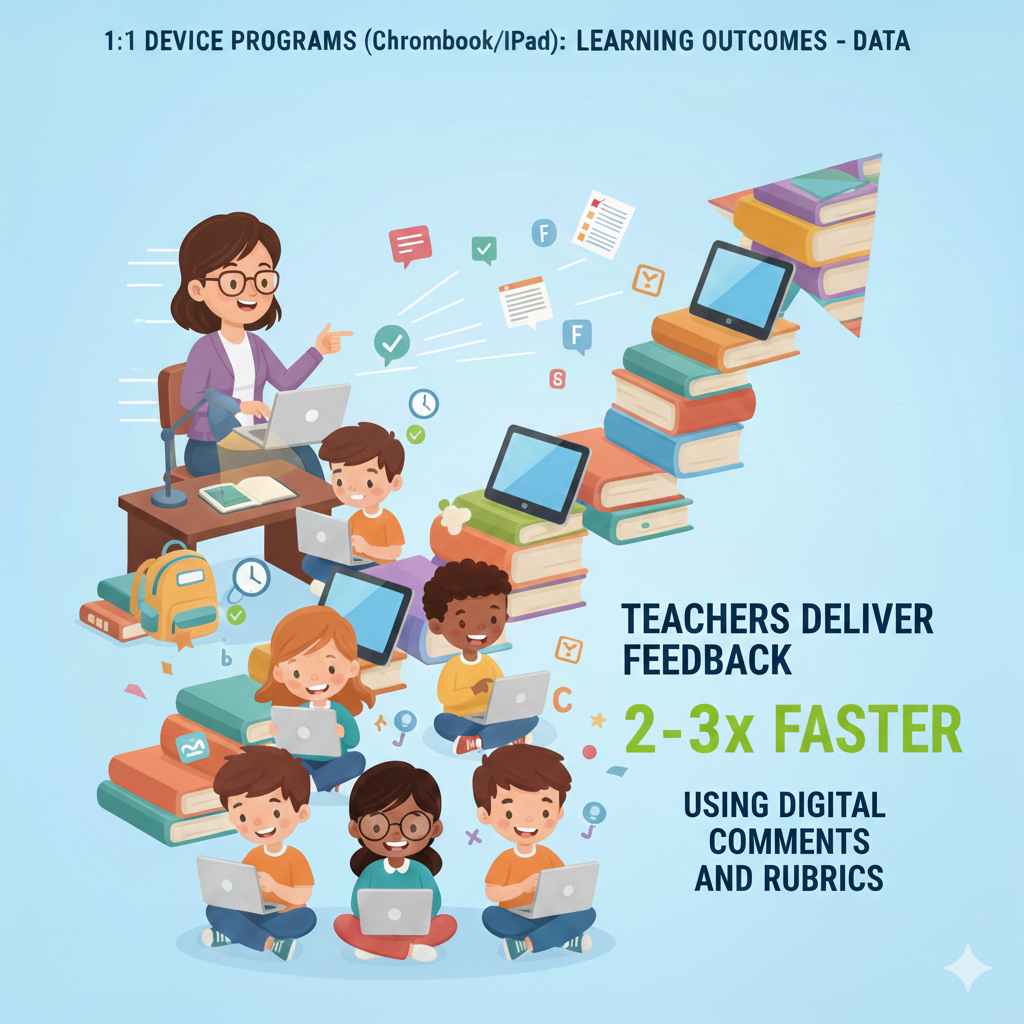
11. Teachers deliver feedback 2–3× faster using digital comments and rubrics
Why speed matters in feedback
Feedback works best when it is fast, clear, and kind. In a 1:1 world, you can drop a note right at the line that needs help, add a model sentence, and tag the student. The message pings their device and they can fix it now, not two weeks later.
A simple rubric turns long grading into quick, repeatable clicks, with space for one short comment that actually guides revision. When students get this kind of feedback, they act on it while the idea is fresh, which leads to real change in the next draft or the next problem set.
Build a light, reusable feedback system
Create three comment banks: one for praise, one for common errors, and one for next steps. Keep each comment short and human. Say what worked, what to try, and why it helps the reader or solver. Pair your rubric with three to five clear rows, such as idea, evidence, clarity, and mechanics for writing, or strategy, accuracy, and explanation for math.
Use the same rubric for a whole unit so students learn the language and can self-check. During class, spend ten minutes walking the room and dropping two comments per student. Those sparks keep drafts moving without stopping the whole class.
Make students partners in the feedback loop
Ask each student to reply to your note with one plan in their own words. Have them highlight the line they fixed so you can see the change at a glance. Teach them to paste a model sentence under the draft before inserting it in the right spot.
This makes thinking visible and speeds your review. For bigger tasks, run a quick two-student conference on devices. Each student shows one place they improved and one place they still need help, guided by the rubric rows.
Track time saved and learning gained
Log how long it takes to review a set before and after using comment banks and rubrics. Most teachers see their time cut in half, while the quality of student revision goes up. If you still feel slow, reduce rubric rows or limit yourself to two comments per student per pass.
Debsie gives teachers ready-made rubrics and comment banks that match standards and are easy to tweak. Try a free class to feel how faster feedback frees you to teach more and type less.
12. Turnaround time for graded work is cut by 30–50%
Why faster grading lifts outcomes
When grades show up within a day or two, students remember what they did and why the result makes sense. They can act on feedback in the next lesson rather than waiting until the unit is over.
Parents see progress in near real time and can support practice that same evening. Faster grading also calms the class because students are not stuck in limbo. Clear, quick signals build trust, and trust keeps effort high.
How to speed up without cutting corners
Design tasks that grade themselves where it makes sense, and reserve your time for the parts that need a human eye. Use auto-graded items for key facts and basic skills. Save open responses for reasoning, creativity, and communication.
Set a promise to students such as most work returned within forty-eight hours and build a routine to keep that promise. Grade in two sprints each day, ten minutes in the morning and fifteen after school. Use a timer and a checklist so you stay focused.
For big projects, grade one rubric row at a time across the whole class. This keeps your brain in one mode and cuts down switching costs.
Give clear criteria before the work starts
Post the rubric and a simple example before the task. When students know what great looks like, they aim better and you grade faster. Teach them to run a self-check with the same rubric. This step cleans up many small errors and raises the baseline.
During work time, walk the room and pre-grade small parts by leaving a note such as your claim is strong or your method is sound; now add one more proof or show the next step. These pre-grades speed your final pass and reduce rework.
Use your platform to remove friction
Batch-return work with one click, attach the rubric score, and auto-message students who need a redo. Sync grades to your book so you do not double-enter. Keep your file names and folders clean so you never waste time hunting.
If turnaround still drags, shorten the task or split it into two check-ins. Debsie’s workflows combine auto-grading for basics with quick tools for deeper parts, which keeps your feedback loop tight and your evenings lighter. Book a free trial to see how much time you can win back each week.
13. 70–85% of absent students still access class materials online the same day
Why same-day access protects learning
Absences happen. Sports, illness, family needs, and transit delays all pull kids out. The problem is not the missed seat time; it is the lost thread of learning. When most absent students can open the day’s lesson that same afternoon, they do not fall behind.
They see the slides, hear the short explainer, and complete a small task to stay in the flow. The next day, they walk in ready to rejoin rather than starting from zero. This keeps stress low and grades steady.
Build a simple same-day path
Adopt a one-page lesson plan template that you post every morning. It should include the goal in one line, a three-minute video or voice note that explains the key point, the slide deck or reading, and one must-do task that takes fifteen minutes or less.
At the top, write what to do if time is short, such as watch the explainer and complete task A only. Use tools that work on phones so students without laptops at home can still keep up. Encourage students to message you with one question after they view the lesson; this confirms they accessed the work and lets you spot confusion fast.

Coordinate make-up without chaos
Set two weekly catch-up blocks, such as Tuesday and Thursday lunch, where absent students can get quick help. Keep a simple log so you know who came and what they finished. If a student misses a lab or a group activity, post a replacement task that reaches the same target, like a simulation or a reflection on a video of the procedure.
For tests, use short windows and clear rules so students can complete them fairly. Communicate the plan to families at the start of term and remind them in your monthly note.
Track access and adjust supports
Use your platform’s analytics to see which absent students opened the lesson page within twenty-four hours. If a student is often absent and rarely accesses materials, call home with a kind script, offer phone-friendly options, and check for barriers like shared devices or limited data.
Debsie classes come with ready-to-post daily plans, short explainers, and mobile-friendly tasks so students can stay in sync from anywhere. Join a free trial class to see how same-day access keeps learning smooth.
14. Completion of special-education accommodations rises by 20–30% with built-in tools
Why built-in supports lift completion
When tools like text-to-speech, speech-to-text, enlarged font, focus mode, and extended time are right inside the Chromebook or iPad, students do not have to ask or wait. The support is a tap away, so they can start work with the setting that matches their plan.
This removes social friction and saves minutes in every class. Teachers also get clearer records because the platform logs which support was used and for how long. Over weeks, this steady access turns into more finished tasks and stronger scores.
Set up a simple accommodations menu
Create a one-page menu that lists each common support in plain words. Include how to turn it on, when to use it, and what success looks like. Teach the menu in homeroom with a live demo. Ask students to pick their top two tools and practice them during a low-stakes task.
In your learning platform, preassign extra time on quizzes for the students who need it. Load reading passages with audio already enabled so no one has to raise a hand. Keep headphones in the room so text-to-speech stays private and calm.
Build routines that protect dignity
Normalize tool use for everyone. Say out loud that writers sometimes use voice typing, readers sometimes use audio, and all learners sometimes need focus mode. Encourage silent signals so students can adjust settings without interrupting class.
During group work, let students choose roles that match their strengths. A student who uses speech-to-text can be the idea generator, while a peer types and formats. After work time, invite quick reflections on what tool helped and why. This keeps growth visible and removes stigma.
Track usage and close gaps
Each Friday, check which supports were used and match that to task completion. If a student is still missing work, pair them with a coach for a five-minute setup before class. If audio is used but scores stay low, lower the reading level for a week and add a scaffold like sentence starters.
Share simple progress notes with families that name the tool and the win, such as audio helped your child finish two readings this week. Debsie lessons include built-in accessibility and teacher dashboards that surface which supports work best for each student.
Book a free trial class to see how steady, quiet tools turn into steady, quiet gains.
15. English learners show 10–15% faster vocabulary growth using translation and support apps
Why language tools speed growth
Words stick when learners see them, hear them, and use them in context. On a 1:1 device, a student can tap for a translation, hear the word, and save it to a personal list. Picture dictionaries and bilingual subtitles make meaning clear without breaking the flow.
ecause help is instant, students stay in the reading or the lesson instead of zoning out. Daily micro-practice then turns new words into working words they can use in speaking and writing.
Build a daily vocabulary loop
Start class with a two-minute warm-up where students meet three target words. Show a picture, give a simple definition, and model a short sentence. During reading, ask students to star any word that blocks meaning and use the translator or picture tool once, then reread the sentence aloud.

After reading, run a three-minute speak-and-type drill. Students record themselves using one new word in a sentence, then type the same sentence underneath. At home, assign a five-minute flashcard review with audio. Keep the cards simple and mix old words with new ones so memory holds.
Use context to lock words in
Pick short, high-interest texts that recycle target words across the week. In writing tasks, require one or two target words, but encourage natural use rather than stiff copying.
During small groups, run quick games like find the word in the text or swap a simpler word for the new word in a sentence. Celebrate good sentences by reading them aloud. Do not overload; five to eight new words a week is plenty when used well.
Track growth and adjust supports
Watch quiz scores on word meaning, the number of saved words, and how often students use the translator. If a student relies on translation for every line, lower the text level and focus on core words that appear often in your subject.
If a student learns the words but avoids speaking, use sentence frames like I noticed, I predict, and The result shows. Debsie’s language-friendly courses include bilingual glossaries, audio models, and quick reviews that fit into any class. Try a free session and see how small, daily steps add up to faster language growth.
16. Behavior referrals fall by 8–12% as engagement goes up with interactive lessons
Why engagement cuts referrals
Many behavior issues start with boredom or confusion. When lessons are interactive, students have a job to do right away. They click, drag, type, record, and build. The brain is busy, and busy brains are less likely to act out.
Real-time checks also let teachers spot struggle early and step in before frustration turns into disruption. Over time, a room that runs on clear tasks and quick feedback feels fair, and fairness lowers stress for everyone.
Design lessons that keep hands and minds active
Begin with a hook that demands action, not just attention. Ask a question students can answer on their devices in under sixty seconds. Move into a seven-minute mini-lesson with two pauses where students try a tiny task and get instant feedback.
Shift to a fifteen-minute creation block where students solve a problem, annotate a text, or build a model. Close with a two-minute reflection they submit before leaving. Keep transitions crisp with on-screen timers so the pace stays steady.
During work time, use proximity and quick whispers to guide students back on track.
Build positive habits with clear signals
Teach a simple set of classroom signals for start, stop, ask for help, and share. Keep device expectations clear, like screens at forty-five degrees during discussion and full up during work time. Use do not disturb mode during focused blocks to cut noise.
Praise specific behavior you want more of, such as thank you for opening the app and starting the warm-up right away. When you need to correct, be brief and neutral, then redirect to the task. Document patterns without drama so you can plan support, not punishment.
Measure what matters and fine-tune
Track time-on-task, completion rates, and referral counts by period. If one class has more issues, adjust the first five minutes to include a quick, high-success task. If certain students struggle with transitions, give them a preview card that lists the next three steps.
If noise spikes during group work, assign roles and rotate every five minutes. Debsie’s quests are built to hold attention with short challenges, live checks, and joyful wins, which lowers disruptions and lifts learning. Join a free trial to watch how structure and choice together calm the room.
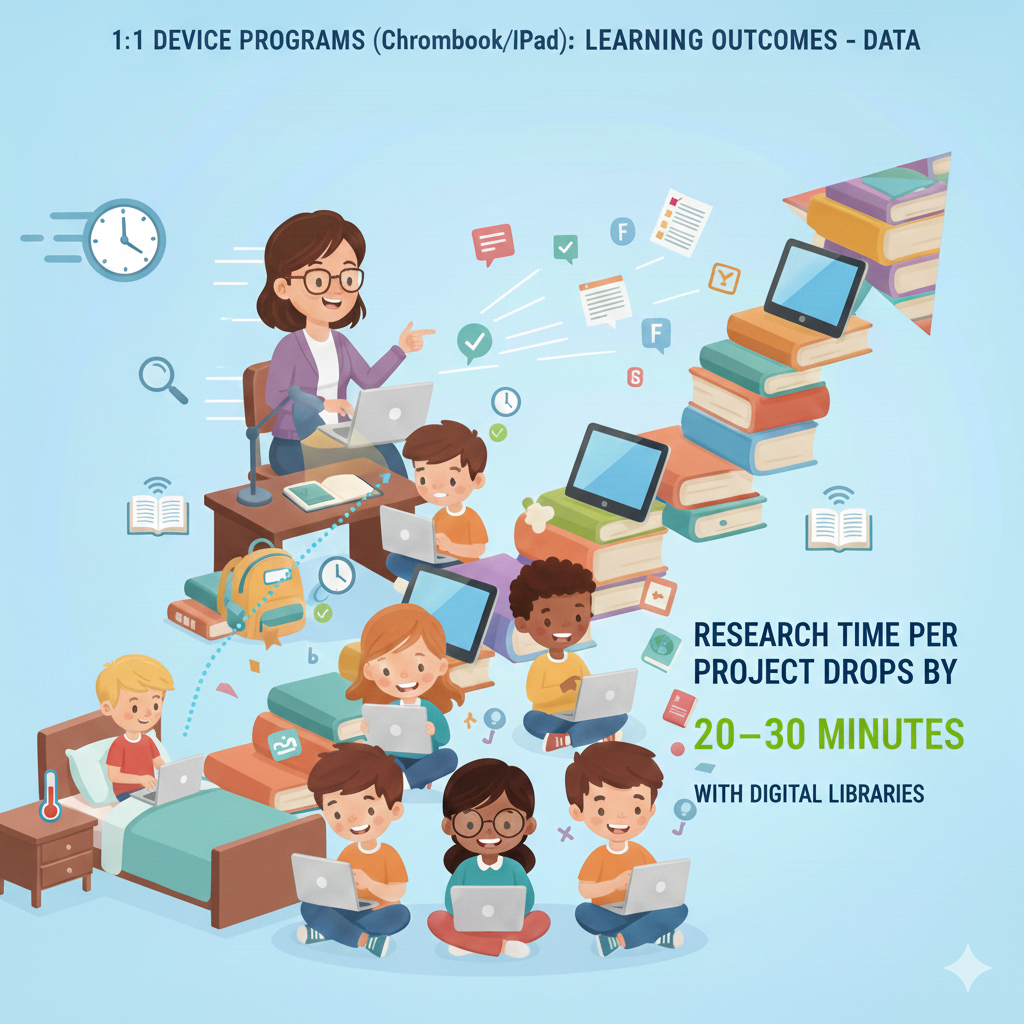
17. Research time per project drops by 20–30 minutes with digital libraries
Why search gets faster and better
When every student has a Chromebook or iPad, good sources are one tap away. School-curated libraries, safe search filters, and citation tools cut out the noise. Instead of wandering the web, students land on age-appropriate articles, videos, and databases in seconds.
Clear summaries and built-in reading supports help them judge if a source fits. Less time hunting means more time thinking, drafting, and creating.
A simple plan for smart research
Start each project with a short demo where you model one question, one keyword, and one filter. Show how to scan the first paragraph, check headings, and decide yes or no in under thirty seconds. Teach students to collect three solid sources before they start note-taking.
Ask them to copy one key quote, paraphrase it in their own words, and write why it matters in one line. Keep everything in a single shared document with a tiny citation block under each note so they never lose track.
If a student stalls, give them a starter pack of three pre-screened links and ask them to pick one to read right now.
What to track and how to respond
Measure how long it takes to find sources, the quality of notes, and the strength of claims in first drafts. If time is still high, narrow the driving question and give a short list of search terms. If notes are thin, add sentence frames like the author argues or the data shows so students move beyond copy-paste.
Debsie projects come with curated libraries, reading levels, and one-click citation helpers. Join a free trial class to see how research shifts from chaos to calm.
18. School printing and paper costs fall by 40–60%
Why digital saves money and minutes
Handouts pile up, get lost, and must be reprinted. In a 1:1 program, slides, readings, and worksheets live online. Students type into templates, submit with one button, and receive feedback in the same place.
Teachers stop wrestling with copiers, and office staff stop fielding jam alerts. Over a year, less paper means fewer trips, fewer delays, and a budget that can move to higher-impact needs like books, labs, or field trips.
How to go paper-light without pain
Pick a date when core materials move online, then keep it steady. Use digital notebooks for warm-ups, labs, and reflections so students always know where to write. For readings, post PDFs with markup tools so students can highlight and add notes right on the page.
Keep a small stack of paper for students with specific needs or for rare times when devices are down. When you must print, print two-sided and in black and white. Share these choices with families so they know what to expect and why it helps.
Reinvest savings to lift learning
Track monthly print counts and costs. As pages drop, set aside part of the savings for classroom upgrades. Buy headphones, protective cases, and extra chargers to reduce friction.
Add a few high-interest books to keep reading joyful off-screen too. Debsie’s all-digital lessons, rubrics, and auto-graded checks cut paper use fast, while still giving students rich tasks. Try a free session to see how workflows stay clean and budgets breathe.
19. Lost or damaged textbook incidents decline by 80–90% when content is digital
Why materials stay safe online
Textbooks are heavy, costly, and easy to misplace. When content sits in your platform, it cannot be lost. Students open chapters on any device, bookmark pages, and jump to practice sets in one click. Updates arrive instantly, so errors vanish without reprints.
The stress of keeping track of books fades, and the time spent on fines and forms disappears.
Build a dependable digital bookshelf
Create a home page with all course texts, labeled by unit and week. Add quick chapter summaries so students can preview before reading. Link practice questions after each section so learning flows.

Teach a short routine for saving bookmarks and making notes right in the text. If a student needs offline access, show them how to download chapters to the device. For students who prefer print, offer a short guide on printing a few pages for study, not whole books.
Keep accountability simple and kind
If work is missing, you can check access logs rather than guess. Use this to coach, not to punish. A gentle message that names the chapter and invites a quick catch-up goes further than a lecture. Debsie libraries include digital texts, notes, and practice in one place.
Book a free trial class to see how a clean bookshelf removes hassle and keeps learning front and center.
20. Annual device breakage (with protective cases) is 5–8% of devices
What this number means for planning
Even with care, some devices will break. Knowing that five to eight out of every hundred will need repair helps you set the budget and the workflow. A small stock of loaners keeps learning smooth while repairs happen. Clear routines reduce accidents, and sturdy cases prevent many cracked screens.
Routines that protect devices
Teach a three-step habit on day one. Screens down when walking, two hands when carrying, and cases closed when not in use. Set a parking spot on each desk so cords do not dangle. Use name labels and a simple checkout system for chargers to stop mix-ups.
During group work, assign one tech lead who handles plugging in and moving devices. At the end of class, run a thirty-second sweep where everyone closes tabs, signs out, and returns the device to charge.
Budgeting and family communication
Plan for a repair fund equal to the expected breakage rate. Share a clear, friendly policy with families that explains what is covered, what is accidental damage, and how loaners work. Offer optional protection plans and sliding-scale support.
Celebrate careful use with monthly shout-outs to classes that had zero incidents. Debsie can help schools set up device care routines, student badges for safe handling, and quick-start guides that make these habits stick. Join a free trial to see our ready-made materials.
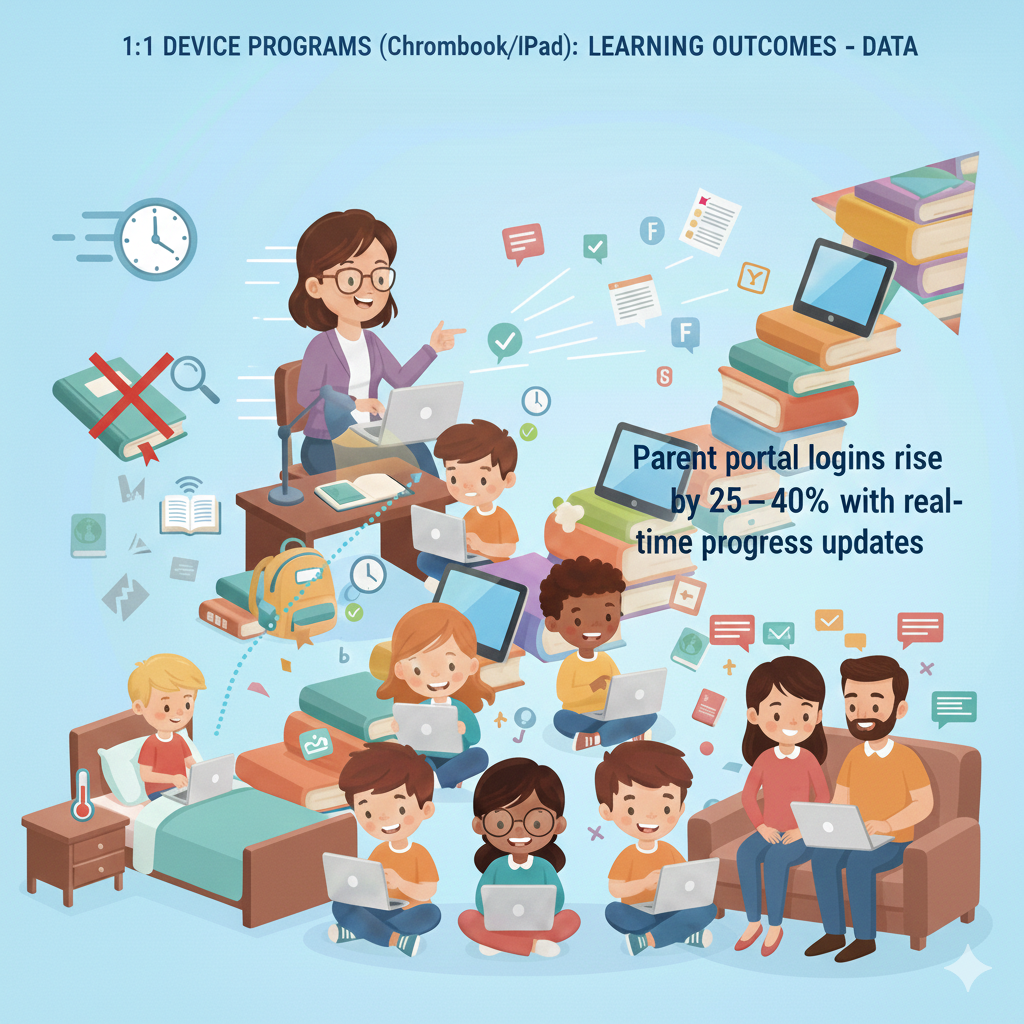
21. Parent portal logins rise by 25–40% with real-time progress updates
Why families log in more
Parents want to help but need simple, current information. When the portal shows today’s tasks, recent scores, and teacher notes in plain language, families return often. Alerts on missing work or new feedback prompt quick action at home.
This steady view turns parent support from once-a-term into daily nudges that keep students on track.
Make the portal truly useful
Keep the layout clean with three sections at the top: what is due soon, what was graded this week, and where to get help. Add a short weekly message that names the main goal and how families can support in one step, like ask your child to explain the difference between area and perimeter.
Offer language options so more families can read with ease. Provide a help button that opens a two-minute video on how to check work or message the teacher.
Build a warm partnership
Respond to parent messages within one school day, even if it is a short thank you and I will look into this. Use kind, specific words that focus on actions, not labels. Invite families to celebrate wins, not only fix problems.
Share small stories, like how their child helped a peer or pushed through a hard problem. Debsie’s family view shows progress, next steps, and helpful tips in simple words. Book a free trial class to see how better visibility turns families into daily teammates.
22. Student confidence in tech skills increases by 30–50%
Why confidence grows quickly
When every student uses a Chromebook or iPad each day, small wins stack up. They learn to log in, find files, type faster, and fix simple errors without panic. The screen becomes a tool, not a mystery. Clear routines lower fear, and practice builds muscle memory.
Confidence matters because students who feel capable try harder tasks, ask better questions, and keep going when stuck. As comfort rises, they move from tapping to creating, from watching to doing, and that shift shows up in stronger work across all subjects.
A simple plan to build tech courage
Start with a weekly skills minute at the opening of class. Teach one tiny skill at a time, like split screen, copy and paste, or using voice typing. Let students try it right away on a real task so the skill sticks. Create a class job called tech buddy.
This student gives peer help during work time so the teacher can focus on teaching. Post short help cards with pictures for common steps. Keep language plain and positive. Say click here, do this, then check that, so any reader can follow.
Run monthly mini-challenges like format a clean paragraph or record a thirty-second explanation. Celebrate entries with a quick showcase at the end of class.
Track growth and keep pushing
Ask students to rate their comfort at the start of term and again every four weeks. Use three simple prompts: I can find my tasks, I can fix small problems, and I can make and share my own work. If scores stall, slow down and reteach the most-used skills.
If scores soar, add creation tools like slide decks, short videos, and simple code projects. Families love to see this progress, so send home a one-page guide with three skills to practice together.
Debsie lessons include guided tooltips and skill ladders that grow with the child, turning nervous clicks into confident creation. Join a free trial class to watch that confidence bloom in real time.
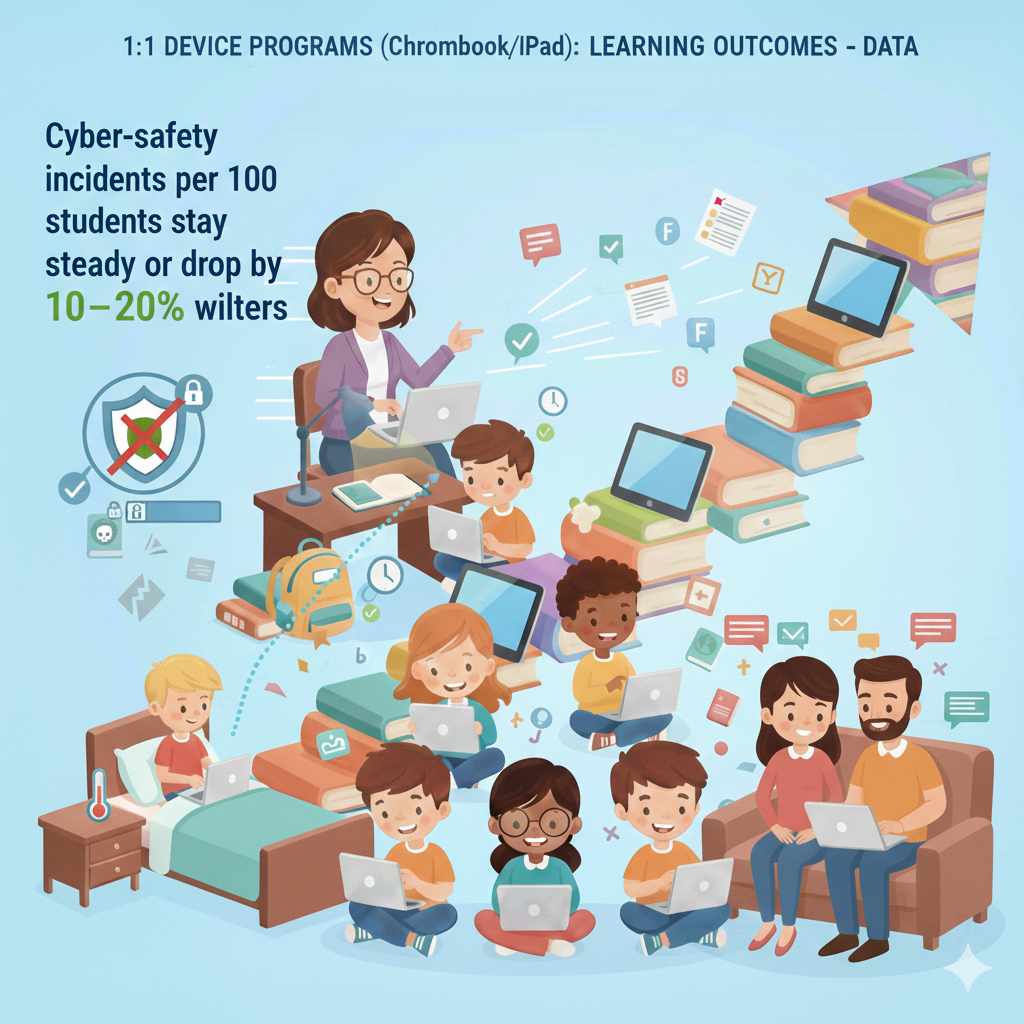
23. Cyber-safety incidents per 100 students stay steady or drop by 10–20% with filters
Why incidents fall when systems are strong
A good 1:1 plan includes smart filters, clear rules, and fast reporting. Filters block risky sites and search terms. Classroom tools let teachers see screens or lock to a task when needed.
Students learn what to do if something odd appears: close, report, move on. When these pieces work together, curiosity is guided, not punished, and problems are caught early. The goal is not fear, but safe habits that students can carry home and into later grades.
Build a calm, clear safety routine
Teach the pause and report rule on day one. If a student sees something off, they stop, close the tab, and tell the teacher. No lectures, no shame. Post a simple use policy written in friendly language. Focus on what to do, not only what to avoid.
During lessons, use do not disturb mode and pinned tabs to keep focus. Set device positions for talk time and work time so it is obvious when screens should be half down or fully up. Send families a short guide that shows filter basics, home device rules like using tech in shared spaces, and how to talk about online choices without blame.
Review data and teach proactively
Look at monthly incident logs. If searches spike in a certain topic, teach a five-minute mini-lesson on smart search terms and why the filter blocks some results. If off-task browsing rises during one period, tighten routines for transitions and add a brief, engaging warm-up.
Praise students who report issues quickly. Make safety feel like teamwork, not surveillance. Debsie provides ready-to-use digital citizenship lessons and calm scripts for teachers and families, so safety talks are short, kind, and effective. Book a free trial class to get the full set.
24. After rollout, 90–100% of students have a learning device at home (equity gain)
Why home access changes everything
When nearly every child has a working device at home, learning does not stop at the bell. Students can finish tasks, review notes, and watch short explainers on their own time. Families can see progress and support small steps each night.
The biggest win is fairness. Students who once shared a phone or had no access now have the same shot at practice and feedback as anyone else. Over months, this equity shows up as higher completion, steadier growth, and less stress.
Make home access simple and steady
Create a clear checkout process for long-term loans, with a friendly contract and a quick demo for families. Label chargers, provide sturdy cases, and include a one-page help sheet in plain words with pictures. Offer optional insurance or a sliding-scale repair plan so no one fears using the device.
Teach students to set up a home study corner, even if it is just a small box with headphones and a notepad. Show them how to download key files for offline use and how to sync work at school the next morning. Keep support open with a help email or a weekly pop-in hour for device questions.
Measure access and remove barriers
Track who has a device at home and who needs a loaner or repair. If a family returns a device often, call with a kind check-in to see if you can help with a replacement charger, a case, or a tip about storage.
Share simple home routines by grade level, such as fifteen minutes of reading and one short practice mission. Debsie’s courses are mobile-friendly, work offline for core tasks, and include home guides for parents in simple language. Try a free class and see how easy it is to turn home time into real learning time.
25. Offline-capable apps boost assignment completion by 5–10% for low-internet homes
Why offline matters more than you think
Many families face busy schedules, shared bandwidth, or weak signals. Without offline options, students fall behind through no fault of their own. When apps let students open tasks at school, work offline at home, and sync later, they stay in step.
That small design choice turns a long night of frustration into a quiet win. Even homes with good internet benefit during travel, power cuts, or crowded networks.
A simple offline workflow that works
Teach students to preload the day’s tasks before last period. Show the download icon, where files live on the device, and how to open them without Wi-Fi. Include screenshots inside assignments so directions do not depend on links. Build tasks that fit in short blocks of time, like a ten-minute reading or a five-problem set.
When students return to school, give them two minutes at the start of class to sync work and submit. If a student forgets, let them upload during the first break so the habit forms without stress. Share a parent note that explains the offline plan in one page, with pictures and a phone number for help.
Track results and keep improving
Check completion rates by group and compare online-only tasks to offline-ready tasks. If completion rises with offline tools, expand them to more subjects. If some students still struggle, pair them with a morning check-in buddy who helps them sync and submit.
Keep devices charged by adding a return-and-charge routine at day’s end. Debsie missions are designed to run offline for core steps and sync cleanly when back online, so students can learn anywhere. Join a free trial class to see how a few smart tweaks lift completion for every home.
26. Project-based learning tasks per term increase by 2–3×
Why projects multiply in a 1:1 world
Devices make it easy to research, plan, draft, and present without piles of paper or long computer lab bookings. Students can gather sources, build models, film short clips, and design slides in one place. Teachers can review progress in stages, leave quick notes, and keep groups moving.
Because the friction is lower, classes can run more, smaller projects that build real skills like teamwork, planning, and public speaking. These projects tie content to real life, which drives deeper understanding and better memory.
Plan projects that fit your calendar
Design three short projects per term instead of one giant one. Give each a clear driving question, a product that feels real, and checkpoints every few days. Keep tools simple and repeatable so students focus on ideas, not on learning a new app each time.
Use a single shared doc for roles, timelines, and daily notes. Teach groups to meet for five minutes at the start of each work block to set a goal and five minutes at the end to log what got done. Grade in parts so effort is recognized and last-minute scrambles do not decide the grade.
Support quality without overload
Use mini-lessons on key skills like how to make a strong claim, how to read a chart, or how to tell a clear story with slides. Give model samples at two quality levels so students can see the difference. During work time, circulate with a short checklist and leave one next-step note per group.
Host a short gallery walk at the end where peers leave one glow and one grow comment. Debsie projects come with rubrics, timelines, and templates you can assign with one click, making more projects possible without more stress. Book a free trial to see how students light up when they build something that feels real.
27. The time from assessment to targeted re-teaching shrinks from 2 weeks to 2–3 days
Why speed matters for mastery
Learning slips when we wait. In many schools, a quiz happens, papers go home, and reteaching begins two weeks later. By then, the class has moved on and the moment is lost. In a 1:1 setup, results appear the same day.
You see who struggled, which question broke the chain, and why. Because the data is clear and fresh, you can reteach within two or three days, while memory is still warm. This short loop prevents small gaps from growing into big ones and keeps the whole class moving together.
How to build a 72-hour response plan
Adopt a steady rhythm. Day one, run a short check that targets one skill. Use five to eight items, including one that shows the method. By the end of the day, sort students into three paths: ready to stretch, needs a short practice set, needs a quick reteach.
Day two, run ten minutes of skill groups at the start of class. Students who need reteach sit with you for a rapid model and two guided problems. Students who need practice work on an adaptive set with hints. Stretch students tackle a challenge problem or small project.
Day three, give a two-question exit ticket that mirrors the original weak spots. If scores rise, return to the main unit. If not, repeat one more day with a new example. Keep each step light so the routine is doable every week.
Tools and moves that make it smooth
Use question banks that tag each item by skill. Turn on auto-grading for quick items so you see results fast. Keep a small library of reteach slides with one model, one guided item, and one independent item. Ask students to type a one-sentence reflection after reteach, naming the step that changed their result.
Share a brief note with families when a student rebounds. This builds confidence at home and shows that effort pays off. Debsie’s micro-checks, instant skill tags, and ready-to-use reteach mini-lessons make the 72-hour loop simple to run. Join a free trial class to see how fast corrections lock in learning.
28. Teachers receive 6–12 hours per semester of digital-teaching PD; 70–85% rate it effective
Why small, steady PD beats one big workshop
Teachers learn best the same way students do: in short, focused bursts with time to try, reflect, and refine. Six to twelve hours per term is enough to learn a tool, test a routine, and share results with peers.
When PD is practical, tied to daily lessons, and supported with coaching, most teachers say it works. They save time, feel confident, and see clear gains in student work. That is why satisfaction rates climb into the seventies and eighties.
Design PD that actually changes classrooms
Break the hours into monthly sessions of sixty to ninety minutes. Focus each session on one routine, like quick checks, digital feedback, or small-group instruction with devices. Start with a five-minute success story from a colleague.
Model the routine step by step on a real unit. Give teachers twenty minutes to build their own version using their materials. End with a plan for tomorrow’s class: what to try, how long it will take, and what success looks like. In the following week, a coach does a ten-minute pop-in to watch, cheer, and leave one specific tip.
Measure impact and keep it human
Ask two questions after each session: what did you try and what changed for students. Track time saved, student completion, and quiz growth for the featured routine. Share quick wins at the next meeting so energy stays high. If a session misses the mark, adjust.
Teachers will tell you what they need if you listen with respect. Provide tiny resource packs—comment banks, templates, and sample rubrics—so no one starts from zero. Debsie offers turnkey PD modules, live coaching, and classroom-ready assets that match your standards.
Book a free trial session to see how our coach-and-try model turns hours into habits.
29. 75–85% of students say learning feels more personalized with a 1:1 device
Why students feel seen when learning adapts
Personalization is not about flashy features; it is about fit. When a device serves a just-right text, an on-level problem set, or a video at the right speed, students feel understood. They are not bored, and they are not lost.
Choice also matters. Picking between two tasks or two topics gives a sense of control. As students see lessons shaped to their pace and interests, they report higher focus, less stress, and more pride in their work.
Simple ways to personalize without chaos
Offer tiny choices that aim at the same goal. Let students select one of two articles at different levels, or one of two problem sets with the same skill. Use adaptive practice for fluency and a short conference for strategy. Build check-in moments where students rate their comfort as green, yellow, or red.
Based on the color, send them to stretch, steady, or support paths for the next ten minutes. Keep instructions short and on-screen so movement is smooth. In writing, use prompts that allow different angles on the same idea, then assess with the same rubric.
During projects, let students pick the product form—a slide deck, a short video, or a one-page brief—while holding the content target steady.
Make progress visible to each learner
Post a simple progress bar for the unit so students see how far they have come and what is next. Celebrate micro-milestones like mastering a tricky subskill or finishing a draft on time. Invite students to set one small goal each Monday and reflect each Friday in one sentence.
Share a weekly note with families that names one personal win for their child. Debsie’s quests adapt quietly in the background and present friendly choices up front, so students feel both guided and free. Try a free class to watch how fast a tailored path boosts belief and effort.
30. Total cost of ownership is about $200–$350 per student per year; paper savings recover 10–20% of that
How to plan a smart, sustainable budget
A clear budget keeps programs strong year after year. Total cost of ownership includes devices, cases, chargers, licenses, repairs, and support staff time. When you add it all up, the yearly cost per student often sits between two hundred and three hundred fifty dollars.
The good news is that digital workflows cut other costs. Lower printing and paper use can recover ten to twenty percent of the spend. Time savings for teachers and office staff add even more value, though that gain shows up as better service and calmer days rather than cash.
Steps to stretch every dollar
Buy sturdy cases and train students on care routines to lower breakage. Standardize models across grades so parts, chargers, and training are simpler. Use a clean app list to avoid bloated license costs. Favor tools that do two or three jobs well over a pile of niche apps.
Track repairs and swap devices nearing end-of-life before they drain the help desk. Schedule updates and battery checks twice a year to prevent surprise downtime. Reinvest paper and copier savings into headphones, spare chargers, and PD that boosts teacher efficiency.
Share a transparent cost-and-savings snapshot with your community so trust stays high.
Funding, equity, and long-term health
Blend funding sources: base budget, grants, and community partners for special projects like makerspaces. Keep an equity lens by reserving loaners and repair support for families who need it most. Build a three-year refresh plan with clear milestones so no one faces a sudden spike.
Measure return not only in dollars but in outcomes: higher completion, faster feedback, and stronger scores. Debsie helps schools model costs, trim waste, and focus on the tools that drive results. Book a free trial class and ask us for a sample TCO planner you can adapt in an hour.
Conclusion
The message is clear and hopeful. When every student has a Chromebook or iPad and teachers use simple, steady routines, learning lifts. The gains are not magic; they come from more practice, faster feedback, clearer goals, and kind support that meets each child where they are.
Small tools make big changes. Read-aloud helps readers stay with the text. Instant hints help problem solvers fix one step and try again. Comments in the margin turn shaky drafts into strong messages. Short check-ins guide the next day’s lesson, not the next month’s.