Online tests are now part of school life. So are paper tests. Parents often ask one simple thing: Which one helps my child do better? The honest answer is this: it depends on the test, the device, and the child’s habits. But the patterns are clear when you look at real numbers.
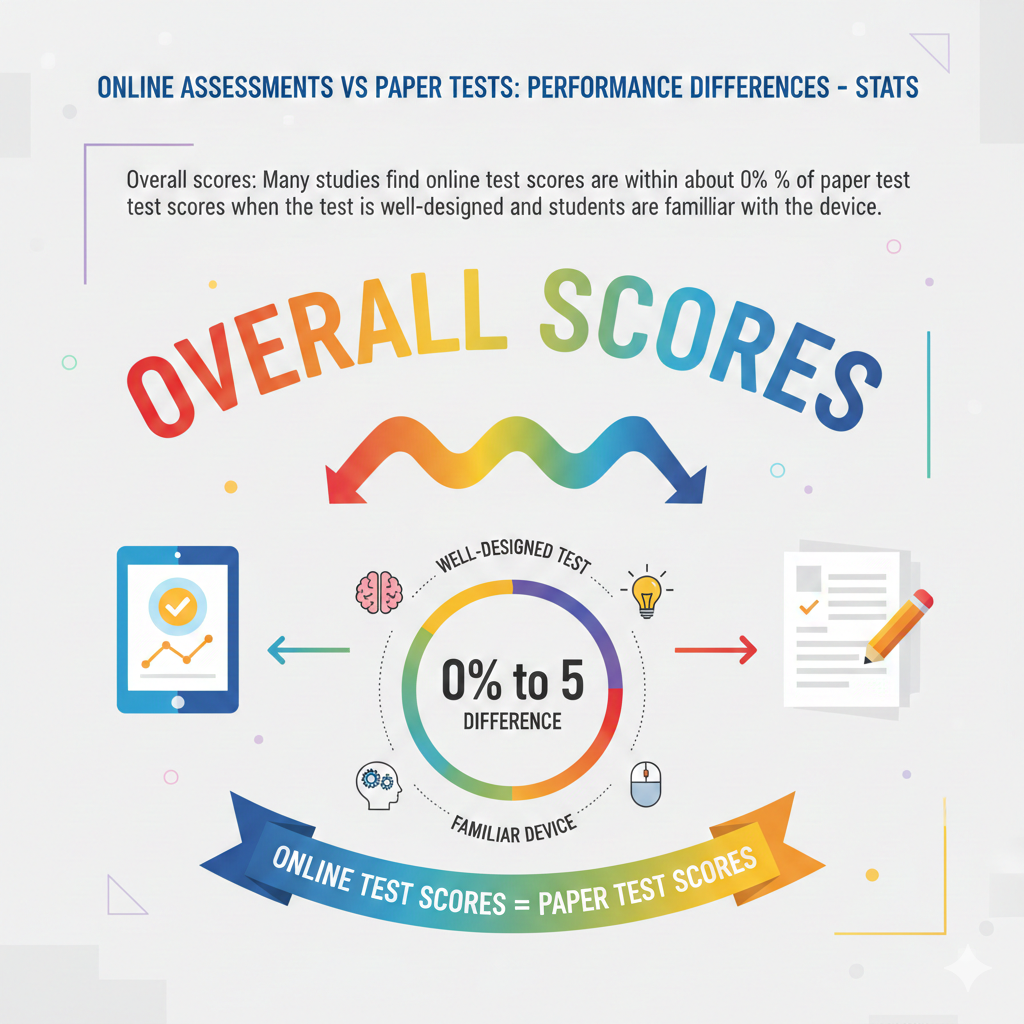
1) Overall scores: Many studies find online test scores are within about 0% to 5% of paper test scores when the test is well-designed and students are familiar with the device
What this usually looks like in real life
This stat is the calm, steady anchor for the whole topic. When a test is built well and a child knows the device, the format alone rarely changes the score by a large amount.
That means most kids do not “suddenly become weak” just because the test moved to a screen. If a child’s scores drop a lot, the cause is usually not the subject. It is often the tool, the setting, or a missing habit, like not checking answers.
A well-designed online test feels simple. The text is easy to read. The buttons are clear. The child can move between questions without confusion. A poorly designed test can cause silly mistakes, not because the child does not know the answer, but because the screen feels messy or the child misses a part of the question.
The same is true on paper too, but on screen, small design problems can distract a child faster.
Actionable advice to keep scores steady
Start by building comfort with the testing tool, not only with learning content. Give your child short online quizzes where the main goal is calm navigation. Ask them to practice three steps every time: read the question slowly, choose an answer, then look back and confirm they answered what the question truly asked.
This “read, answer, confirm” habit protects marks in both formats, but it is extra important online because clicking is fast and mistakes can happen in a blink.
Also train the “screen scan.” Many kids only read the center of the screen and miss a note above or below. Teach them to check the full screen before answering, especially if the question has a chart, a small instruction line, or a “choose two answers” rule.
If your child is moving to online tests at school, do not wait until the week before. Start simple now so the device becomes normal. On Debsie, kids get guided practice that feels like a game, but it quietly builds these exact habits, which is why their confidence rises so fast.
2) Time taken: Students often finish online tests about 5% to 15% faster than paper tests for multiple-choice items because clicking is quicker than bubbling or writing
Why faster is not always better
Online tests often feel quicker because there is less hand work. A click is faster than filling circles. A next button is faster than turning pages. Many kids see the clock and think, “Great, I will finish early.” Then the real problem starts. They confuse speed with success. They submit early and lose points they could have saved with a careful review.
On paper, the slow act of bubbling sometimes forces a child to pause. Online removes that natural pause. Some kids rush through without noticing they misread one word like “not” or “except.” Others skip a hard question and forget to return. The time advantage is real, but only if the child uses it wisely.
Actionable advice to turn speed into higher marks
Teach your child to plan their time in two parts. Part one is for answering. Part two is for checking. Even if the test does not ask them to review, they should act as if it does. A simple rule works well: if they finish early, they must use the remaining time to re-check the hardest questions first, then the easiest ones where silly mistakes happen.
Train them to use a calm rhythm. After every five questions, pause for a short check. This reduces the chance of a long chain of mistakes caused by one bad assumption. It also helps children who get “click-happy,” where they start guessing too fast.
If your child tends to rush, set a home rule during practice: they cannot submit until they do one full scan of all answers. This is not about being slow. It is about being correct. Debsie’s timed challenges are very useful here because they make pacing feel like a skill, not a punishment.
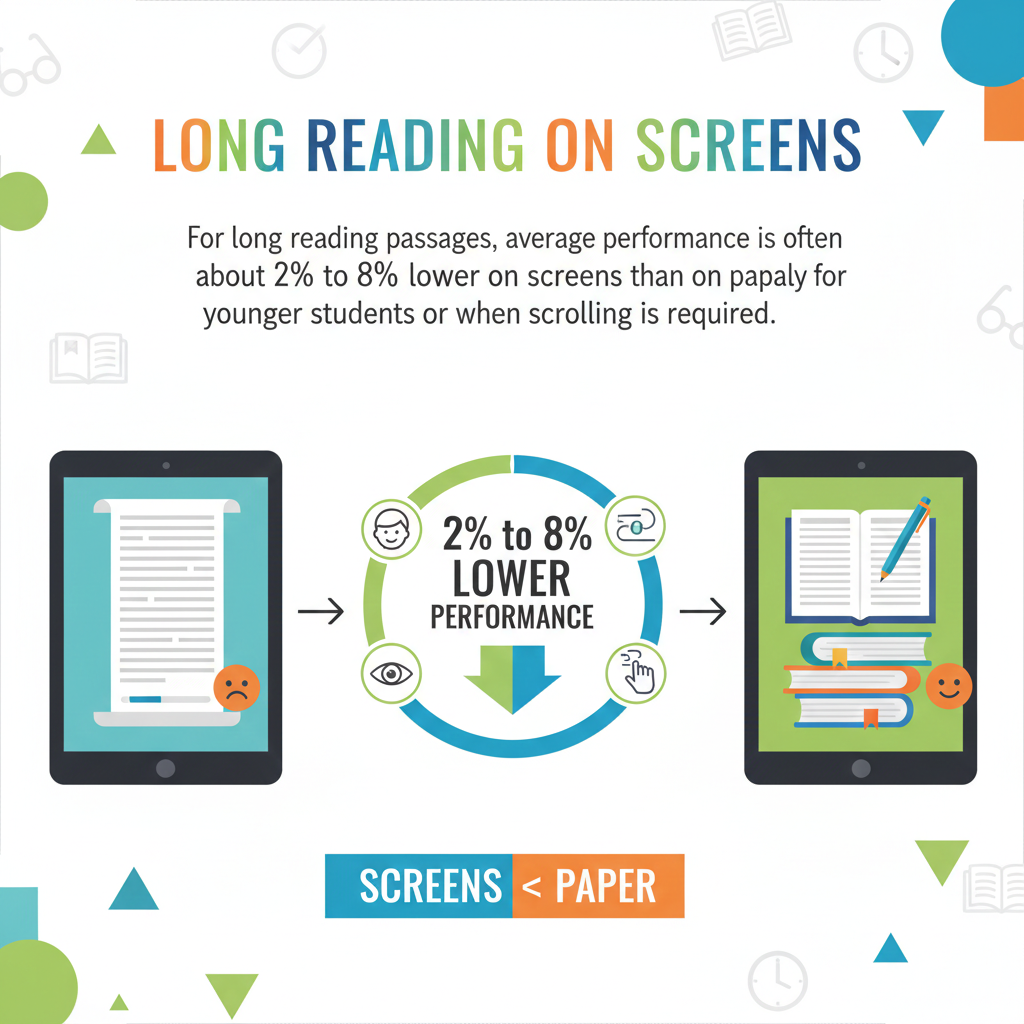
3) Long reading on screens: For long reading passages, average performance is often about 2% to 8% lower on screens than on paper, especially for younger students or when scrolling is required
What makes long screen reading harder
Long reading on a screen asks the brain to do extra work. Scrolling can break focus. A child may lose their place. They may forget what was in the first paragraph by the time they reach the last one. On paper, the passage sits still.
A child can mark a line with a finger, re-read a part quickly, or see the whole page layout at once. On a screen, the text moves, and that movement can quietly drain attention.
Younger children often feel this more. They are still building reading stamina. When the passage is long, they can get tired faster, and tired reading leads to missed details. That is how a small gap like 2% to 8% shows up. It is not that the child cannot read. It is that the screen adds friction.
Actionable advice to close the gap
First, reduce scrolling stress during practice. When possible, practice on the same type of device your child will use in school. A laptop screen usually works better than a small phone screen for long text. Next, teach “stop points.”
After each paragraph, your child should pause and say, in their own words, what it meant. This takes only a few seconds, but it keeps the meaning in the brain.
Also teach a simple pattern for questions. Before looking at the answer choices, tell your child to go back to the exact line that proves the answer. On paper, kids do this naturally. Online, they often guess from memory. That is where points are lost.
If the test platform allows highlighting or notes, your child should use it lightly, not heavily. Highlight only names, dates, and turning points like “however” or “but,” because these words often signal the real meaning. With practice, long screen reading becomes much easier, and the score gap often shrinks.
4) Short reading on screens: For short passages, performance is usually about the same (0% to 3% difference) between online and paper formats
Why short passages feel equal in both formats
Short reading does not demand long stamina. The child can hold the whole meaning in their mind without feeling lost. There is usually little or no scrolling. The question is close to the text. That is why the score difference often stays tiny. For many kids, short screen reading is not a problem at all.
This also explains why some parents get confused. They see their child do fine on short online quizzes, then struggle on a long online exam. The format did not suddenly become “bad.” The reading load changed. Short passages are simply easier to manage on a screen.
Actionable advice to lock in the “same score” result
Even when short reading feels easy, train clean habits. The biggest risk here is careless speed. Kids often skim short text and assume they understood it. Teach your child to do one extra step: read the question first, then read the short passage with that question in mind. This keeps their brain focused on what matters.
Also teach “keyword matching.” If the question asks for the main idea, your child should look for repeated words and the sentence that sums up the passage. If the question asks for a detail, your child should find the exact line that states it. This prevents guessing.
If your child does short reading practice online, make sure they also do some on paper sometimes. The goal is not to choose one format. The goal is to be strong in both. Debsie’s reading tasks and challenge-style questions can help children build that skill without feeling bored.
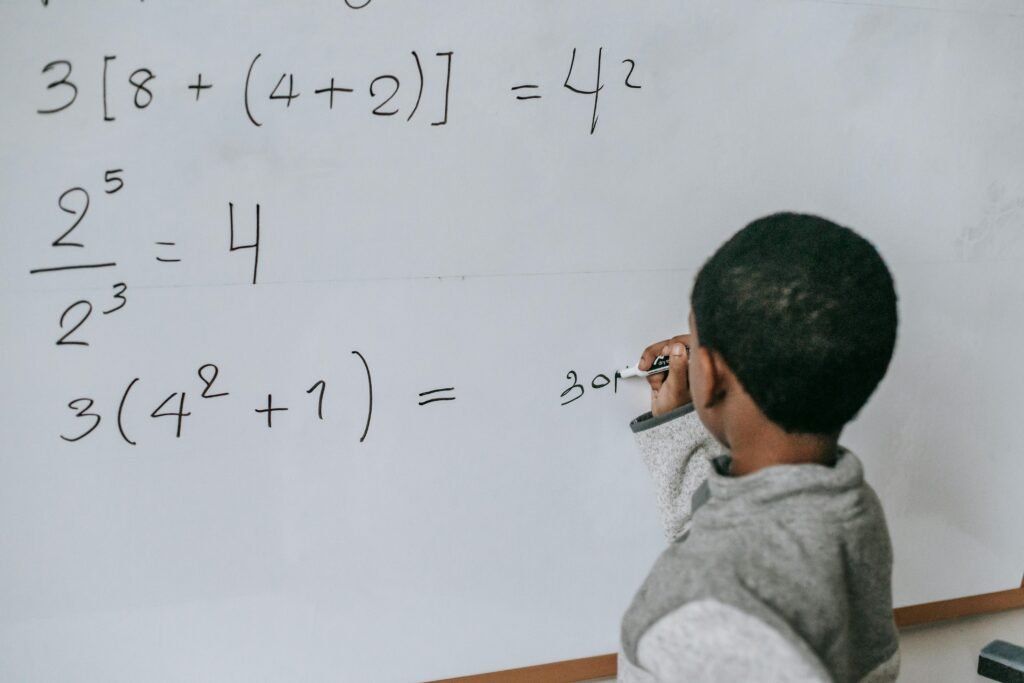
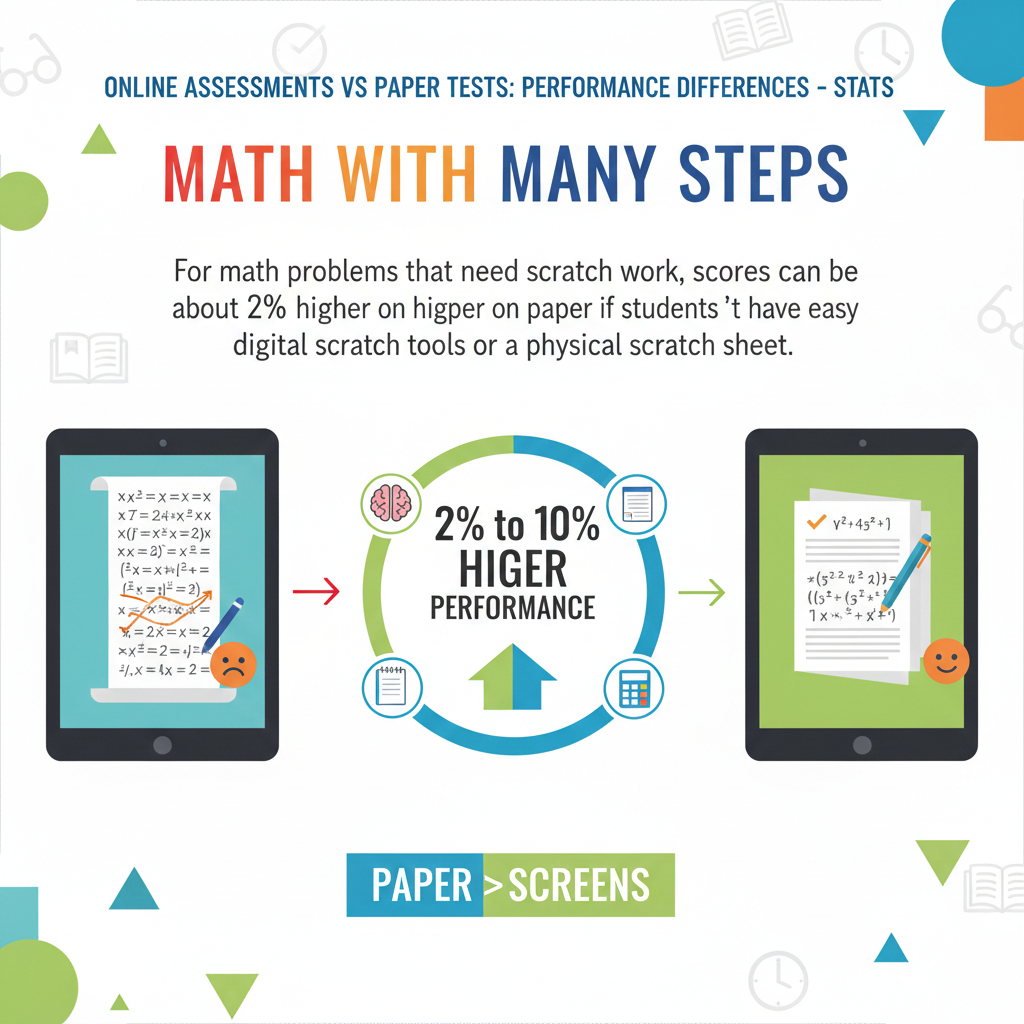
5) Math with many steps: For math problems that need scratch work, scores can be about 2% to 10% higher on paper if students don’t have easy digital scratch tools or a physical scratch sheet
Why step-based math often favors paper
Math is not only about the final answer. It is about clean steps. On paper, a child can write, cross out, draw arrows, and keep their thinking visible. On a screen, if the test does not give good tools, the child must hold too much in their head.
That leads to missing a sign, forgetting a value, or mixing steps. Even a strong math student can lose points because their “working space” is weak.
Some online exams allow a scratch pad, but many children do not like it. It may feel slow. It may be hard to draw. It may not match their normal style. If the child does not get a physical scratch sheet, the chance of mistakes rises, and that is where the 2% to 10% gap can appear.
Actionable advice to protect math marks online
Start with the simplest fix: always ask the school or test center if scratch paper is allowed for online math tests. Many times it is allowed, and students simply do not request it. If it is allowed, teach your child how to use it properly. They should write the question number on the scratch sheet and keep the steps neat. Messy scratch work creates messy thinking.
If scratch paper is not allowed, practice with the platform tools ahead of time. Your child needs “tool comfort,” just like reading needs screen comfort. Teach them to write only the steps that matter. Some children copy the whole question into the scratch pad, which wastes time and adds stress. The goal is to capture the key numbers and key steps, not everything.
Also teach a final check method: after solving, your child should quickly plug the answer back into the question. Even a small check catches many step errors.
Debsie’s math sessions can make this skill feel natural by training kids to show steps clearly, explain their thinking, and double-check with simple strategies.
6) Simple math / quick calc: For basic computation or short math items, differences are often small (0% to 4%) between online and paper
Why the format matters less for quick math
When a math question is short, the child does not need long scratch work. The steps might fit in one line. In those cases, the test format matters less. Whether they click or circle an answer, the main factor is the child’s number sense and accuracy.
Still, online math can create small mistakes if the child clicks too quickly or misreads a symbol. For example, they might confuse a minus sign, miss a bracket, or overlook a unit. That is why the gap can exist, even if it is small.
Actionable advice to keep quick-math accuracy high
Teach your child to slow down for the first five questions. Many mistakes happen at the start because the brain is still settling. A calm start sets the tone. After that, teach a habit: before they click an answer, they must say it in their head. This tiny “inner voice” step reduces mis-click mistakes.
Also train them to watch for unit words like “minutes,” “centimeters,” or “per.” Kids often solve correctly but choose the wrong unit answer. On paper, they might underline the unit. Online, they can still do this by using the cursor to track the line or using highlight tools if allowed.
If your child is doing quick-math drills online, do not only focus on speed. Focus on clean accuracy first, then speed. Debsie’s gamified practice helps here because it rewards both correct thinking and steady pacing, which is what kids need in real exams.
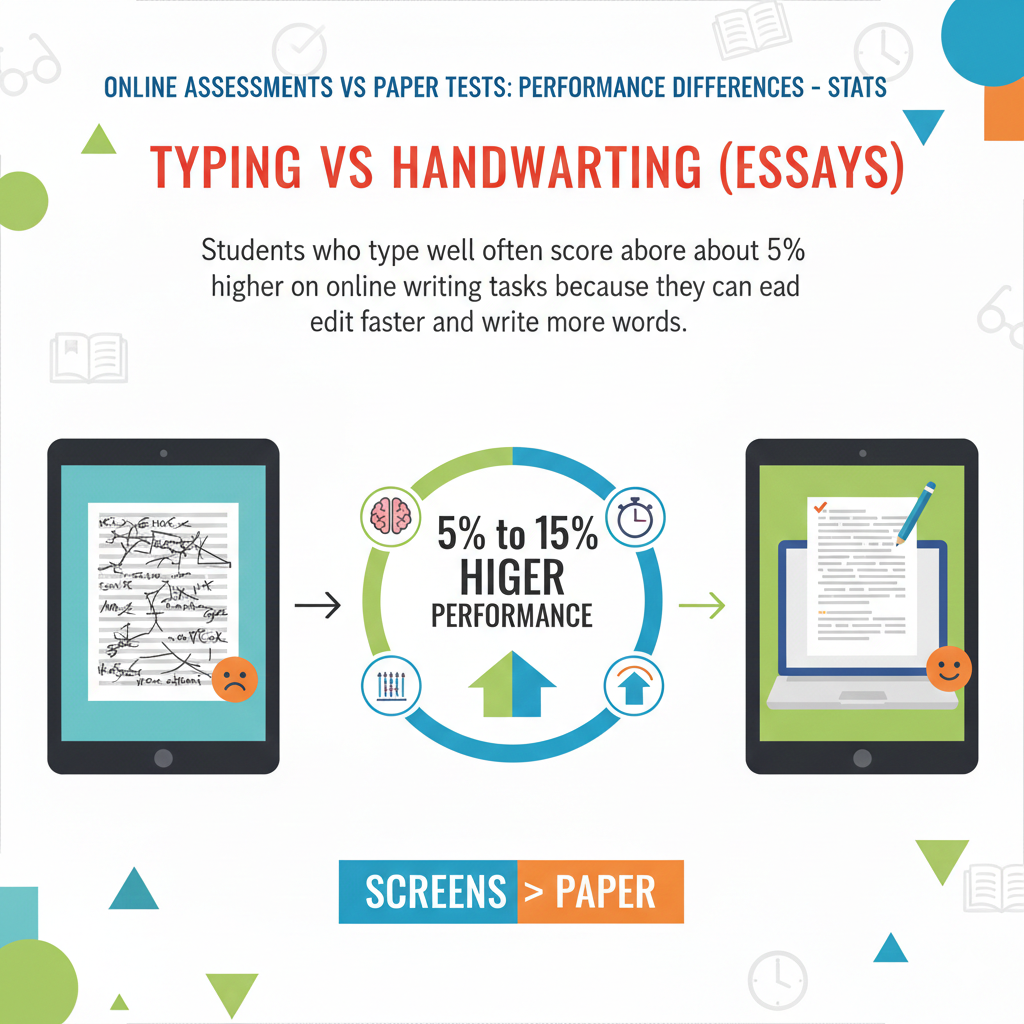
7) Typing vs handwriting (essays): Students who type well often score about 5% to 15% higher on online writing tasks because they can edit faster and write more words
Why good typing can lift writing scores
Many writing rubrics reward clarity, structure, and development of ideas. When a child types well, they can get thoughts out faster. They can fix spelling quickly. They can move sentences around. They can add a better example without rewriting a whole paragraph. This freedom often leads to longer and clearer responses, which can raise scores.
On paper, a child may avoid adding strong details because rewriting feels tiring. On a screen, that barrier is smaller. So strong typers often show their real thinking better online than they do on paper.
Actionable advice to use typing as an advantage
If your child has online essays, typing is not a “nice bonus.” It is a core test skill. Build it slowly. Ten minutes a day is enough if done consistently. The goal is not speed alone. The goal is comfort, so the child can think about ideas, not about the keyboard.
Teach your child a simple editing routine: after writing, they should read the essay once for meaning, then once for small errors. Many kids only do one quick scan. The two-pass method catches more issues. Also teach them to keep paragraphs short and clear. Online graders often read fast. A clean structure helps.
If the platform has a word counter, teach your child to use it wisely. More words can help if they add real meaning. More words can hurt if they add fluff. Train them to add one strong example and one clear explanation, not extra filler.
Debsie’s writing support can help children learn how to build essays with a strong start, a clear middle, and a confident ending, while practicing the typing flow that makes online writing easier.
8) Slow typers: Students with weak typing skills can score about 5% to 20% lower on online writing tasks even if their ideas are strong
Why slow typing can hide a smart mind
A child can have excellent ideas but still lose marks if they cannot get those ideas onto the screen in time. Slow typing steals time from planning, from building good examples, and from checking mistakes. It also increases stress. When a child feels the clock, they may rush, shorten answers, or skip the final review. That is how a strong thinker can end up with a weaker score.
This problem is not about intelligence. It is a simple skill gap. And skill gaps can be fixed with the right practice.
Actionable advice to raise scores without forcing “speed drills”
Start with comfort, not pressure. Many children type slowly because their fingers do not know where to go. A little guided practice helps more than shouting “type faster.” Use short daily sessions. Have your child type simple sentences from a book they like. Then slowly move to typing their own thoughts. This builds control.
Next, teach planning first. Even if typing is slow, planning saves time. Before your child writes, they should quickly outline three points: their main idea, two reasons, and one example for each reason. When the plan is clear, typing becomes easier because they are not inventing ideas while also searching for keys.
Also teach a “minimum complete answer.” Some kids try to write a perfect essay and run out of time. Train them to write a complete basic structure first: introduction, two body paragraphs, and a short conclusion. If time remains, they can improve it. This protects marks.
Debsie’s writing practice can help slow typers by giving structured prompts and guided feedback, so kids learn to write complete answers under time limits without panic.
9) Answer changes: In online multiple-choice tests, students tend to change answers about 10% to 30% more often than on paper because it’s easier to click back and forth
Why online makes changing answers tempting
On a screen, it is very easy to jump back to a question and click something else. That can be helpful. It can also cause harm. Many students change answers for the wrong reason, like a sudden fear, not new evidence. They may switch from a correct answer to a wrong one just because they doubt themselves.
At the same time, answer changing is not always bad. If a student finds a clear clue later, changing can raise the score. The real skill is learning when to change and when to stay.
Actionable advice to make answer changes smart
Teach a simple rule: only change an answer if you can point to a clear reason. A clear reason could be a line in the text, a rule in math, or a fact you suddenly remembered. A “feeling” is not a reason. This one habit protects many points.
Also teach a flag system. On online tests, students can often mark questions for review. Encourage your child to flag only the questions they truly are unsure about, not half the test. If everything is flagged, review becomes messy. If only key items are flagged, review becomes powerful.

During review time, your child should ask one question before changing: “What did I miss the first time?” If they cannot answer that, they should usually keep their original choice.
Debsie’s quiz practice trains kids to think about why an answer is right, not just what answer looks right. That “reason skill” is what makes answer changing safe.
10) Skipped questions: Online tests often show about 5% to 20% fewer unanswered questions when the system warns students about blanks before submission
Why this feature saves easy marks
On paper, a child can forget a question by accident. On online tests, many systems warn, “You left question 12 blank.” This is one of the best parts of online testing. It prevents the most painful mistake: losing points without even trying.
But this only helps if the child understands what the warning means and knows how to respond without rushing.
Actionable advice to use blank warnings correctly
Teach your child to treat a blank warning as a checklist, not a panic alarm. If they see blanks, they should return to each one calmly. For each blank, they should decide one of three actions. Answer now if they can.
Eliminate choices and guess if time is low. Or leave it blank only if there is a penalty for guessing and they truly cannot narrow it down. Many school tests do not punish guessing, so choosing something is often better than leaving it empty.
Also teach children to avoid accidental blanks in the first place. After each question, they should look for the selected mark. It takes one second and avoids mistakes caused by mis-clicks.
Debsie’s timed challenges can help students build this calm “finish strong” habit, where they use system features to protect their score.
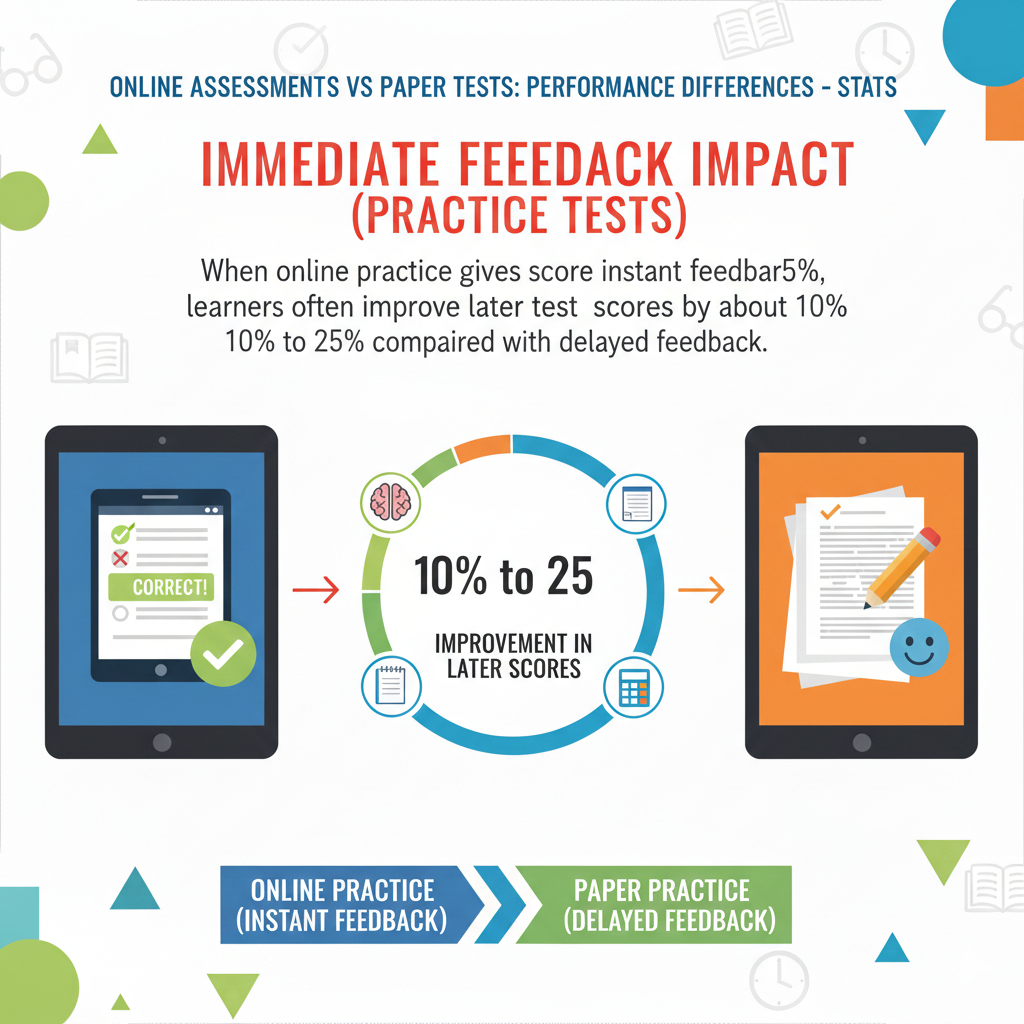
11) Immediate feedback impact (practice tests): When online practice gives instant feedback, learners often improve later test scores by about 10% to 25% compared with delayed feedback
Why instant feedback helps the brain learn faster
When feedback comes right away, the child still remembers what they were thinking. They can quickly see what went wrong and correct it. This makes learning stick. Delayed feedback can still help, but it is weaker because the moment is gone. The child may not remember why they chose an answer, so the correction feels less real.
This is why online practice can be so powerful, especially when it is designed well. It turns practice into a fast loop: try, learn, try again.
Actionable advice to use instant feedback the right way
Instant feedback is only helpful if the child pauses to reflect. If they click “next” without thinking, the benefit fades. Teach your child a simple reflection step after a wrong answer: “What tricked me?” Was it a word like “except”? Was it a rushed guess? Was it a missing step?
Also teach them to keep a short “mistake list” in a notebook. One line per mistake is enough. The point is to spot patterns. If your child keeps missing negatives in questions, that becomes a clear target. If they often forget units in math, that becomes the target.
If your child is practicing online, do short sessions more often instead of long sessions rarely. Ten minutes daily with feedback often beats one long weekend practice.
Debsie is built around this idea. Kids get quick feedback and guided support, which helps them improve faster without feeling overwhelmed.
12) Test anxiety: A noticeable group—often about 15% to 35% of students—reports higher stress on online tests, mainly due to fear of glitches or unfamiliar tools
Why screens can increase stress for some kids
Some children worry the system will crash. Others fear they will click the wrong thing. Some get nervous about typing. Some simply feel less “in control” on a device than on paper. This stress can reduce focus, and reduced focus can lower performance even if the child knows the material.
The stress is real, but it is also manageable. Most of it comes from uncertainty.
Actionable advice to reduce online test stress
Start by removing mystery. If possible, have your child explore the test interface before the real exam. Many schools provide a demo test. Use it. Show your child how to move next, how to go back, how to flag questions, and how to submit. Familiarity turns fear into routine.
Next, teach a simple “glitch plan.” If the screen freezes or something looks wrong, your child should know the steps: raise a hand, inform the supervisor, and stay calm. Just having a plan lowers anxiety.
Also build a calm pre-test routine. Two minutes of slow breathing before the test can steady the body. A calm body helps the brain work.
Debsie’s live classes help here because children practice under friendly guidance, learn to manage timed tasks, and build confidence in a low-pressure way.
13) Lower anxiety for some: Another sizable group—often about 20% to 40%—reports lower stress online because the interface feels cleaner and answers are easier to manage
Why online can feel calmer for many students
Not every child fears screens. For many, online tests feel simpler. The page is neat. The question is clear. There is no messy erasing. There is no worry about handwriting. The child can click, move on, and keep going. For students who dislike writing by hand or who feel tense about neatness, online tests can reduce stress and help them focus on thinking.
Online also removes some social stress. On paper, students may feel others flipping pages or writing quickly. On a screen, that sound and motion is often less noticeable. Some kids stay calmer because they can stay in their own “bubble.”

Actionable advice to help your child use this calm advantage
If your child feels calmer online, that is a strength you can build on. Teach them to use the calm space to work steadily, not to rush. Calm is not the same as fast. Calm means clear thinking.
Encourage your child to keep a simple pace. They should not spend too long on one question, but they also should not speed-click. A strong method is “answer in one pass, then review flagged items.” This keeps the brain moving without panic.
Also help your child set up good testing habits at home. Practice in a quiet place. Keep the screen at a comfortable brightness. Use a chair and table, not a bed. These small choices protect focus and reduce body strain, which supports calm performance.
Debsie’s online practice can be a safe place for kids who enjoy digital learning. They can build strong test rhythm while still feeling relaxed and confident.
14) Device familiarity effect: Students with low device comfort can score about 5% to 15% lower online than similar students who are comfortable with keyboards and screens
Why comfort with the tool matters so much
Online testing is not only about the subject. It includes micro-skills: using a mouse, scrolling without losing place, typing short answers, and using on-screen tools. If a child struggles with these, the test becomes harder even when the questions are fair.
The child spends mental energy on the tool instead of the problem. That mental energy is limited, and it should be used for thinking.
This is why two students who know the same content can score differently online. One student is fighting the platform. The other is using it smoothly.
Actionable advice to build device comfort quickly
Start with small, repeatable practice. Do not do one long session and hope it sticks. Do short sessions several times a week. Practice clicking options, moving between questions, and using a timer. If typing is involved, practice typing full sentences, not only single words.
Teach your child to use keyboard shortcuts if the testing platform allows them, like moving between fields or scrolling. These save time and reduce frustration. Also practice with the same device type the child will use in the test when possible. Switching from a home tablet to a school desktop can feel strange on test day.
If your child has limited access to devices, try to schedule consistent practice time, even if it is short. The goal is routine. Routine removes fear and raises performance.
Debsie’s gamified tasks are helpful because kids naturally repeat skills when it feels like a game. That repetition builds device comfort without forcing it.
15) Digital divide: In settings with unequal tech access, score gaps between higher-access and lower-access students can widen by about 3% to 12% on online tests compared with paper tests
What this gap really means
This stat is not about talent. It is often about opportunity. Students who have regular access to a computer at home tend to be more comfortable online. Students without that access may face online tests with less practice time, less typing comfort, and less familiarity with test tools. Over time, that can widen score gaps, even when the students are equally smart.
This is important for parents because it shows a clear target: access and practice can change outcomes.
Actionable advice to reduce the impact at home
If tech access is limited, focus on the highest-impact practice. Your child does not need fancy software. They need basic comfort: reading on a screen, clicking accurately, typing short responses, and using a timer. Even a shared device can work if the practice is consistent.

If your child’s school offers computer lab time, encourage your child to use it. If there are free community resources like libraries, those can help too. The goal is steady exposure. Ten minutes of focused practice several times a week can make a real difference.
Also teach “paper-to-screen transfer.” If your child studies on paper, that is fine. But add a short online quiz after studying so the brain learns to perform on-screen. This reduces the “format shock” on test day.
Debsie can also help families here because structured online practice can replace guesswork. When kids practice in a guided way, they build the exact habits online tests demand.
16) Scrolling penalty: When questions require lots of scrolling, performance can drop by about 3% to 10% compared with the same content shown without scrolling
Why scrolling causes mistakes
Scrolling breaks the view. A child reads the question, scrolls to the options, then forgets a key detail. Or they scroll down and miss a sentence at the top. On paper, the whole layout is stable. On screen, the moving text can make the brain work harder to stay oriented.
Scrolling also increases careless errors. Students may skip a graph that is just above the visible area. They may not notice a second part of a question hidden below.
Actionable advice to beat the scrolling problem
Teach your child to use the scroll bar with intention. They should not flick quickly and hope. They should move slowly and stop at clear points. Encourage them to read the full question, then scroll only as needed. If the test allows split view, use it.
Teach a simple method called “top-to-bottom check.” Before answering, they should scroll from the top of the question area to the bottom once, just to make sure nothing is hidden. Then they answer. This takes seconds and saves marks.
Also help your child practice with longer online passages and longer questions at home. The brain adapts. Scrolling becomes less disruptive when it is familiar.
Debsie’s guided practice can include longer problems in a safe setting, helping children build screen stamina and reduce scrolling-related mistakes.
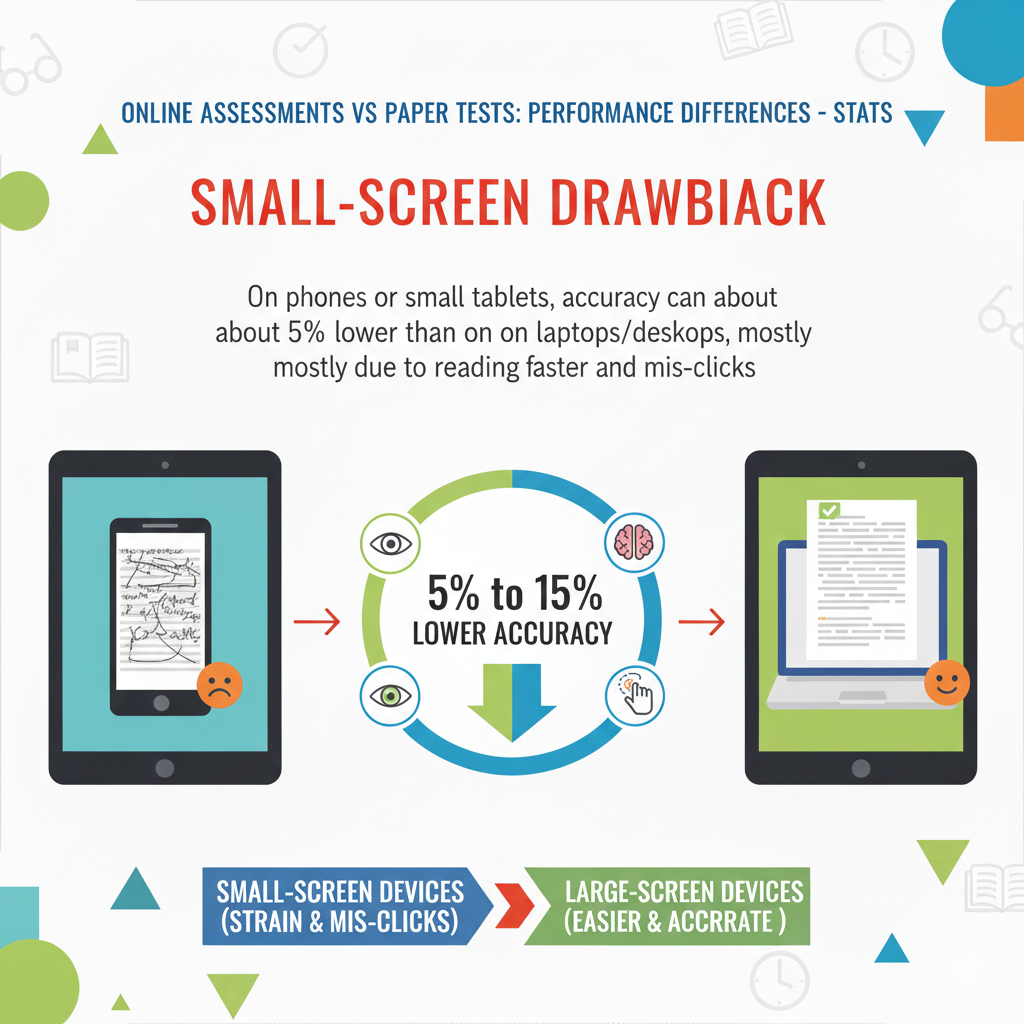
17) Small-screen drawback: On phones or small tablets, accuracy can be about 5% to 15% lower than on laptops/desktops, mostly due to reading strain and mis-clicks
Why small screens increase errors
Small screens make text smaller. They make scrolling more frequent. They make it easier to tap the wrong choice. They also strain the eyes faster, which can reduce focus. Even small discomfort can lower accuracy over time.
Some children also hold phones in a casual way, like lounging. That posture reduces attention compared to sitting at a desk. The device becomes a “relax tool,” not a “focus tool.”
Actionable advice for families using small devices
If the real test will be on a laptop or desktop, practice on that type of device. If that is not possible, at least use the largest screen available for practice. If your child must use a tablet, use landscape mode when possible, increase font size if allowed, and keep the screen steady on a table.
Teach your child to zoom carefully. Random zooming can make them lose track of layout. Instead, show them how to zoom once, set the view, and keep it stable.
Also train “tap verification.” After selecting an answer, they should visually confirm the correct option is highlighted. This simple check reduces mis-taps.
Debsie works best on a larger screen for deeper learning tasks, especially reading and writing. If you can, use a laptop for your child’s most important practice sessions.
18) Mis-click / input errors: Online tests can see about 1% to 5% of responses affected by entry issues (wrong option clicked, drag-drop mistakes), especially for younger learners
Why small input mistakes cost real marks
A 1% to 5% error rate sounds small until you imagine a 100-question test. That can mean one to five questions wrong for no academic reason. Younger children are more likely to mis-click because their hand control is still developing and they may rush. Drag-and-drop questions can be even trickier because one small slip can place an answer in the wrong box.
These mistakes hurt because they feel unfair. The child might know the answer but still lose points. The good news is that input errors can be reduced with simple habits.
Actionable advice to cut mis-clicks sharply
Teach your child to slow down only at the click moment. They can think at normal speed, but when choosing, they should pause for half a second and click carefully. After clicking, they should confirm the choice is selected. Many platforms show a highlight or check mark. Train your child to look for it every time.
For drag-and-drop, teach a “place and check” habit. After dropping an item, the child should check that it landed in the correct slot and did not shift another item. If the test allows it, they should re-check all placements once before submitting.
Also help your child practice with the same question types they will see in school. If the school uses drag-and-drop, practice it at home so it feels normal.
On Debsie, challenge formats can help children get used to these digital actions in a low-stress way, so they do not waste marks on simple input slips.
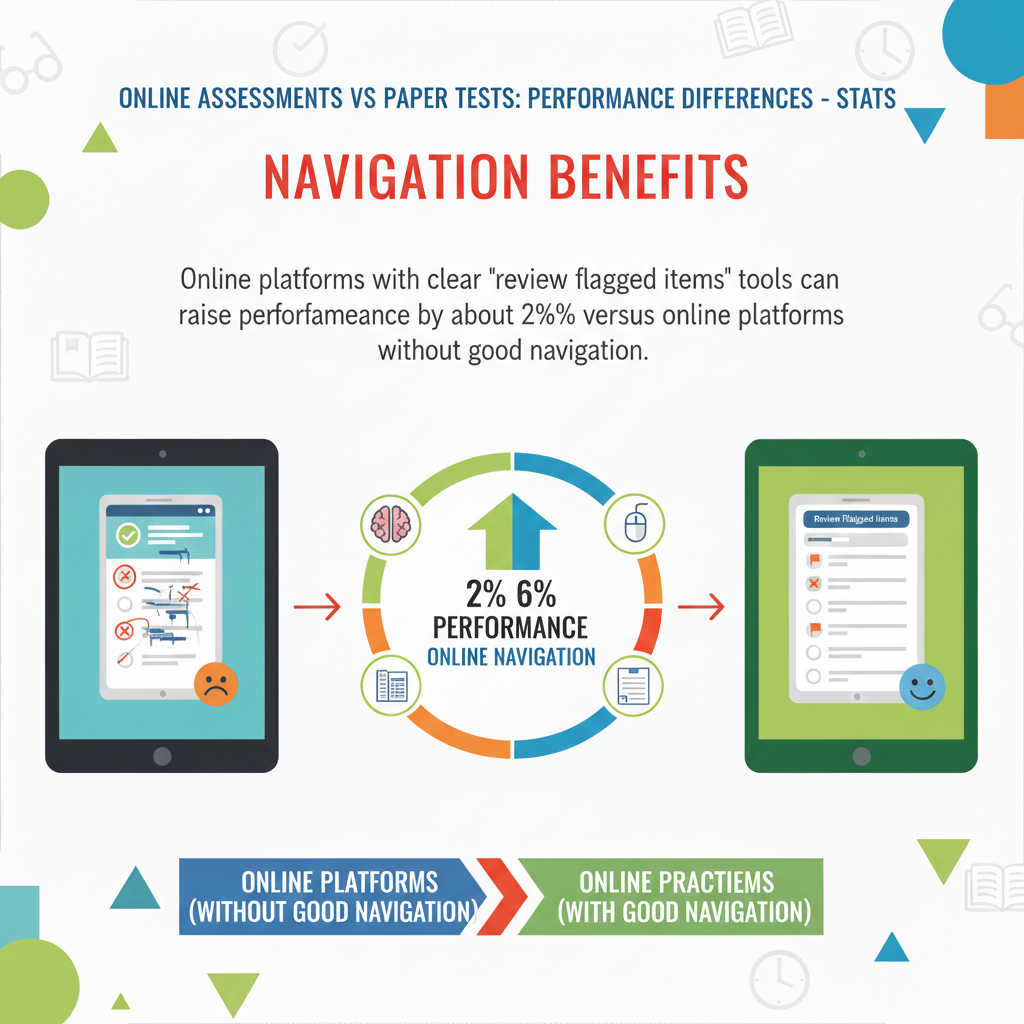
19) Navigation benefits: Online platforms with clear “review flagged items” tools can raise performance by about 2% to 6% versus online platforms without good navigation
Why good navigation improves thinking
A good test tool helps the student think. A bad tool steals mental energy. When a platform lets students flag questions, view flagged items, and jump back easily, students can manage time better. They can keep moving, avoid getting stuck, and return later with fresh eyes.
That can raise performance by a few percentage points, which is huge in competitive settings.
This is not only about comfort. It is about strategy. Good navigation supports good strategy.
Actionable advice to use navigation like a pro
Teach your child a simple approach. First pass: answer the easy and medium questions, flag the hard ones, and keep moving. Second pass: return to flagged questions. Third pass: do a quick scan to ensure no blanks and no mis-clicks.
The key is discipline. Some kids flag too many questions because they want to “double-check everything.” That can waste time. Set a rule: flag only questions they truly are unsure about, not ones they just want to feel perfect about.
If your child will use a specific testing platform, practice navigation before the exam. Show them where flagged items appear, how to jump, and how to avoid losing time.
Debsie practice often builds this exact skill: children learn to manage tasks like levels in a game, which makes strategic navigation feel natural.
20) Randomized questions: Random question order (common online) can reduce cheating and shift class averages by about 1% to 4% (often slightly lower because copying is harder)
Why random order changes the testing environment
When students see different question orders, it becomes harder to copy. That improves fairness. It can also slightly lower average scores in a class because students cannot rely on quick peer cues. The score shift is often small, but it matters because it reflects a more honest measure of learning.
Random order also changes how students experience pacing. A student might see hard questions earlier than expected, which can raise stress if they do not have a good plan.
Actionable advice to handle random order calmly
Train your child to not expect a “nice flow” from easy to hard. Tell them upfront: the test may start with a tough question, and that is okay. The right response is not panic. The right response is strategy.
Teach the skip-and-flag skill. If the first question is hard, they should not freeze. They should flag it, move on, and come back later. This keeps their confidence stable and protects time.
Also teach your child to “reset” emotionally after a hard item. A quick deep breath and a simple thought like “next question, fresh start” can prevent one tough question from ruining the next five.
Debsie’s gamified learning naturally builds resilience because kids often face mixed-difficulty challenges and learn to keep moving without giving up.
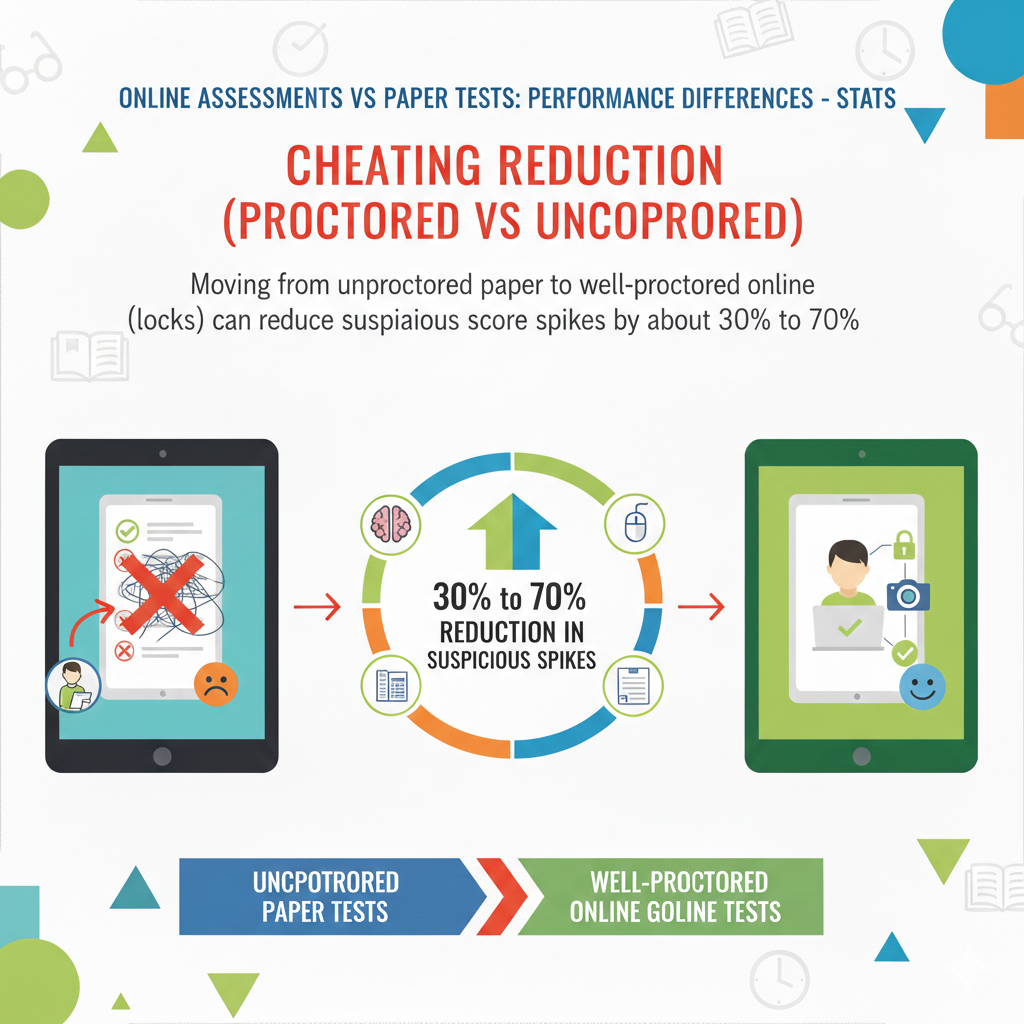
21) Cheating reduction (proctored vs unproctored): Moving from unproctored paper to well-proctored online (locks + monitoring) can reduce suspicious score spikes by about 30% to 70%
Why strong proctoring changes results
This stat is about fairness and trust. When tests are monitored well, scores reflect real skill more closely. That means honest students are rewarded. It also means some “too good to be true” spikes drop because outside help becomes harder.
For parents, the key point is simple: a well-proctored online test often gives a more accurate picture of what your child knows.
Actionable advice to prepare for proctored conditions
Proctored online tests can feel strict. Children may not be able to switch tabs, use calculators beyond what’s allowed, or look away often. Prepare your child for that environment so it does not feel scary.
Have them practice in a clean space with no distractions. Teach them to keep eyes on the screen, hands steady, and movements calm. If the test uses a lockdown browser, try a practice run so they know what it feels like.
Also remind your child that strict rules protect them too. Honest effort matters more when everyone plays fair.
Debsie’s structured learning helps children depend on their own skills, not shortcuts. That is the best long-term advantage in any proctored setting.
22) Unproctored online inflation: Fully unproctored online tests can show average scores about 5% to 20% higher than proctored tests of the same difficulty (because help is easier to access)
Why this can mislead parents and students
Unproctored online tests can feel great because scores may look higher. But higher does not always mean stronger learning. If a child uses notes, search, or help from others, the score becomes less useful. It does not show what the child can do alone, under pressure, which is what real exams often require.
This is not about blaming kids. It is about using practice in a way that truly helps growth.
Actionable advice to make unproctored practice honest and useful
Create two clear practice modes at home. Mode one is “learning mode.” In learning mode, it is okay to use notes and pause. The goal is understanding. Mode two is “test mode.” In test mode, no help, no pausing, and a timer. The goal is performance. Both modes are needed, but they must be separated clearly.
When your child takes an unproctored test, ask one simple follow-up: “Which questions did you feel unsure about?” This helps you see whether the score matches confidence. If the score is high but the child felt unsure, it may not reflect true mastery.
Debsie’s practice can be guided to keep this honest balance, so kids learn deeply and also perform strongly under real test rules.
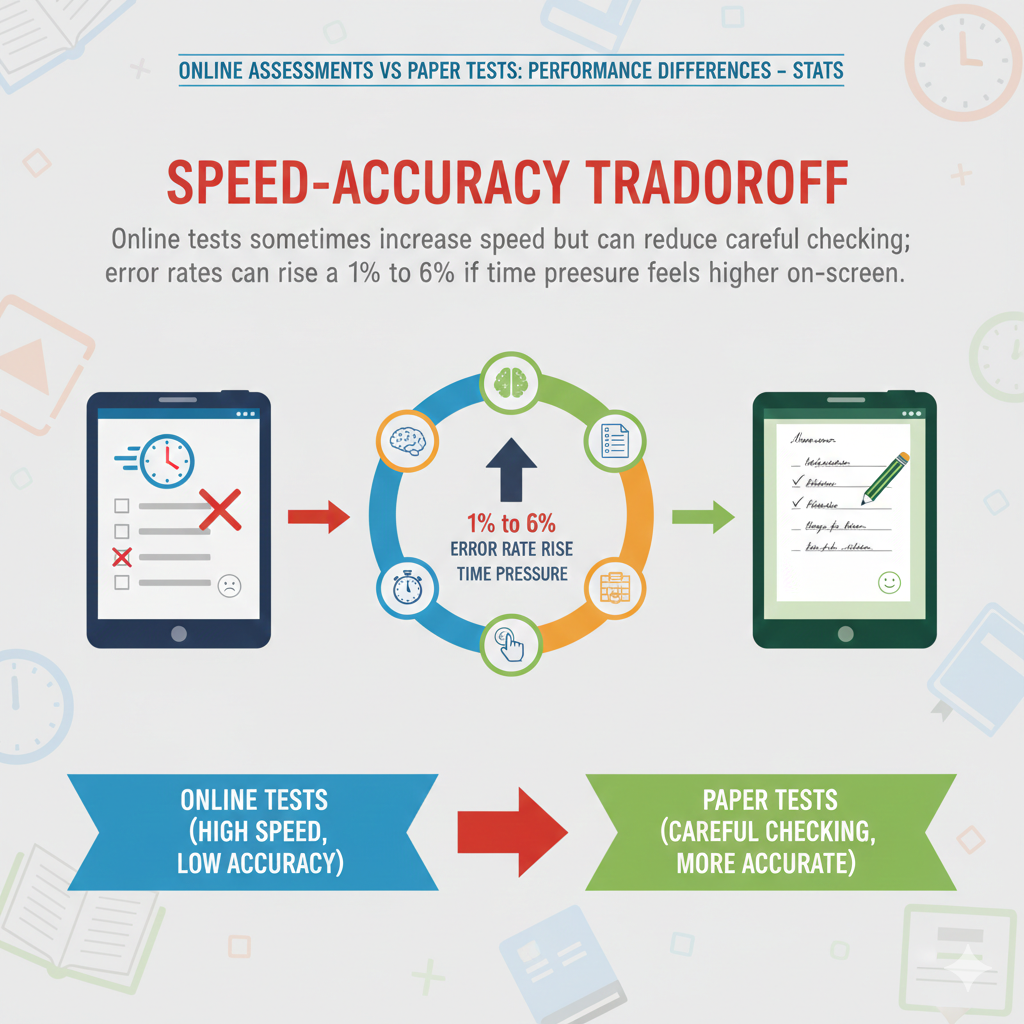
23) Speed–accuracy tradeoff: Online tests sometimes increase speed but can reduce careful checking; error rates can rise about 1% to 6% if time pressure feels higher on-screen
Why online time pressure feels stronger
On a screen, the timer often feels more visible. Some platforms show a countdown that makes kids nervous. Also, clicking “next” is so easy that kids can rush without noticing. The brain can slip into a “fast mode,” where it stops double-checking. That is when small errors rise.
The problem is not speed itself. The problem is speed without control.
Actionable advice to protect accuracy while staying efficient
Teach your child a pacing rule: the first third of the test should feel steady, not rushed. If they rush early, they often make mistakes and then spend time fixing them later, which is worse.
Teach “micro-checks.” After answering, they should quickly ask, “Did I answer what was asked?” This catches many errors linked to words like “not,” “except,” and “best.”
If the countdown timer creates anxiety, train your child to check the timer only at planned moments, like after every ten questions. Constant timer watching burns focus.
Debsie’s timed practice can teach kids to feel time without being controlled by it, which is a key life skill as well as a test skill.
24) Accessibility tools: When students who need supports get proper online accommodations (text-to-speech, zoom, contrast), their scores can improve by about 5% to 20% compared with paper tests without equivalent supports
Why accommodations can change everything
For some students, the biggest barrier is not the subject. It is the way information is presented. A child with reading strain may read slower on paper. A child with vision needs may struggle with small print. A child with attention needs may benefit from clean screen layout and zoom. When online tools match the child’s needs, the child can finally show what they know. That is why the score jump can be large.
This stat is also a reminder: “fair” does not always mean “same.” Fair means each child gets what they need to show learning.
Actionable advice to secure and use accommodations properly
If your child needs support, start early. Schools often require time to approve accommodations. Ask what is available in online tests. Common supports include zoom, larger font, high contrast, text-to-speech, extra time, and separate settings.
Then practice with those supports before exam day. Tools only help if the child knows how to use them smoothly. For example, text-to-speech is powerful, but some kids find it distracting if they are not used to the voice. Practice helps them control it.
Also teach your child to use accommodations strategically. Zoom is great, but too much zoom can create extra scrolling, which can hurt. The goal is the best balance for focus and clarity.
Debsie can support families by helping children build strong learning habits in a way that respects how they learn best, especially when they need a bit of extra support.
25) Handwriting advantage (younger kids): In early grades, paper testing can yield about 3% to 12% higher performance than online, especially for reading and writing, because handwriting and paper navigation feel more natural
Why paper can feel safer for younger learners
Young children are still learning basic control skills. Holding a pencil, moving eyes across a page, and tracking lines are practiced daily in early school. Many of them have less practice with structured online testing. So paper feels familiar and stable. They can see the whole page. They can point at words. They can circle key parts. That comfort can translate into higher scores.
Online testing can still work for young learners, but it requires gentle training and the right setup. Without that, the format can feel like an extra challenge.
Actionable advice to help young kids succeed in both formats
If your child is in early grades, do not switch fully to online practice overnight. Keep paper practice for reading and writing skills, while slowly adding short online tasks. The goal is to build screen comfort without removing the stability of paper.
For online, choose short sessions. Teach simple actions: click once, scroll slowly, and check the selected answer. Keep it calm and brief. For reading, help them learn to use the cursor as a “finger” to track lines on screen. This replaces the paper habit.
For writing, build typing comfort slowly, but do not rush. Many young children still need handwriting practice for brain development and fine motor skills.
Debsie can help early learners by using engaging, guided activities that feel playful while still building real focus and test readiness.
26) High school/college parity: By late high school and college, format effects often shrink to about 0% to 3% in many subjects when tools and time are similar
Why older students often perform the same in both formats
As students grow, they become more comfortable with devices. They type more. They read online more. They use digital tools for homework. Over time, the format becomes less important than the content. That is why the performance gap often shrinks.
This is good news. It means the test format is not a permanent disadvantage. With time and practice, most students can handle both formats well.
Actionable advice to build “format flexibility” for teens
For older students, the best goal is flexibility. They should be able to switch from paper to screen without losing focus. That comes from mixed practice. If your teen studies on paper, add online practice quizzes. If they study online, add some paper-based timed practice too, especially for math steps and diagram work.
Also teach students to understand the tools allowed in each format. For example, some online exams provide built-in calculators or formula sheets. Students should practice with those tools so they do not waste time learning them during the exam.
Debsie’s structured learning can help teens build strong habits across formats through regular challenges, timed practice, and feedback that makes improvement clear.
27) Test completion rates: Online tests typically have about 10% to 30% fewer “lost papers / unreadable marks / missing pages” issues compared with paper-based collection
Why online reduces “administrative” problems
Paper tests can have non-academic issues. A page can be skipped. A bubble can be unclear. A paper can be damaged. A name can be written in the wrong place. These problems can lead to lost points or delays, even if the child did good work.
Online tests avoid many of these issues because submissions are saved digitally. Answers are recorded clearly. Pages cannot fall out. It is simply harder for a test to get “lost.”
Actionable advice to still protect your child online
Online tests reduce some risks, but they add new ones. Teach your child to confirm submission. Many systems show a final screen like “submitted successfully.” Your child should wait until they see that message.
Also teach them to save when possible. Some platforms auto-save, some do not. If saving is manual, practice it as a habit.
Before starting, ensure the device is charged and stable. If the test is at home, a stable internet connection matters. If the test is at school, the school usually manages this, but your child should still know how to ask for help calmly if something feels wrong.
Debsie helps children develop calm, responsible routines, which are useful not only for tests but also for real-world digital work.
28) Grading reliability: Auto-scored online multiple-choice tests can reduce scoring errors by about 80% to 95% compared with manual paper scoring (where bubbling/hand scoring mistakes happen)
Why online scoring can be more accurate
When a computer scores a multiple-choice test, it does not get tired. It does not misread a bubble. It does not skip a line. That can reduce scoring mistakes that happen in manual processes. Paper scoring can be accurate too, but mistakes do happen, especially at scale.
This matters because it increases trust in the result. It also means students should focus on accuracy in answering, since scoring is less likely to “miss” what they did.
Actionable advice to match this reliability with clean responses
Even with accurate scoring, students must avoid input mistakes. Teach them to make sure an option is clearly selected. Teach them to avoid double-clicking that might unselect an answer in some systems. Teach them to keep calm during fast sections.
If your child is doing paper tests that will be scanned, teach careful bubbling. Many kids make errors by partially filling bubbles or changing answers messily. Clean bubbling protects their score.
Debsie practice can help students build consistent answering habits, so their true knowledge is reflected in the score no matter how it is graded.
29) Score reporting time: Online assessments often cut score turnaround from days/weeks to minutes/hours, frequently a more than 90% reduction in reporting time for objective items
Why fast results can speed up improvement
Fast results mean fast learning. When a child sees a score quickly, the memory of the test is still fresh. They can review mistakes while they still remember what they were thinking. Parents and teachers can respond quickly too. This speeds up progress.
Slow results can waste a powerful learning moment. By the time scores arrive, the child has moved on mentally, and the feedback feels less useful.
Actionable advice to use quick reporting for real growth
When your child gets fast results, use them immediately, but calmly. Do not turn it into a stress event. Choose one small goal from the results. For example, “You missed questions with graphs” or “You lost marks on negatives like ‘not.’” Then practice that one goal for a week.
Teach your child to focus on patterns, not on the number alone. A score is a snapshot. A pattern is a roadmap.
Debsie’s platform is designed to use quick feedback in a supportive way, so kids feel motivated to improve instead of judged.
30) Practice effect: After students take about 2 to 4 online practice tests, the “online disadvantage” (if present) often shrinks by about 50% or more, because familiarity removes tool-related friction
Why a few practice rounds can change performance
This stat is a gift for parents. It means you do not need endless practice to see a big improvement in comfort. Often, after just a few rounds, the child stops thinking about the tool and starts thinking about the questions. The fear fades. The clicks become automatic. The pacing becomes smoother.
When the tool friction goes down, the child’s real skill can show up.
Actionable advice to make those 2 to 4 practices count
Do not waste practice tests by taking them casually. Make each one realistic. Use a timer. Sit at a desk. Reduce distractions. Use the same device type if possible. After each practice, review only the most important mistakes. Do not overwhelm your child with a long lecture.
Between practice tests, focus on one improvement target. For example, practice scrolling carefully, or improve typing comfort, or train the “read, answer, confirm” habit. Then take the next practice test and see the change.
If your child feels nervous about online tests, this is the fastest path: a small set of realistic practice runs, each followed by calm review and one clear skill focus.
Debsie makes this easier because the practice is structured, guided, and engaging. Kids are more likely to complete those key practice rounds when it feels like progress in a game, not a punishment.
Conclusion
Online assessments and paper tests are not enemies. They are two tools that ask your child to show the same skill in slightly different ways. The stats you saw point to one clear truth: most score gaps are not caused by the format itself. They are caused by comfort, habits, and the testing setup.