
Classrooms have changed fast. Laptops and tablets sit beside notebooks. Lessons live inside apps. Homework flows through platforms. This shift is big, and it touches every child, teacher, and parent. You want to know what is truly happening, not hype. You want clear numbers, plain words, and practical steps you can use today. That is exactly what this guide gives you.
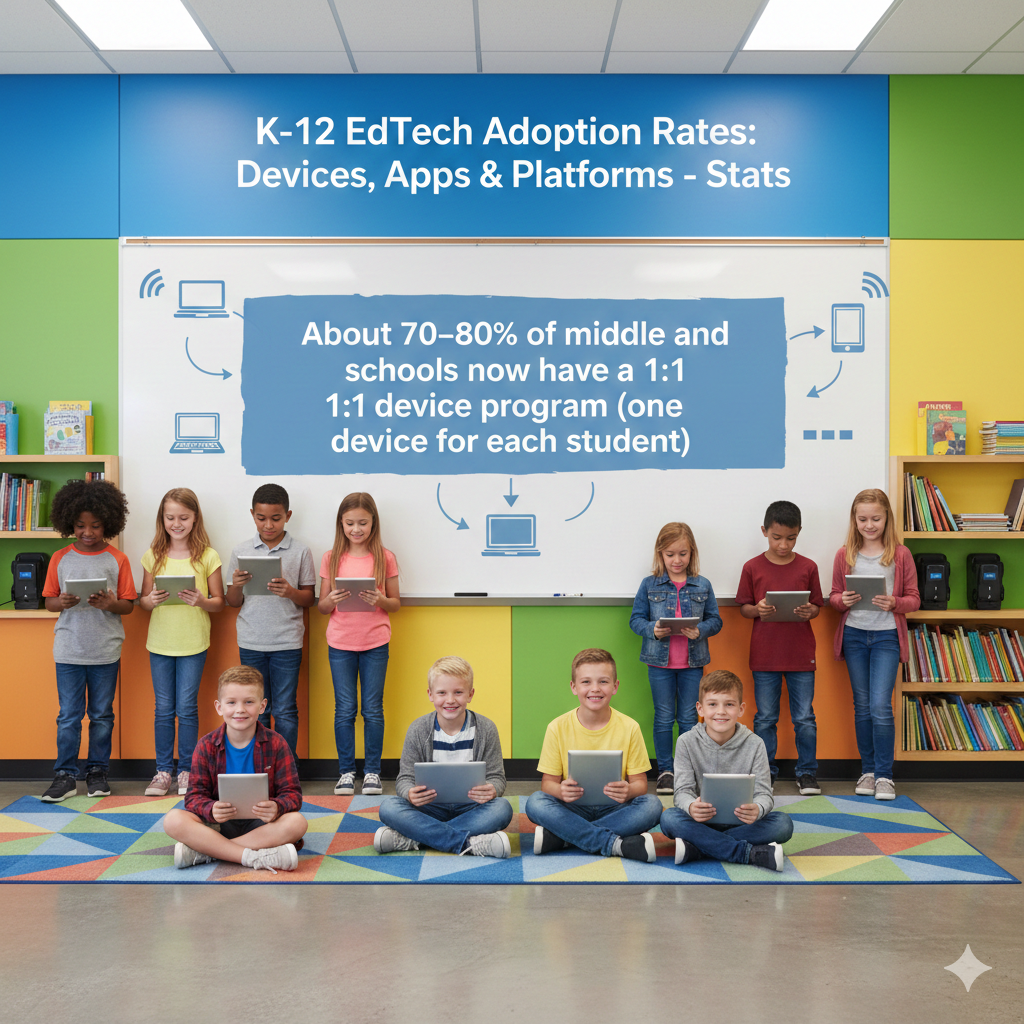
1) About 70–80% of middle and high schools now have a 1:1 device program (one device for each student)
What this means and how to act on it today
In most middle and high schools, every student now has a device in hand. This is a big shift from shared carts and crowded labs. With one device per learner, lessons can move at the student’s pace, feedback is faster, and quiet students get a stronger voice through chats and quick checks.
But the device is only the first step. The real win happens when daily routines make the device serve learning, not the other way around. A clear routine sets the tone. Begin each class with a two-minute warm-up on a familiar app, set a mid-lesson check for understanding, and end with a short reflection.
When students know the rhythm, you spend less time managing screens and more time guiding thinking. Small habits prevent big problems. Use simple rules like lids at forty-five degrees during talks, full screen during practice, and hands off keyboard when someone speaks.
Keep rules short, repeat them with calm words, and model them yourself. Teachers need quick support too. Share a one-page playbook with three go-to moves for each device type, such as how to push a link, lock screens for attention, and launch a quiz in seconds.
Offer five-minute help sessions during lunch or right after school. Do not wait for a big workshop. Students thrive when content fits their level. Pair the 1:1 setup with adaptive practice for math and reading so each learner gets stretch tasks, not busy work.
Track one simple metric each week, like minutes on task or mastery points gained, and talk about it with students so they see their own growth. Families feel better when they know the plan. Send a short note that explains how devices help learning and what care looks like at home.
Share tips for charging, storing, and setting a homework window. If you want help building the routine and picking the right apps, book a free trial class with Debsie. We will show you how to turn a device into a daily learning engine your child actually enjoys.
2) In elementary grades, roughly 55–65% of schools have a 1:1 device setup
How to make young learners thrive with simple, steady rules
Many elementary classrooms now have a one-to-one setup, but young children need clear guidance to use devices well. Short sessions work best. Aim for ten to fifteen minutes of focused digital work at a time, followed by hands-on activity or discussion.
Keep screens as a station, not the whole room. One corner can be for reading apps, one for math games, and one for creative tasks like drawing or recording a story. Move students in small groups so you can sit with one group and coach deep thinking.
Choice drives joy at this age. Offer two or three app paths that reach the same goal. For example, a phonics app, a read-aloud tool, or a voice recording where the child reads a short passage. When children pick, they care more and try harder.
Build care habits from day one. Teach a simple open-carry-close routine, with both hands on the device, a soft place to rest it, and a check for sticky fingers. Give each device a name or friendly label so students feel ownership. Use a gentle countdown to shift focus.
A slow count from five with a calm voice gives time to close, save, and look up. Avoid sudden cutoffs that cause tears or lost work. Keep passwords simple with picture logins or a single sign-on, and practice logging in as a class until every child can do it alone.
Track progress in a way kids can see. A small chart with stars for focus time or completed lessons builds pride and helps you spot who needs support. Invite families into the routine. Share a short video that shows the login steps and the day’s reading app.
Ask parents to set a nightly charge spot and a set end time for screens. If you want a smooth, child-friendly start with joyful apps and calm routines, try a Debsie class. Our teachers use games and stories to build strong skills without stress.
3) Of all student devices, about 45–55% are Chromebooks, 20–30% are Windows laptops, and 15–25% are iPads
Picking the right mix for your goals, not just your budget
Chromebooks lead in many schools because they boot fast, update themselves, and work well with web apps. They shine in writing, research, quizzes, and light creation. Windows laptops offer more power for advanced tasks like coding with heavier tools, running local software, or using specialized lab gear.
iPads excel in touch-first creativity, early literacy, art, music, and video. Each platform can be great if it matches your plan. Start with your top five learning tasks, not the device specs. If your day is heavy on writing, reading, and quizzes, a Chromebook fleet fits well.

If you need desktop apps for design or engineering classes, plan for a Windows lab or a set of higher power laptops. If your K–2 classes rely on drawing letters, recording sound, and building pictures, iPads may give the smoothest path. Manageability matters as your fleet grows.
Pick one main platform for most grades to simplify updates, filters, and sign-ins, then layer a small set of specialty devices where needed. Keep chargers and cases uniform to reduce lost time. Train teachers on the few key moves that matter on each platform, such as casting a screen, starting a quick formative check, and opening split view.
Do not chase features you will not use. Make creation a weekly habit on every device, even the simplest Chromebook. Students can record a short talk, build a slide story, or code a small interactive project. This keeps learning active and builds pride.
Plan for care and repair from day one. Buy rugged cases, label every device, and set a same-day loaner routine so no child falls behind. Set a refresh plan that rotates by grade, moving older devices to younger grades or light-use stations.
If you want a clear device map and a creation plan by grade, Debsie can help you design it and pick tools that fit your goals and budget.
4) Around 60–70% of students use a school-owned device; 30–40% use a personal or family device (BYOD) at least sometimes
How to make mixed device environments smooth and fair
Most classrooms blend school devices and personal devices. This mix can work well if you keep things simple and fair. Start by choosing web-first tools that run the same on any device. If the app opens in a browser and needs only a sign-in, you cut down on setup time and support tickets.
Create one short device policy that fits both groups. Use the same rules for care, logins, and screen time so no one feels singled out. Keep privacy strong by asking students to sign in only with school accounts for classwork, even on home devices.
This keeps data in one safe place and helps you see progress clearly. When homework requires an app, always provide a browser option too. Post a direct link and a thirty-second how-to video so families can help at home. The best way to avoid stress is to set predictable routines.
Begin class with a two-minute check that all students can open the day’s tab, then walk the room and spot issues early. If a personal device cannot run a needed tool, move that student to a school-owned loaner for the day without fuss. Train a few student tech helpers in each class.
Teach them how to reset a password, connect to Wi-Fi, and clear a browser cache. This builds leadership and cuts wait time for help. Keep a small kit ready with spare chargers, a power strip, and a few loaners. Post a simple sign-out sheet so you can track who needs extra support.
Communicate with families in calm, clear steps. Share the top three apps you use, how students log in, and what to do if a personal device fails. If you want a friendly setup with safe sign-ins and tools that just work on any device, join a Debsie trial. We keep learning equal, no matter what device a child has in hand.
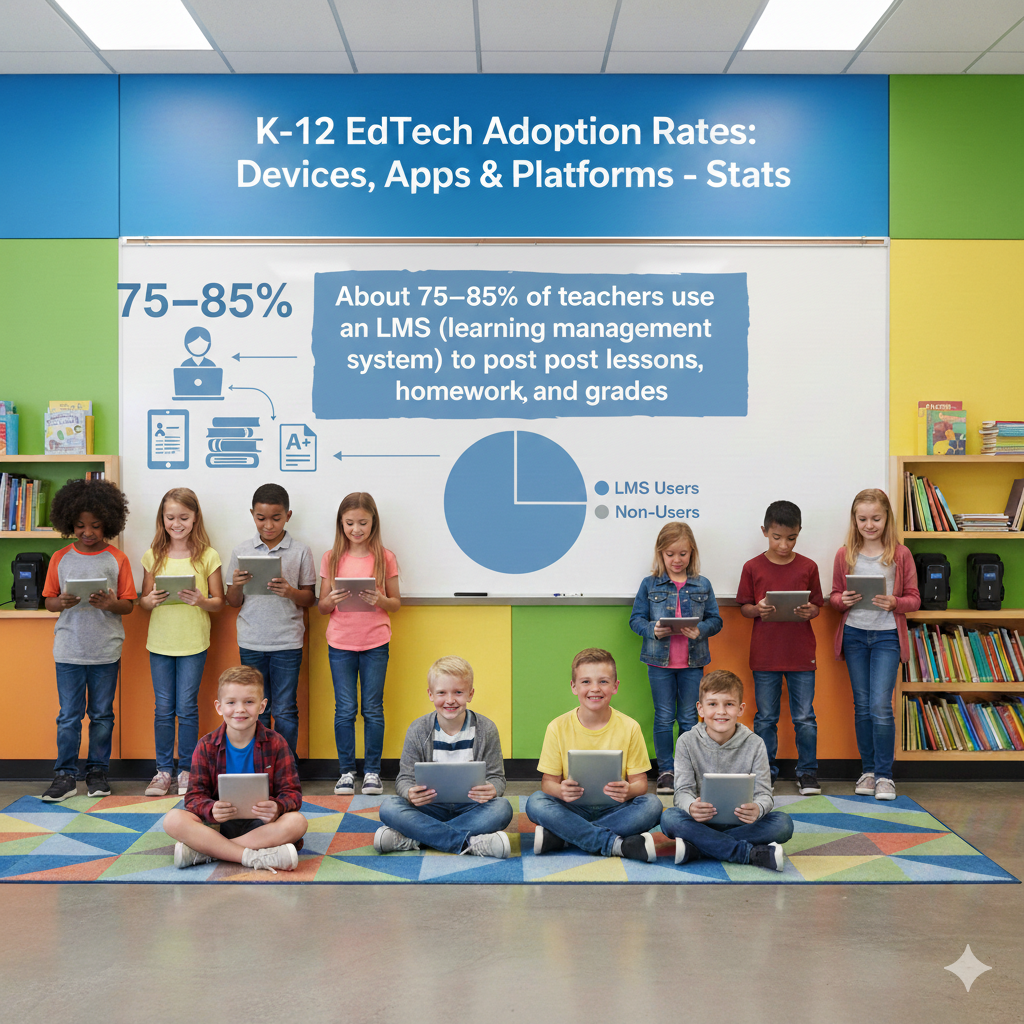
5) About 75–85% of teachers use an LMS (learning management system) to post lessons, homework, and grades
Turning your LMS into the calm center of the classroom
An LMS is now the daily home base for most teachers. The trick is to make it clean, calm, and predictable so students always know where to click. Start with one clear weekly module. Put the week’s goals at the top in plain words, followed by each day’s lesson, the key link, and the due date.
Keep names short and consistent so nothing feels hidden. Use the LMS as the single source of truth. If you post an assignment, put it in the LMS first before any email or chat. If a deadline changes, update it there and only there. This trains students and families to look in one place and trust what they see.
Build quick feedback loops. Use short auto-graded checks for facts and a simple rubric for deeper work. Aim to return something within twenty-four hours, even if it is one line of praise and one next step. Consistent feedback builds momentum. Keep the gradebook tidy.
Use clear categories like practice, projects, and assessments. Drop the clutter of tiny extra credit items that confuse families. Post a brief weekly summary so parents see what mattered most. Make the LMS friendly for all learners. Add short audio notes, simple captions, and a clean reading order.
Offer both a video and a text version for key instructions so each child can choose how to learn. Save your time with templates. Create one template for a daily lesson and one for a project, then copy them each week. This keeps the look steady and reduces clicks.
If you want ready-to-use LMS templates and simple, joyful lessons that plug right in, Debsie can help you set it up and keep it running with less work and more learning.
6) Google Classroom is used in about 50–60% of K–12 classrooms that have an LMS
Simple moves to get the most from Google Classroom in minutes a day
Google Classroom is popular because it is light, fast, and easy. To make it truly powerful, keep everything in one stream of clear, dated posts. Use a short, steady naming pattern such as Week 22 Day 3 Fractions Practice, so students can search fast and know exactly what to open.
Pin the week’s overview at the top and put the must-do assignment right below it. Set turn-in steps that are always the same. Ask students to attach their file, click turn in, and write one sentence that tells you what part was hardest. That sentence is a gift. It shows where to help next.
Use rubrics for speed. Build a three-row rubric for accuracy, explanation, and effort, then reuse it. Add quick comments to your comment bank, such as show your steps, add one example, or explain in your own words. This lets you give rich feedback in seconds.
Keep parents in the loop with guardian summaries. Write a friendly one-line preview at the start of each week so families know what matters and how to support at home. Use question posts as warm-ups. A simple prompt at the start of class, like share one way to check your answer, gets everyone thinking without eating time.
For group work, assign a copy of a shared slide deck to each team and give each student a role slide. This makes teamwork visible and fair. When work piles up, schedule posts ahead on Friday for the next week. Your future self will thank you.
If you need a jump-start with Classroom-ready lessons and gamified practice that children love, try a Debsie session. We bring clear structure, kind feedback, and lively tasks that fit right into your class.
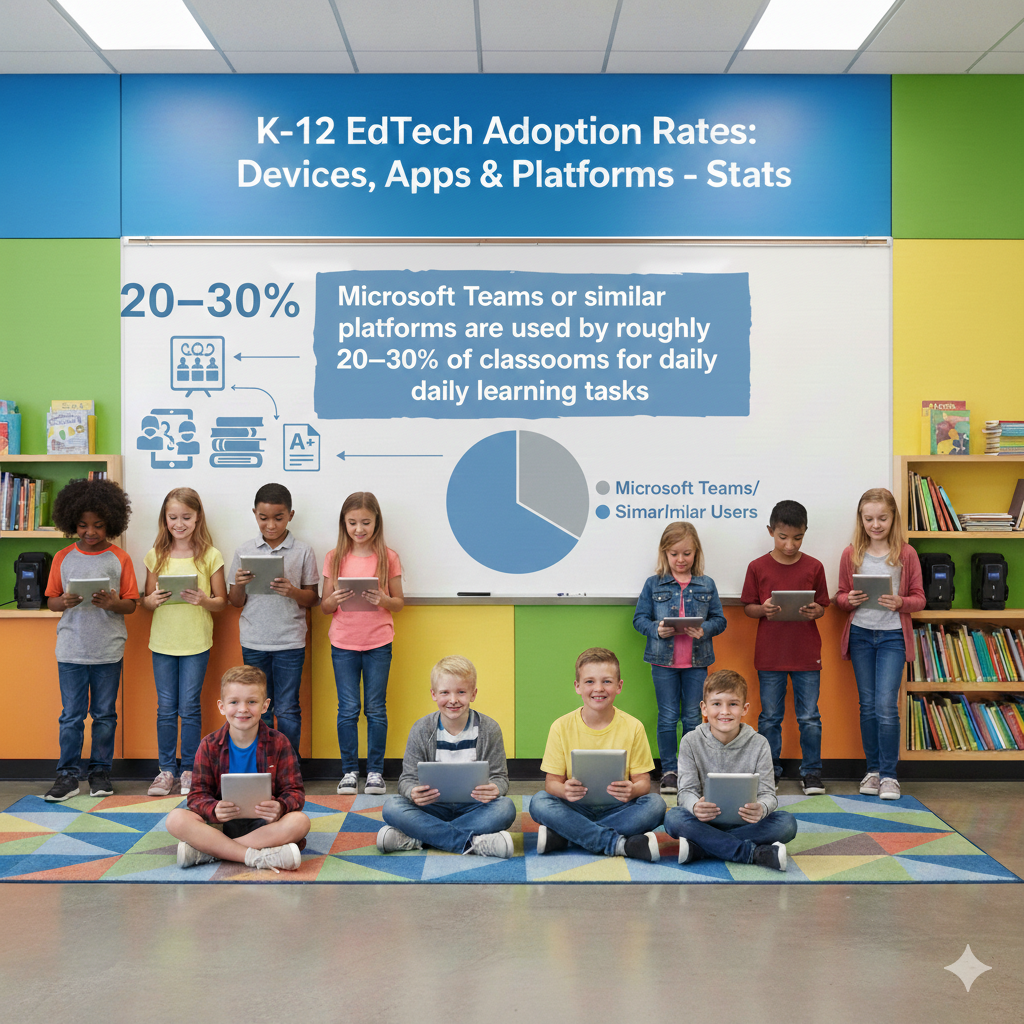
7) Microsoft Teams or similar platforms are used by roughly 20–30% of classrooms for daily learning tasks
How to keep Teams simple, steady, and student-friendly
When you use Microsoft Teams for class, think of it as your quiet hallway. Channels are rooms. Posts are gentle signs on the wall. Keep one main Class channel for daily work and one channel per big unit so nothing gets buried. Name channels with clear dates or topics so students know where to go.
Start each week with a short post that states goals in plain words, links the core assignment, and lists the due date. Use Assignments for everything that needs a turn-in, even small checks. This makes grading and feedback smooth and keeps the grade view clean for families.
Meet fatigue by making live sessions short and focused. Ten minutes to teach, five minutes to model, then send students to do. Use Meeting Options to control mics and chat so focus stays on the task. Record key demos so absent students can catch up without stress.
Keep chat helpful. Set norms like ask one question at a time, try to solve for two minutes before you post, and thank the peer who helped you. Use Praise badges to lift quiet wins such as careful work or clear explanations.
Organize files with a tidy folder for each unit and a simple naming pattern for slides, notes, and worksheets. This saves minutes every day. Use rubric grading inside Assignments to make feedback quick and fair. Keep three or four simple rows so students can understand their next step at a glance.
For group tasks, create private channels for each team, add a template file, and post a weekly progress nudge. If you want ready-made Teams templates and light, joyful tasks that plug right in, Debsie can help your class feel calm and clear from day one.
8) About 70–80% of schools rely on video tools (like Zoom or Meet) for virtual lessons, tutoring, or parent meetings
Make live video time short, sharp, and worth it
Live video is powerful when it respects time and attention. Plan each session with a tiny arc. Start with a one-minute agenda in your own words. Teach a single idea for five to seven minutes, then let students practice off-screen or in quiet breakout rooms.
Bring them back for a short share and one next step. Keep cameras optional, but set one active norm like type your idea in chat, show your work on screen, or hold up your notebook for a quick check. Use waiting rooms and clear names to keep the space safe.
Set simple chat rules and use co-hosts or student helpers to watch the chat while you teach. Record only what helps, like a quick demo or problem solve, and post it with a short title so students can find it later. Use a timer on your desk to keep the session tight.
When time is almost up, give a two-minute wrap so students can write a reflection or a plan for their next step. For tutoring, stick to tiny goals. One problem type, one reading skill, one lab method. Ask the student to lead the last example to lock in learning.
For parent meetings, share one data point and one small action they can do at home, like a reading tip or a math warm-up game. Keep tech light. Always share the doc link in chat and in the LMS so no one is stuck.
If you want joyful, bite-size video lessons and tutoring plans that fit busy lives, join a Debsie trial. We design sessions that feel human, calm, and effective.
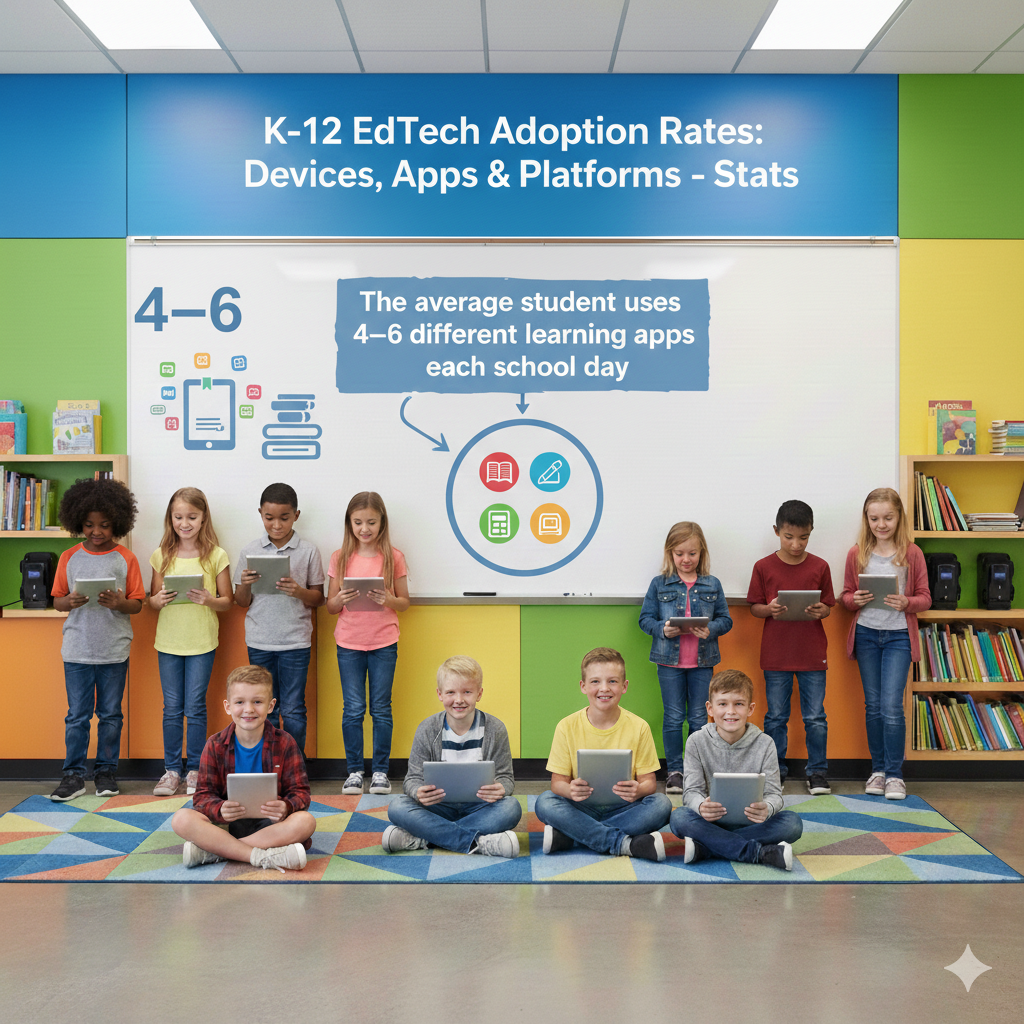
9) The average student uses 4–6 different learning apps each school day
Reduce app hops and make every click count
Too many apps can drain energy. Aim to use a small set for core tasks and keep the rest as special tools. Map each app to a single job. One for practice, one for content, one for creation, one for checks. Post a daily plan with direct links so students open the right place fast.
Teach quick app start-ups. In the first minute of class, have students open the two tabs they will need and sign in. Walk the room and fix issues early so minutes are not lost later. Build a small routine for switching tools. A calm countdown, a save-and-close step, and a short stretch helps the brain reset.
When you add a new app, remove one. This keeps the list lean and reduces support time. Use visual cues. Put app icons in your slides and LMS posts so even young learners can spot the next step. Track engagement weekly. If one app shows low use and low impact, retire it and double down on what works.
Teach students to judge tools. Ask them to explain how an app helped them learn, not just how it looked. This builds smart, mindful use of tech. Parents feel better with clarity. Send home a one-page guide to the top apps with plain steps for logging in and a tiny FAQ.
If you want a crisp, joyful toolkit of apps that truly help learning, Debsie can set up a simple stack and coach your child to use it with care.
10) A typical school district now maintains 1,000–2,000 approved apps and digital tools across all grades
Taming the catalog so teachers and students see only what matters
A giant app catalog sounds rich, but it can overwhelm. The cure is to curate. Create a short, living list of core apps by grade band and subject. Place it on the LMS home page with direct links and quick start videos. Everything else lives in an extended catalog that teachers can browse when they need something special.
Tag each app by job and skill so search is easy. Keep purchase and renewal dates tidy in one sheet so there are no surprises. Run small, time-bound pilots before any new buy. Set two measures for success, like growth on a skill and teacher ease, then decide fast.
Remove tools that do not meet the goal. Protect teacher time by building a clear request path. A simple form that asks for the problem the app solves, the grade, the unit, and a two-week test plan keeps choices sharp. Share results with the whole staff so good tools spread.
Train leaders and student ambassadors to be app scouts. Their job is to test, report, and model smart use. Rotate them each term so many voices are heard. Keep data privacy tight. Check vendor policies for data use, storage, and deletion.
Prefer tools that offer student-level controls and export options so you own the learning record. If you want help building a clean, small set of high-impact tools, Debsie can guide your district to a calm, effective catalog that saves money and lifts learning.
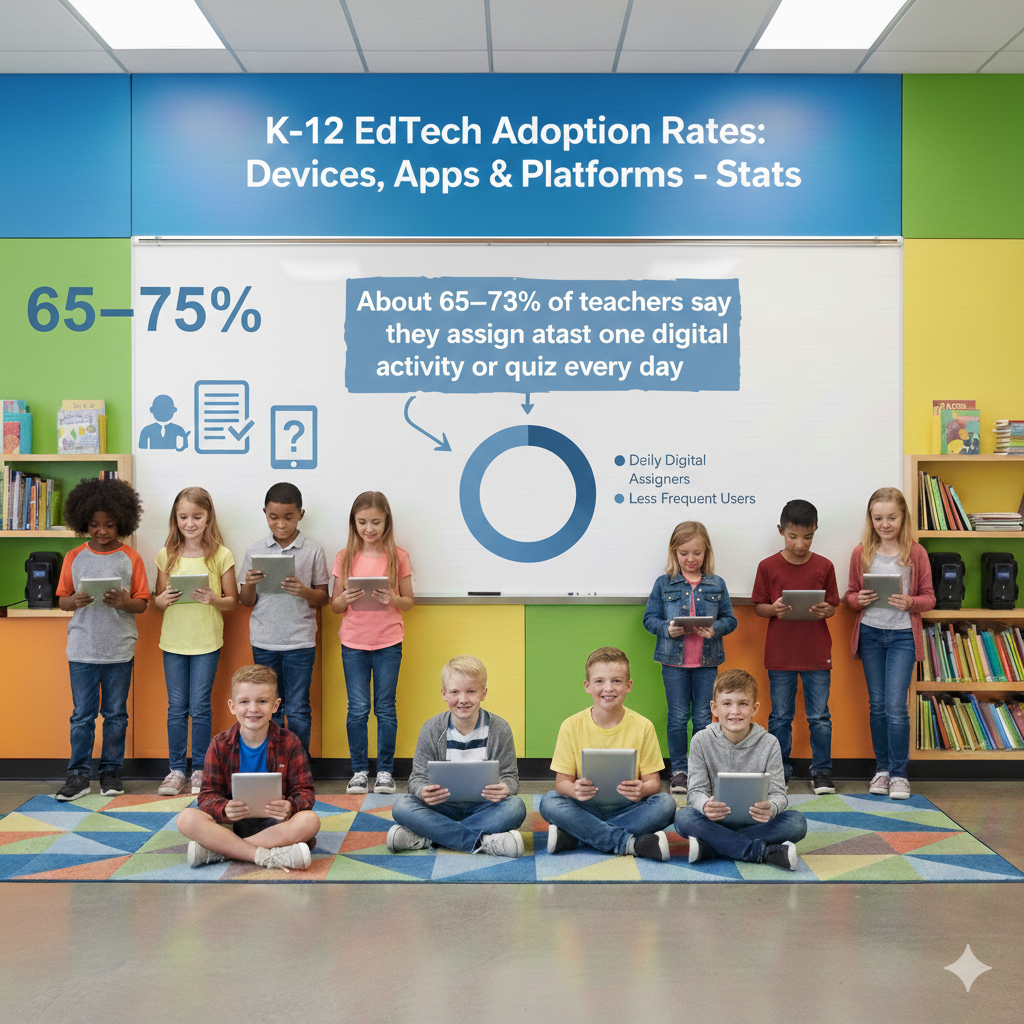
11) About 65–75% of teachers say they assign at least one digital activity or quiz every day
Turn daily digital work into visible growth, not just screen time
A daily digital task can be a spark or a slog. Keep it a spark by making it short, clear, and tied to one goal. Start class with a three-minute warm-up that checks a key skill. Use instant feedback so students know if they are on track. During practice, switch to a creation move.
Ask students to explain a step, record a quick talk, or show thinking on a shared doc. End with a one-minute exit check that tells you who needs help. Align tasks with your standards and your unit story. If you teach fractions, make Monday a concept check, Tuesday a model draw, Wednesday a real-world problem,
Thursday a partner explain, Friday a short reflection. Keep grading light. Auto-grade facts and give human notes on the single most important open response. Use your comment bank to move fast without losing heart. Show growth by posting one class chart each week, such as percent mastery or average attempts to success.
Celebrate steady gains and invite students to set a tiny goal for next week. For students who rush or click through, add a simple reflection prompt before submission, like what step did you check twice. For students who hesitate, offer a scaffold like a half-solved example they can finish.
Families want to help. Share the weekly rhythm and one home tip, like ask your child to teach you one problem they solved today. If you want daily tasks that are short, joyful, and effective, Debsie offers ready lessons that fit any schedule and help every child move forward.
12) Students spend about 90–120 minutes per school day on learning apps (not counting typing papers or browsing)
Make every learning minute focused, active, and kind on the eyes
Two hours on apps can build strong skills if you plan the time with care. Divide the block into short chunks so minds stay fresh. Aim for ten to fifteen minutes of focused work, followed by a short off-screen step like jotting notes, explaining a solution to a partner, or stretching.
Keep the first five minutes for setup and the last five for reflection so nothing feels rushed. Choose one clear goal per chunk. If the goal is reading fluency, use an app with short passages, instant feedback, and a read-aloud tool for tricky words.
If the goal is math problem solving, pick tasks that ask students to show steps and try again with hints rather than guess. Use timers so students can see progress without anxiety. Post the plan on the board and in your LMS with simple words and direct links so clicks do not waste time.
Protect eyes and posture with small habits. Ask students to sit back, keep feet flat, and lift their eyes every ten minutes to rest. Encourage large text and dark mode when helpful. Save energy by closing extra tabs before starting and using split view only when needed.
Watch for drift. If a student loses focus, bring them into a short check-in to set a tiny target for the next five minutes. Praise steady effort, not speed. At home, suggest a firm start and end time for screen work, with a short break in the middle and a no-screens wind-down before bed.
Parents can ask one simple question that builds metacognition: what did the app help you understand today that you did not understand yesterday. If you want a calm, child-friendly plan that turns two hours into deep gains, Debsie offers guided sessions and gamified tasks that help students stay engaged, learn more, and feel proud of their progress.
13) About 60–70% of schools use digital assessments for unit tests and benchmarks
Build fair, fast, and meaningful checks that truly guide teaching
Digital assessments are common, but quality varies. A strong digital test is clear, short, and aligned to the exact skill you taught. Begin with a blueprint that lists each target and how many items will check it. Mix item types so students can show thinking in different ways.
Use a few auto-graded questions for facts and quick skills, then add short constructed responses where students explain steps or ideas. Keep the total length tight so you measure learning, not stamina. Pilot every test with a small group to catch confusing wording or tech quirks.
On test day, use a calm script, a quick tool check, and one minute to model how to review answers before submitting. After the test, move fast from scores to action. Sort results by target, not by student name. Identify the top two gaps and plan a short reteach with a new method, then reassess with a tiny exit check within two days.

Share results with students in plain words. Show one strength, one growth area, and one next step they can try today. Keep parents informed with a short note that explains what the test measured and how support at home can help, like reading a paragraph together and discussing the main idea.
Protect fairness by using accessibility tools such as read-aloud, extra time, and language glossaries where appropriate. Rotate question pools and set security settings to reduce sharing. Archive results in a simple dashboard so trends are easy to spot across classes and terms.
If you want ready-to-use, standards-aligned digital checks and quick reteach plans, Debsie can help you build an assessment system that feels humane and leads to real growth.
14) Roughly 40–50% of schools use adaptive learning apps that change the level based on each student’s answers
Turn adaptive practice into visible mastery without over-reliance
Adaptive tools can be wonderful coaches when you set the right guardrails. Start by defining the exact skill path for the unit so the app’s levels match your scope. Set daily targets in minutes and in mastered skills so students know what success looks like.
Do not let the app become the whole class. Use it as a ten to twenty minute station, then pull students for human coaching based on the live data. Teach students how to use hints wisely. A good rule is try, think, hint, try again, then ask a peer or the teacher.
Celebrate struggle that leads to understanding, not just streaks. Review the dashboard each day for three signals: time on task, accuracy, and growth. If a student shows high time and low progress, switch strategies. Offer a paper mini-lesson or a manipulatives demo, then send them back for one short set to lock it in.
If accuracy is high and time is short, raise the challenge and encourage deeper tasks like explain your method in a short recording. Keep equity in mind. Make sure language in the app does not block math or science understanding. Offer read-aloud or partner practice when needed.
Share clear goals with families and invite them to cheer for mastery at home. Give students a simple way to reflect, such as a weekly note where they name one skill they conquered and one they want to tackle next.
If you want help picking adaptive tools that truly build mastery and confidence, Debsie offers a curated set and coaching plans that make the data easy to use and the practice joyful.
15) About 55–65% of teachers get at least 4 hours of training per year on new EdTech tools; 20–30% get over 10 hours
Build tiny, ongoing training that actually changes classroom habits
Many teachers get some training, but the format often fails to shift daily practice. Replace long, one-time workshops with tiny cycles. Run a fifteen-minute micro-session each week that covers one move, such as creating a rubric, launching a quick quiz, or casting a screen.
Follow it with a five-day challenge where teachers try the move once a day and share a one-sentence reflection. Pair each teacher with a buddy for hallway coaching. They visit each other for ten minutes, once a week, just to see the move in action.
Offer snack-sized video guides that run under two minutes and live in a searchable library. Keep help human with open office hours where a coach solves real problems on the spot. Pay in time by covering one duty for teachers who complete a cycle so training does not add to burnout.

Track impact with one simple metric, like percent of assignments using clear rubrics or average time to feedback. Share wins in a friendly weekly note. Invite student tech teams to model features during staff time; their joy is contagious. Make training optional but rewarding.
Offer badges that actually matter, such as a faster grading badge that comes with a planning-period cover. Align training to the school’s few big goals and kill anything that does not serve those goals.
If you want a ready-made series of ultra-short trainings that teachers love and that lift learning, Debsie can run the cycles for you or equip your school leaders to do it with ease.
16) Around 70–80% of schools use single sign-on (SSO) so students log in once to reach many apps
Cut login pain and give learning time back to kids and teachers
When students sign in only once and reach all apps, class starts faster and feels calmer. SSO also lowers lost-password chaos and makes support easier. Begin by making a clean roster of every app your students truly use. Put the most used tools in the first row of the SSO portal so they are easy to find.
Remove old apps that no one has touched in months. Keep names short and clear so a child can spot the right tile at a glance. Train smart habits on day one. Show students how to pin the SSO portal tab and how to reopen it with a simple shortcut.
Practice a two-minute login drill for the first week of school so routines stick. For younger grades, use picture logins or QR badges that work with SSO, and keep a safe backup method for the few who need it. Protect privacy with least-access rules.
Give each app only the data it needs, and turn off fields you do not use. Rotate class passwords where required, but keep student passwords long and simple with passphrases rather than tricks that cause confusion. Use SSO logs to spot trouble.
If many students are bouncing between tools or failing to launch, meet them for a calm walkthrough and fix the flow. Share a simple at-home guide with families that explains SSO in plain words and shows the one link their child should open for homework.
For staff, set a monthly five-minute check where they confirm that their app list is correct and request removals. This keeps the portal tidy and safe. If you want a child-friendly SSO setup plus a tiny training plan that saves minutes every period, Debsie can help you build it and coach your team so logins fade into the background and learning takes center stage.
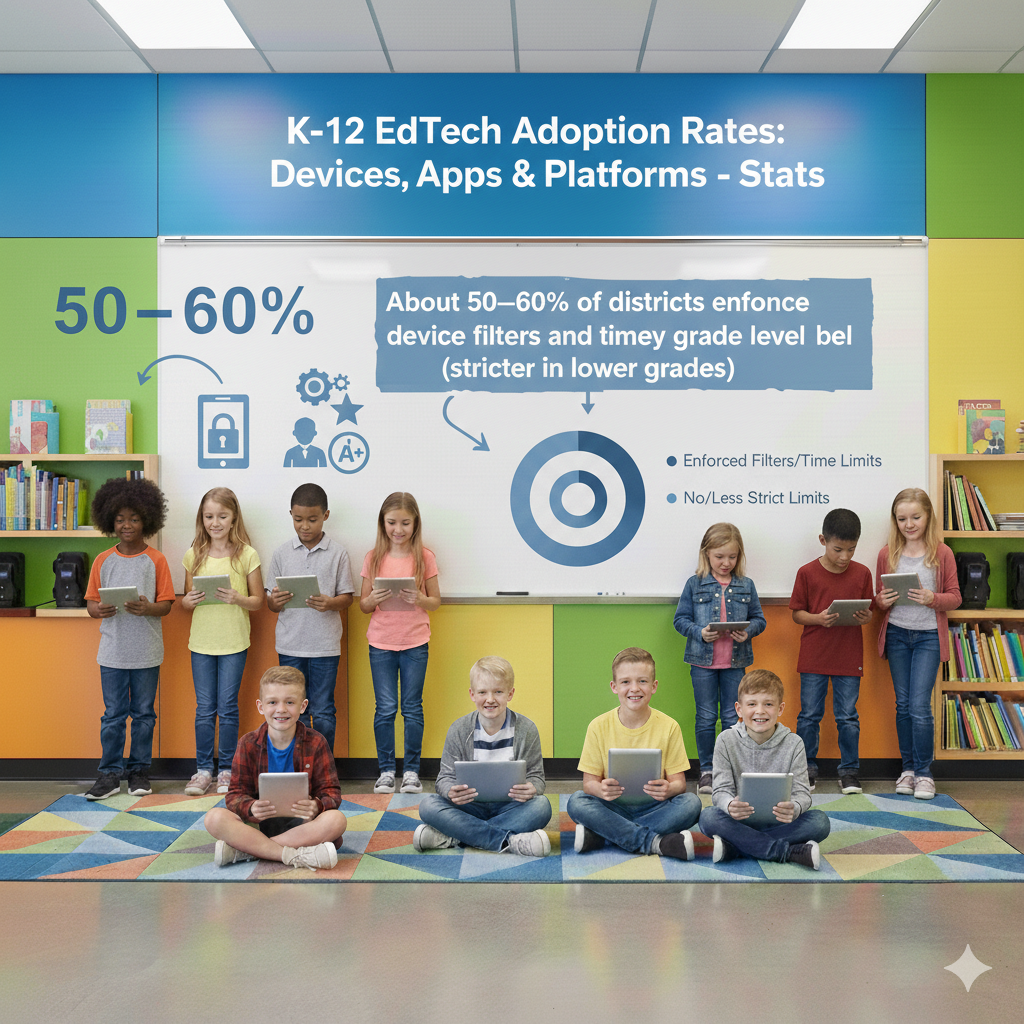
17) About 50–60% of districts enforce device filters and time limits by grade level (stricter in lower grades)
Make controls firm, fair, and clearly tied to learning goals
Filters and time limits protect focus and safety, but they work best when students and families understand the why behind them. Set guardrails by grade band. Younger learners get tighter limits, short sessions, and a small, curated set of sites.
Older students earn more open access for research, coding, and creation. Write one page that explains what is blocked, what is allowed, and how to request a temporary open for a project. Keep the language simple so everyone can follow it. Tie time limits to learning tasks.
If a reading app segment is fifteen minutes, set the filter to allow that app for twenty minutes, which includes a buffer and avoids hard cutoffs mid-task. For big projects, create a focus window where key sites are allowed and distracting sites are paused.
Post the window times in the LMS so students can plan their work. Use calm enforcement. When a limit hits, the screen should show a friendly message that explains what to do next, like write your summary or switch to your notebook. Avoid shame or public callouts.
Review filter reports weekly to spot patterns. If a whole class is tripping the same block, the task design may need adjustment or a better list of approved sources. Invite student voice. Ask a small panel to review the approved list each term and suggest adds that serve learning.
Partner with families by sharing home filter tips and a simple bedtime device plan. The goal is not control for its own sake, but a quiet space where minds can work. If you want a balanced setup with clear rules, flexible windows, and a tone that keeps trust, Debsie can help you design policies that feel human and still protect focus.
18) Roughly 30–40% of schools report that app “sprawl” (too many tools) is a top challenge
Shrink your toolset and make every app earn its place
When teachers face dozens of tools, energy scatters and support breaks. You can fix this with a short, firm process. First, define your core learning jobs: practice, creation, content, checks, and communication. Choose one lead app for each job per grade band, with one backup where needed.
Post this short list where every teacher and family can see it. Second, run tiny trials for any new request. A two-week pilot with five teachers and a clear success rule is enough to make a smart choice. If the tool does not beat your current choice on learning impact or ease of use, do not adopt it.
Third, prune quarterly. Look at usage, outcomes, and teacher joy. Remove tools that do not pull their weight and move those funds into deeper training for your core set. Fourth, create a help path that matches the short list.
Build two-minute video guides, a quick start folded card for each app, and a live office hour where a coach solves problems in real time. Fifth, reward focus. Celebrate classes that lean on the core set and show how it improves learning.
Students feel the difference when the app list is small. They navigate faster, remember steps, and build real skill. Parents will thank you for the simplicity too. If you want a tight, joyful toolkit that lifts results and cuts noise, Debsie can help you pick the right few and train your community to use them well.
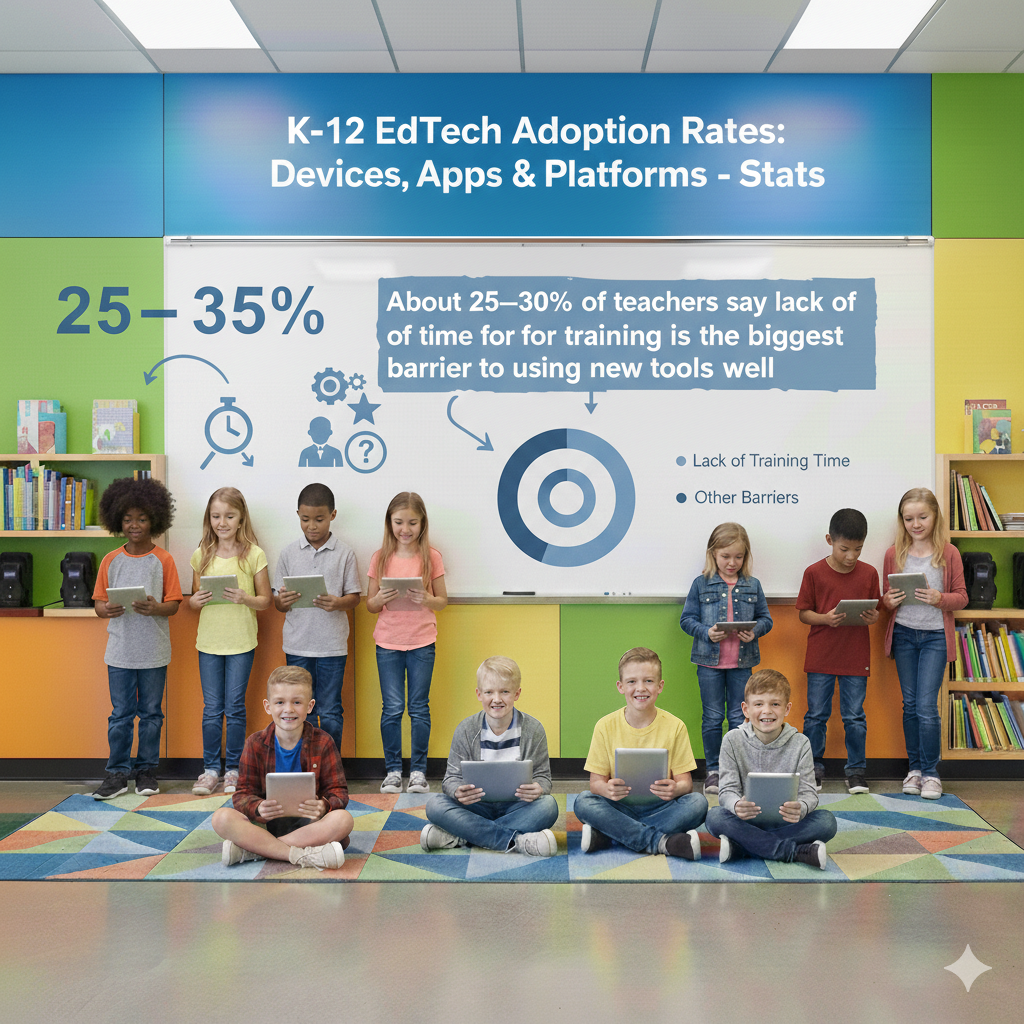
19) About 25–35% of teachers say lack of time for training is the biggest barrier to using new tools well
Build training that fits the real day and pays back time quickly
Time is tight, so training must be short, practical, and tied to daily tasks. Start with five-minute micro-lessons that live inside staff meetings or morning huddles. Teach one skill at a time, like turning a doc into a quick quiz or using a rubric to speed feedback.
Follow each with a tiny challenge teachers can try that same day. Offer just-in-time help through a chat channel staffed during peak hours, so a teacher can get a fix in under five minutes. Swap big manuals for cheat cards that sit on the desk and show the three buttons that matter.
Build playbooks by subject. A math playbook might show how to launch a quick mistake analysis, while a reading playbook shows how to use audio comments to coach fluency. Give teachers time back when they complete a cycle. Cover a duty, send in a floater for a period, or grant a planning pass.
This shows respect and turns training into a gift, not a chore. Track one proof of payoff, like minutes saved per assignment or days to return feedback. When teachers see that a move saves twenty minutes a day, they will adopt it fast. Invite students to demo features during training.
Their excitement makes the room lighter and keeps the focus on learning. If you want a training model that fits reality and creates quick wins, Debsie can lead micro-sessions or train your in-house coaches to run them with heart.
20) Around 20–30% of families still report weak or unreliable home internet for regular online homework
Keep learning moving even when the home connection is shaky
Home internet that drops or crawls can turn simple homework into stress. The fix begins with planning tasks that do not need constant streaming. Encourage students to download what they need before leaving school. A single folder with the day’s readings, slides, and practice files lets them work offline, then sync when they return.
Use apps that store progress locally and update later so work is never lost. Keep assignments light on bandwidth. Short clips load faster than hour-long videos, and audio instructions weigh far less than high-definition recordings. A teacher voice note that is ninety seconds long can guide a whole night of work without eating data.
Offer an alternative path for every big task. If a student cannot watch a demo, provide a photo set with captions or a step-by-step doc they can follow at their own pace. Encourage families to set a simple homework window when the home network is less busy, and help them place the device near the router for a stronger signal. Provide a clear plan for what to do when the connection fails.
Students should know they can text or message a quick note that says they will submit when they reconnect, and that they will not be penalized for a technical issue beyond their control. Coordinate with your school library so students can download before the last bell, and keep a few quiet spaces open after school for those who need steady Wi-Fi.
Share a tiny tech guide with families that shows how to turn on low-data modes, how to pause background updates, and how to check signal strength. If you want an offline-first routine with child-friendly materials that sync cleanly later, Debsie can set it up and coach your student so learning stays calm even when the internet does not.
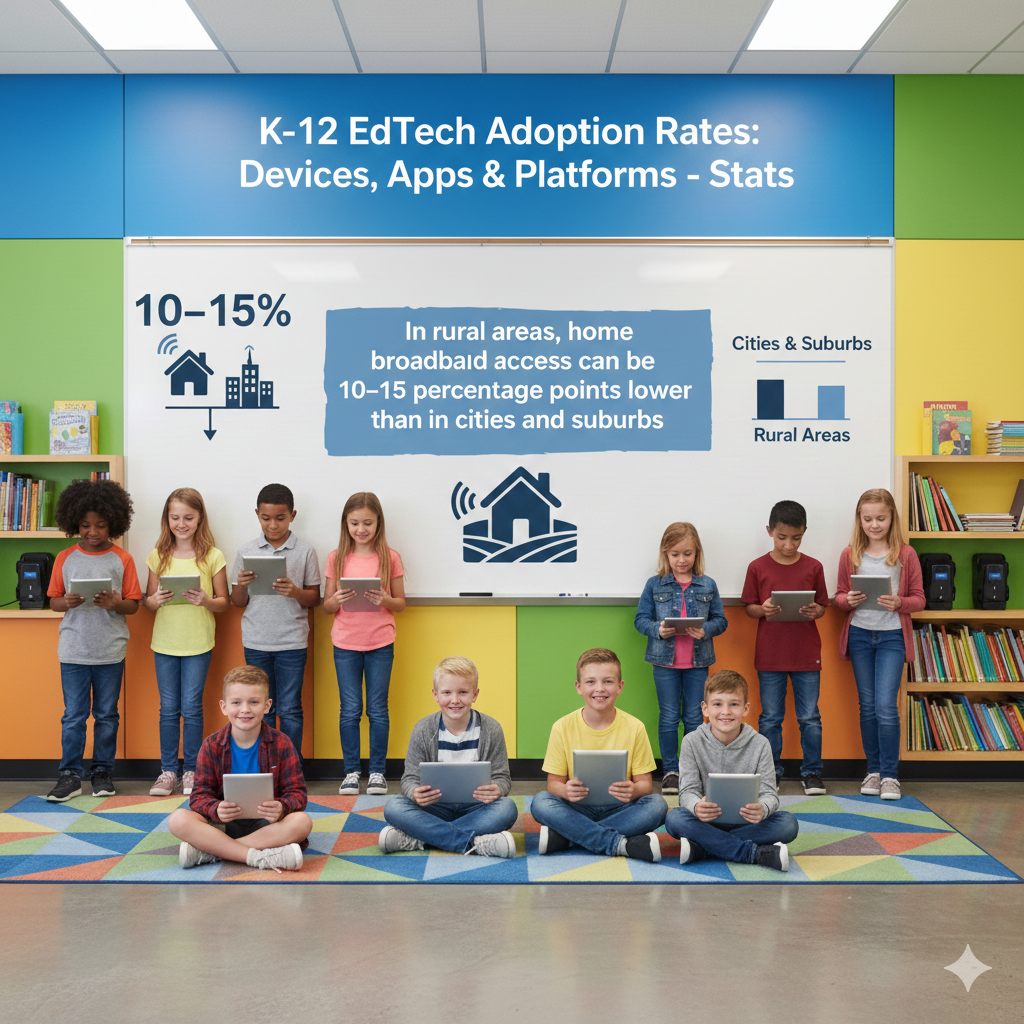
21) In rural areas, home broadband access can be 10–15 percentage points lower than in cities and suburbs
Build community solutions that bridge the last mile for students
Lower access in rural areas means individual fixes are not enough. Schools, libraries, and local groups can work together to create simple, shared options. Start by mapping where students live and which zones have weak service.
Place reliable Wi-Fi in safe, central spots such as school parking areas, community centers, and faith halls, and post clear hours so families can plan a quick visit. Equip buses with mobile hotspots and schedule parked study buses in neighborhoods on set evenings.
Design assignments with the rural day in mind. A weekly download pack with readings, problem sets, and a short teacher audio can carry a student through several nights without needing a live connection. Use SMS or low-bandwidth messaging to send reminders and links; text reaches places that apps cannot.
Encourage teachers to give feedback in small files and short notes rather than heavy video messages. Help families understand simple signal boosters and how small changes in router placement can make a big difference. Forge partnerships with local ISPs for student plans, even temporary ones during peak project seasons.
Offer shared devices at the school that can be checked out for weekend work, and rotate them so every learner gets a fair chance. Keep dignity at the center. Avoid public lists or labels; instead, let students quietly request materials or after-hours access through a trusted staff member.
Track which supports make the largest difference and expand those first. If your rural community needs a clear, realistic plan that blends offline learning with targeted connectivity boosts, Debsie can help you design it, train staff, and build family-friendly workflows that honor time, distance, and privacy.
22) About 60–70% of districts lend hotspots or help pay for internet for students who need it
Run a hotspot program that is simple to borrow, safe to use, and easy to sustain
Hotspot lending works when it is fast to access and simple to keep running. Begin with a clean, respectful request flow. Students or families should be able to ask privately, get a response within a day, and pick up a device without hurdles.
Keep a small bank of ready-to-go units with chargers, clear labels, and a one-page guide that shows how to power on, place the hotspot by a window, and connect a device. Choose plans with enough monthly data for typical school tasks, and enable basic content filtering to keep students safe.
Use gentle usage alerts to spot when data is running low and help the family adjust before it runs out. Track checkouts in a simple system so you know which units are active and which need a reset. For long-term borrowers, schedule quick monthly check-ins to confirm the device still meets the need and to swap units that show wear.
Offer multilingual guides and a phone number families can call if they get stuck. Protect privacy by collecting only what you need for service and support, and by explaining in plain words what data the provider sees. When funds are tight, combine lending with home Wi-Fi help.
Teach families to turn off background updates, adjust video quality, and use offline modes in common apps. Invite local partners to sponsor data months or donate units after a corporate refresh. Keep the tone warm and normal, not charity.
The goal is simple: let every child click open a lesson without worry. If you want a turnkey hotspot program with child-friendly guides and tidy tracking, Debsie can help you launch it fast and keep it running with care.
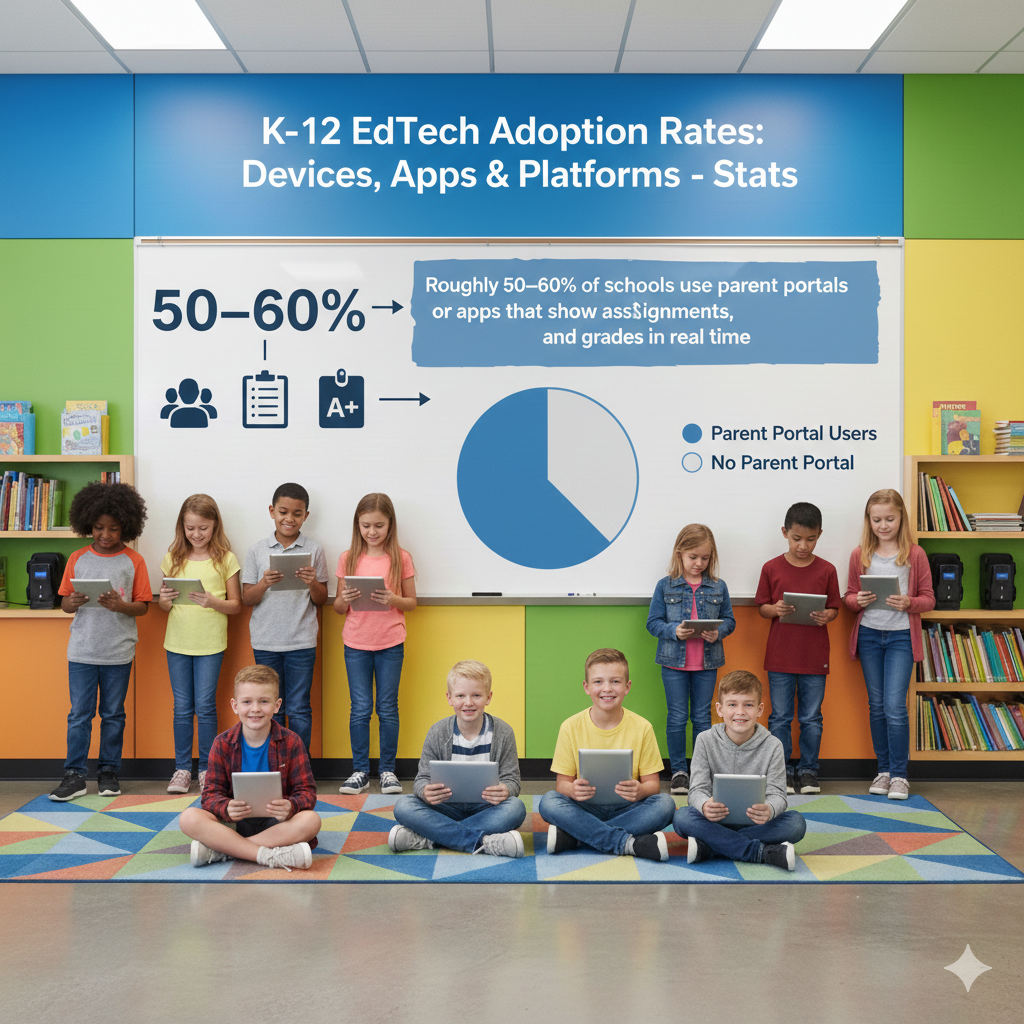
23) Roughly 50–60% of schools use parent portals or apps that show assignments, attendance, and grades in real time
Turn your parent portal into a calm, trusted window into learning
A parent portal becomes powerful when it is the single place families go for the truth. Keep the layout clean so key items sit up front: today’s assignments, the next due date, attendance, and a short weekly note from the teacher in plain words.
Use clear course names and consistent assignment titles so parents do not need to decode jargon. Offer an option for a weekly digest that arrives at the same time, rather than a stream of tiny alerts that cause fatigue. Translate messages into the family’s preferred language and provide audio versions for those who prefer to listen.
Make the first login painless by sharing a short video that shows how to sign in and where to click for the most important parts. Encourage teachers to update grades on a predictable rhythm, such as every Friday by 4 p.m., and to post one sentence that explains how a parent can help, like asking a child to read the opening paragraph aloud and discuss the main idea. Use the portal to collect simple signals from home.
A parent can report a planned absence, ask for a call, or confirm that their child completed a reading log. Keep privacy tight by letting parents see only their child’s information and by showing how data is protected. Train front office staff to reset passwords and answer basic questions so families get help in minutes.
Celebrate the wins by posting short stories of student growth with permission so the portal feels human, not just numerical. If you want a parent experience that is easy, warm, and truly helpful, Debsie can help your school craft messages, set update routines, and create a friendly home-to-school loop that lifts every learner.
24) About 35–45% of districts run pilots each year to test new apps or platforms before buying
Design tiny, fair pilots that prove value quickly and prevent “pilot forever”
Pilots should be small, fast, and honest about success. Start by naming the problem in plain words, such as students struggle to explain math steps or reading stamina is low. Pick a tool that claims to solve that exact problem, then set two measures that matter, one for learning and one for ease.
Learning might be percent of students who can show steps clearly; ease might be teacher time saved per assignment. Choose a diverse pilot group that represents grades, subjects, and student needs, and make sure each teacher volunteers and understands the time ask.
Keep the pilot short, usually four to six weeks, with a simple calendar of what to try each week. Provide tiny training and quick coaching so the test is fair to the tool and the teacher. Collect evidence with care. Pull anonymized usage data, short student work samples, and brief teacher notes after each week.
Invite students to share how the tool helped or confused them; their words often surface what the numbers miss. At the end, hold a calm, data-first review. If the tool beats the current practice on your measures, plan a thoughtful rollout with training and support.
If it does not, close the pilot and thank the team. Avoid soft landings like partial purchases that keep confusion alive. Share the results with the whole staff so everyone learns from the trial and sees that the process is fair.
Protect the budget by running only a few pilots at a time and by freeing funds from tools that no longer serve your goals. If you want a pilot playbook, comparison rubrics, and ready templates that make decisions clear and quick, Debsie can guide the full cycle and help you choose with confidence.
25) Device breakage rates are commonly 10–15% per year in grades 6–12 and 5–10% in lower grades
Build a culture of care and a fast repair loop so no child falls behind
Broken devices slow learning, but a few simple systems keep classes moving. Start with shared language that students hear often. Open with two hands, carry closed, place gently, charge nightly. Post the phrases where students line up so the reminders become habit.
Teach a thirty-second desk check at the start of class. Students confirm case on, charger in bag, and screen clean with a soft cloth. Make it routine, not a scold. Label every device and charger with the same large code so swaps are easy to track and mix-ups are rare.
Create a zero-drama loaner routine. A student shows a quick ticket, swaps for a loaner in under a minute, and returns to learning. Keep ten to fifteen loaners per grade if you can, and track loans in a simple sheet. Aim for a two-day turnaround on repairs.
Partner with a local shop or train a student tech crew to do basic fixes like keys, trackpads, and battery swaps under adult supervision. Stock common parts so you are not stuck waiting. Offer tiny care lessons connected to real tasks. Before a research day, model how to clean ports and check keyboards.
Before testing, show how to dim screens to avoid heat. Families help when they know the plan. Send home a short care guide with three pictures and calm tips about storage, charging, and backpacks.
If your school charges fees for damage, keep them reasonable and offer a path to waive them through service, like helping the tech team or mentoring younger students in care habits.
Keep care positive and focused on learning time saved, not dollars avoided. If you want a ready-made care program, repair templates, and student tech training, Debsie can set it up so devices last longer and students stay in the flow.
26) The average device refresh cycle is about 3–4 years for laptops and 4–5 years for tablets
Plan refreshes like clockwork and stretch value without sacrificing performance
A clear refresh rhythm protects budgets and keeps students on reliable tools. Begin by tagging each device with its start date and projecting the sunset date on day one. Build a simple color code in your inventory: green for year one, yellow for year two, orange for year three, red for year four.
Review the colors each term to plan purchases, not panic. Shift older units to lighter use. As devices age, move them from high-intensity classes to reading corners, maker stations, and test backups. This squeezes value while keeping core classes fast.
Track the few metrics that matter. Boot time, battery health, and failure rate tell you when a fleet needs love. If boot time drifts over ninety seconds, it saps lessons. If batteries die before lunch, replace packs or rotate chargers. Buy in waves, not all at once.
A rolling quarter of your fleet each year smooths costs and keeps features consistent by grade band. Standardize chargers and cases across models when possible so spares work for many devices. Negotiate extended warranties for the models you buy most, and make sure service terms are clear and speedy.
Plan data moves before you unbox. Use SSO and cloud storage so students sign in on a new device and find everything waiting. Celebrate refresh day as a student milestone. Teach setup, care, and digital citizenship in a single, joyful lesson so new devices come with new habits.
If you want a refresh roadmap, model picks by grade, and a budget sheet that keeps surprises away, Debsie can help you design the cycle and coach your team to run it smoothly.
27) Annual software costs average roughly $40–80 per student for core learning apps and platforms
Make every software dollar show learning results, not just logins
Budgets are tight, so each license must prove value. Start by mapping spend to outcomes. For every app, name the exact skill it grows and the measure that shows progress. If an app aims to lift fraction mastery, track unit test items tied to fractions, not generic scores.
Consolidate where features overlap. Many platforms now include quizzes, messages, and simple creation tools. If three tools do the same job, keep the one staff and students love and retire the others. Use seat sharing when schedules allow.
Elementary classes can share writing seats across two sections if the app allows night and weekend use for practice. Negotiate multi-year pricing only after a clean pilot and an impact review. Ask vendors for educator training hours and custom setup help as part of the package so teachers do not carry the load.
Protect your budget with escape clauses when goals are not met. Track cost per active student monthly. If usage sinks, ask why. It could be a training gap rather than a tool problem. Fix training first, then judge the tool fairly. Keep families informed about what the school pays for and how it helps their children learn.
When parents see the link to better reading, clearer writing, or stronger problem solving, they support choices. If you want a lean, joyful stack that stays within the $40–80 range and still moves the needle, Debsie can help you choose tools, set targets, and report impact in plain words.
28) About 40–50% of districts report at least one notable cybersecurity or phishing incident each school year
Make security a daily habit with friendly drills and fast containment
Schools are tempting targets, but simple habits protect data and class time. Teach the three-second pause. Before clicking a link, students and staff read the sender, hover to preview the URL, and ask, does this match what I expected.
Build short monthly drills with safe fake emails so everyone practices spotting tricks. Reward classes that report rather than click. Turn on multi-factor authentication for staff accounts and for older students where possible. Keep admin rights limited and audited.
Segment your network so a breach in one area does not spread. Back up critical data daily to two places, one offline. Write a one-page incident playbook that anyone can follow. Step one, disconnect the device. Step two, report to the help desk.
Step three, switch to loaners or paper while containment happens. Practice the playbook twice a year in calm, low-stakes simulations so the first real event feels familiar. Keep devices patched on a steady schedule, and retire out-of-support systems that invite trouble.
Teach password phrases that are long and memorable rather than complex and forgettable. Share stories with students about how kindness and caution online protect friends and their own work. Communicate openly with families when something happens.
Explain what occurred, what was done, and how to watch accounts, all in simple language. If you need a human, step-by-step security plan plus student-friendly lessons that take minutes, Debsie can help you build routines that stick.
29) Roughly 45–55% of districts use data dashboards that pull student info from multiple apps into one view
Turn your dashboard into a coaching tool, not just a wall of numbers
A dashboard should make decisions easier in the moment. Keep the view small and focused on actions teachers can take this week. Show three things at the top: current mastery by standard, recent practice minutes with accuracy, and missing work.
Let teachers click a student and see a short story, not a maze. What the student does well, what is next, and which tasks to try today. Color wisely and use plain labels so anyone can read the picture in ten seconds. Refresh data nightly so the numbers feel alive and worth checking.
Protect privacy with role-based access and clear logs. Train teachers to run quick five-minute data huddles with students. Together they pick a goal for the week, choose an app task or a practice set, and agree on a check-back time.
For teams, use the dashboard in short meetings to group students for small-group reteach or enrichment. Track trends across classes and grades, but resist punishing comparisons. The point is support, not ranking.
Offer families a gentle view that highlights growth and next steps without exposing sensitive details. If you want a dashboard workflow, student conference scripts, and tiny training videos, Debsie can help you turn data into calm, daily coaching that lifts confidence.
30) About 50–60% of schools report higher student engagement after adopting devices and apps, especially when lessons are short, interactive, and game-like
Design learning that feels like progress, not just points or pixels
Devices can spark joy when lessons are tight, interactive, and meaningful. Plan short arcs. Hook with a puzzle or story, teach one idea, let students try, then share and reflect. Use creation often. Ask students to record a quick explanation, build a mini-simulation, or design a visual that shows their thinking.
Keep the game feel aligned to learning. Points reward persistence, badges mark milestones, and leaderboards focus on personal bests rather than rank. Rotate modes so attention stays fresh. A ten-minute practice burst, a five-minute peer teach, a three-minute reflection.
Celebrate effort with kind, specific praise. I saw how you checked your answer two ways. Give choice within structure so students own the path while you hold the goal. Offer three task types that reach the same target, like a written solution, a voice note, or a screencast.
Invite families to see the work. A monthly open gallery where students share creations builds pride and makes learning visible beyond grades. Measure engagement with simple signals such as completion, time on meaningful tasks, and student voice in reflections.
When the numbers dip, adjust timing or mode, not just the tool. If you want lively, gamified lessons that keep eyes bright and minds focused, Debsie’s live classes and self-paced challenges are built for exactly this. Try a free class and feel the shift in the first week.
Conclusion
The big picture is clear. Most schools now have devices, apps, and platforms ready to go. The real difference comes from how we use them each day. Short, focused lessons beat long screen marathons. Simple routines beat complicated setups. A small, well-chosen toolset beats app sprawl. When teachers get tiny bursts of training and fast support, students learn more and feel calmer.
When families can see work and help at home, momentum grows. Safety, privacy, and care habits keep everything steady. None of this needs huge budgets or perfect networks. It needs clear goals, kind rules, and steady practice.