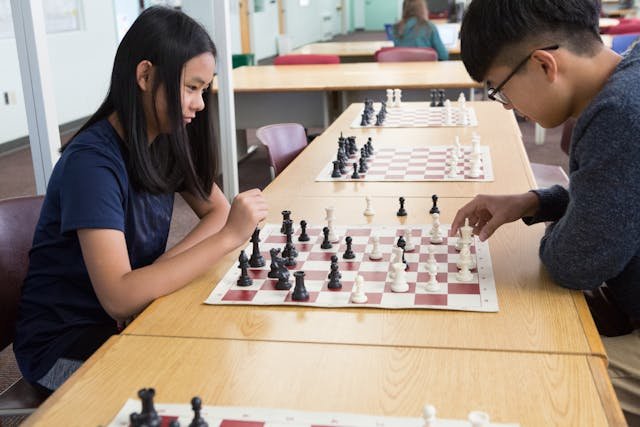
Can one extra move really flip a whole game? That question drives our curiosity and helps kids and parents see why deep thinking matters!
Calculation monsters means players or engines that spot long sequences. Some humans visualize several moves ahead. Computer programs often scan far more. Both change how you learn and play.
We set simple expectations. You don’t need to be a grandmaster to learn these ideas. We show clear steps that help you grow as a player and find the right tools.
Later we’ll compare human thought with engine power. We’ll also show which best calculators in chess and other tools offer real training value, and why mixing thought and tech gives the strongest gains.
Want a quick next step? Check post-game review and analysis tools to practice what you learn: post-game analysis options.
Key Takeaways
- Calculation matters: one extra move can change outcomes.
- You can learn top thinking methods without being an expert.
- Mix human study with smart chess calculators for best growth.
- We will cover engine options, common mistakes, and a training plan.
- Simple steps and tools make improvement steady and fun!
What “calculation” means in modern chess
Calculation is the step-by-step thinking that turns ideas into real moves on the board.
Calculation is move-by-move testing. You picture a reply, then another reply. You focus on forcing lines: checks, captures, and threats. Those lines narrow choices fast and show concrete tactics.
Positional analysis looks at long-term factors: pawn structure, piece activity, and king safety. Use positional analysis to set goals. Use calculation to test if a tactic or plan actually works.
- Routine: list candidate moves first.
- Calculate the most forcing lines next.
- Only then check quiet, improving moves.
Kids can see forcing lines like check → capture → fork! One missed in-between move can change the whole answer. That is why both styles matter: tactics win quick, good positions create tactics later.
Engines evaluate positions by material, piece placement, and king safety. A positive evaluation score usually favors White; a negative score favors Black. That simple idea helps your evaluation: who is better and why?
For fast study, try a step-by-step review tool after your game, such as this quick guide on how to calculate moves: how to calculate. For notation and game review tips, see this recording and analysis primer: game recording and analysis.
| Focus | What to ask | Quick tip |
|---|---|---|
| Calculation | What forces the reply? | Follow checks, captures, threats first |
| Positional analysis | Who has space, safety, or targets? | Set a plan, then test key lines |
| Preparation | Which plans repeat in this opening? | Learn ideas to speed calculation |
Best calculators in chess: engines, evaluation, and how they read positions
A single evaluation score can tell you who stands better and by how much. That number is a quick guide. Positive values favor White. Negative values favor Black.
How it works: engines scan thousands of positions per second. They test material, king safety, piece activity, and pawn structure. Then they give a score that estimates advantage. This helps with study and digital chess practice!
What engines spot that humans miss: deep tactics, hidden defenses, and clever move ordering. Engines can find forced lines many plies deep. They also flag quiet tricks you might skip.
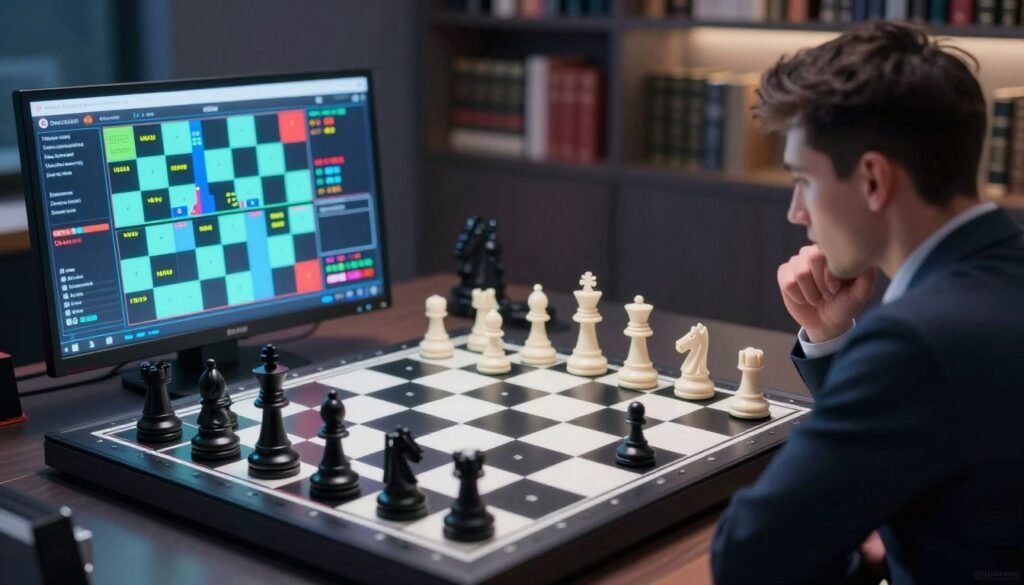
Where engine analysis can mislead
Some lines are unreal to play over the board. Top engine moves can be hard for kids to learn. Also, messy positions can flip the evaluation quickly.
How to use engine analysis for game analysis
Try this post-game workflow: annotate your thoughts first. Then run a short engine check. Finally, write 1–3 lessons in your own words!
| Focus | Engine strength | Human use |
|---|---|---|
| Evaluation score | Fast numeric guide | Compare with your guess |
| Deep tactics | Finds long forcing lines | Learn the idea, not just the move |
| Training | Digital chess speeds analysis | Use for blunder checks and lessons |
Want more practice? Try an improve calculation review to build habits that stick!
Top chess engines and chess calculators to consider right now
Here are the engines and handy tools that most players trust for study and review. Pick an option that fits your goals and your time!
Stockfish — Fast, deep, and open-source. Use it to catch tactics and test long lines. It runs on phones and PCs and gives clean numeric evaluations for quick post-game checks.
Komodo — Values positional play. It often suggests strategic plans you can teach a child. Komodo is great when you want ideas that match human thinking, not only tactical blasts.
Leela Chess Zero (LCZero) — A neural-network engine that plays creative, human-like moves. It shows pattern-based ideas that help with pattern recognition and long-term planning.
Next Chess Move — A simple online tool. Drag pieces on the board, press calculate next move, and you get an instant suggestion. Perfect for quick practice and homework help!
| Tool | Strength | Best use |
|---|---|---|
| Stockfish | Speed & depth | Tactics, full game review |
| Komodo | Positional feel | Strategic training |
| Leela Chess Zero | Human-like ideas | Pattern learning |
| Next Chess Move | Practical & simple | Quick homework moves |
Choosing by use: for openings, use a fast engine to test lines. For endgames, pick precise analysis. For training, try LCZero or Komodo to learn plans. You don’t need an expensive chess set—just a consistent board and pieces to practice vision and notation!
Want to learn about how engines work? See this short guide to chess engine terms to help parents and kids understand the tech.
How to choose the right tool for your board, platform, and training goals
Choose gear and apps that fit how you practice and where you play. Match tools to your goal: quick move help, deep analysis, opening prep, or kid-friendly training routines.
Simple family setup: one reliable engine for analysis, one short tactics routine, and one way to track training consistency. That trio cuts confusion and keeps practice fun!
- Pick by platform: browser, phone, tablet, or desktop.
- Match to your board habits: physical set practice or digital play.
- Keep one app for notes and one for tactics to build steady habits.
| Platform | Good for | Tip |
|---|---|---|
| Browser | Quick analysis & homework | Allow permissions, then reload the page |
| Phone / Tablet | On-the-go practice | Install from official stores only |
| Desktop | Deep review & study | Use a trusted engine and save PGN files |
Fixing “page blocked” or “extension blocked” issues when using tools
If you see a page blocked notice, it often comes from school filters or strict browser settings. Try disabling extensions that might block content. Then refresh the page.
If an extension blocked the tool, try disabling extensions one at a time. After that, reload and re-enable only what you need. If the message says blocked extension, update the browser or ask a parent to check permissions.
“Fewer tech headaches mean more training time and more games played!”
Always ask a parent before installing new extensions. For extra help on coaching and safe practice, see our coach tips and local tutor guide: coach tips and local tutors and classes.
Train like a calculation monster with Debsie (courses, leaderboard, and tutoring)
Start small and train often—short, joyful sessions beat long, aimless practice!
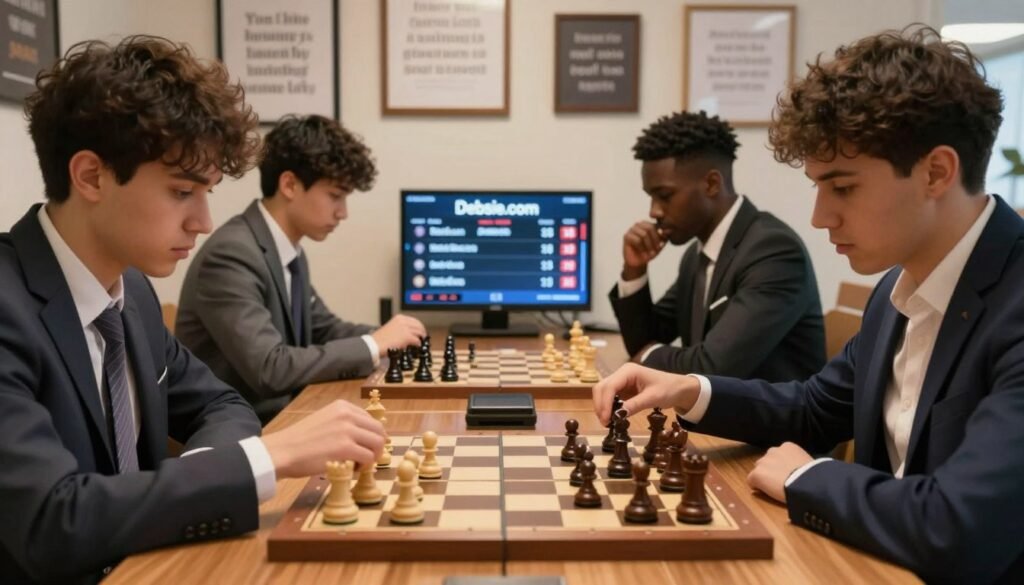
Learn Via Debsie Courses for structured tactics, strategy, and analysis habits
We offer clear paths: step-by-step modules that teach patterns and how to test lines.
Follow short lessons to spot better moves faster. Visit Learn Via Debsie Courses to see course options.
Use the Debsie Leaderboard to stay consistent and measure improvement
Track progress! The leaderboard shows streaks and small wins that add up.
Kids love goals. Parents see real growth. Check the Debsie Leaderboard for weekly goals, streaks, and SILVER-level milestones.
Take a Free Trial Class With a Personalized Tutor to target your weaknesses
Book a trial to focus on openings, blunders, time trouble, or endgames.
A coach helps players learn how to think, not just copy engine answers. Try a session: Take a Free Trial Class With a Personalized Tutor.
| Feature | Why it helps | Quick tip |
|---|---|---|
| Courses | Structured practice and pattern drills | Do 15 minutes daily |
| Leaderboard | Keeps consistency and fun competition | Set SILVER weekly goals |
| Tutoring | Targets exact weak spots and builds thinking | Ask for post-game analysis |
Want local support? See top tutors and classes for extra help: top tutors and classes!
Conclusion
Final note: tools guide you, but you still call the shots!
Engines and smart tools help you spot tactics, test lines, and see evaluations fast. They speed learning. They do not replace your thinking.
Use this simple formula: calculation + positional analysis + a quick review habit. Do it each game. Write one short lesson after every review.
Pick a tool by purpose: Stockfish for deep checks, Komodo for strategic clarity, LCZero for creative ideas, and Next Chess Move for fast practice. Try the art of calculation guide here, and explore opening ideas here.
Play. Review. Learn. Repeat. Keep it fun and steady. Kids and parents — small steps add up. You’ll see more moves ahead sooner than you think!